Introduction
Choosing the best POS system for retail stores can have a huge impact on how smoothly your business runs. A modern point-of-sale system does much more than process transactions. It helps you track inventory, manage employees, monitor sales, improve the customer experience, and make smarter business decisions.
With so many options on the market, it can be difficult to know which POS system is the right fit. The best choice depends on your store size, budget, sales volume, and the features you need most. In this guide, we’ll walk through what a retail POS system is, the most important features to look for, the top benefits, and how to choose the right solution for your store.
What Is a POS System for Retail Stores?
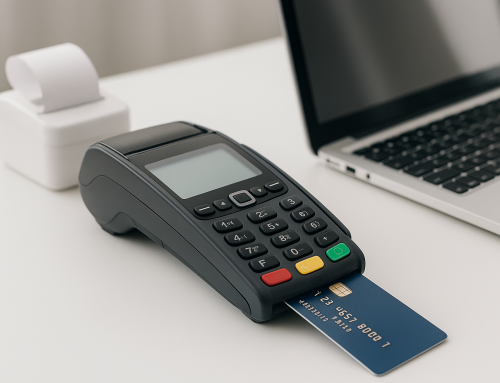
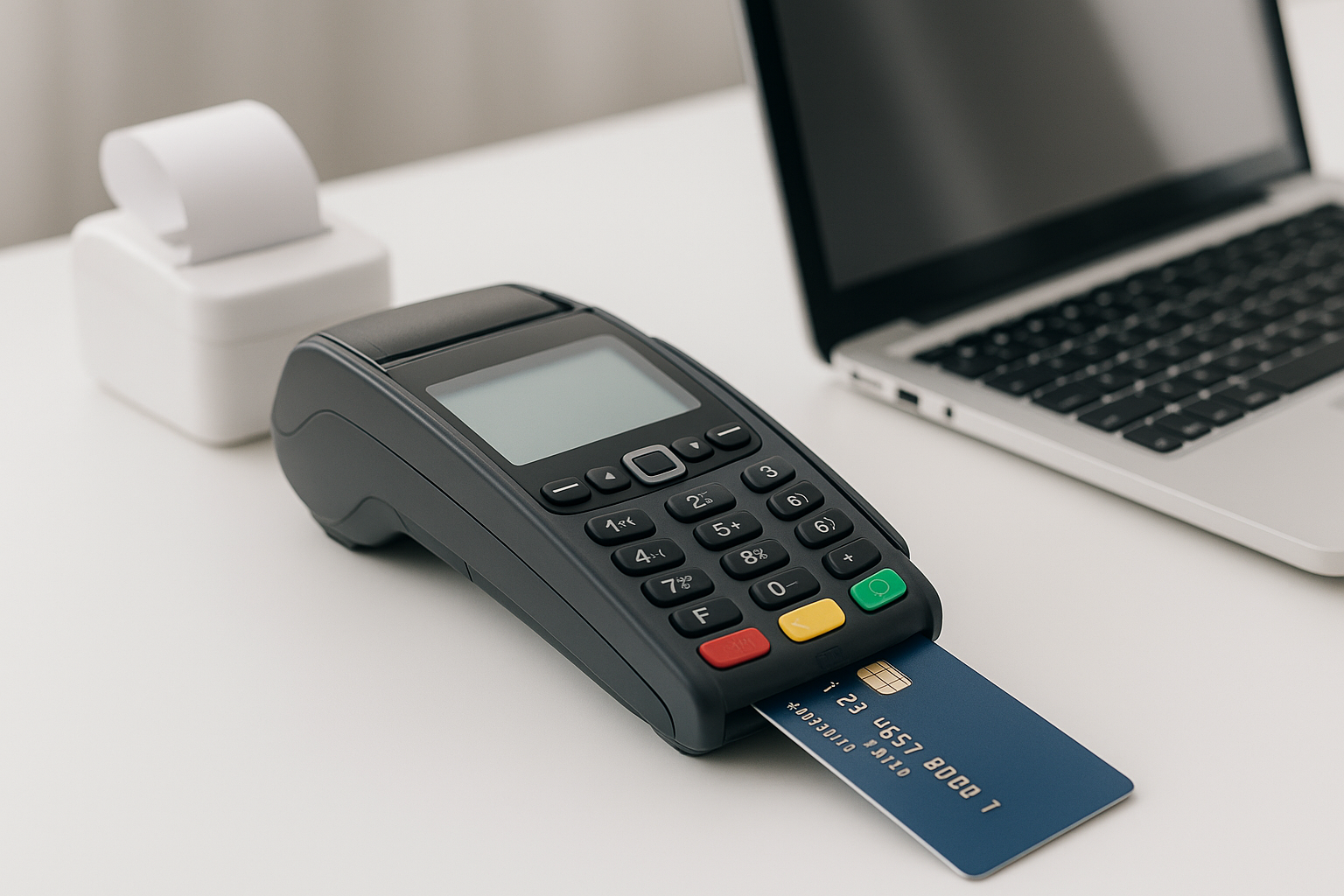
A POS system, or point-of-sale system, is the software and hardware used to complete customer purchases in a retail environment. It is the place where a sale is finalized, but it often serves as the center of your entire retail operation.
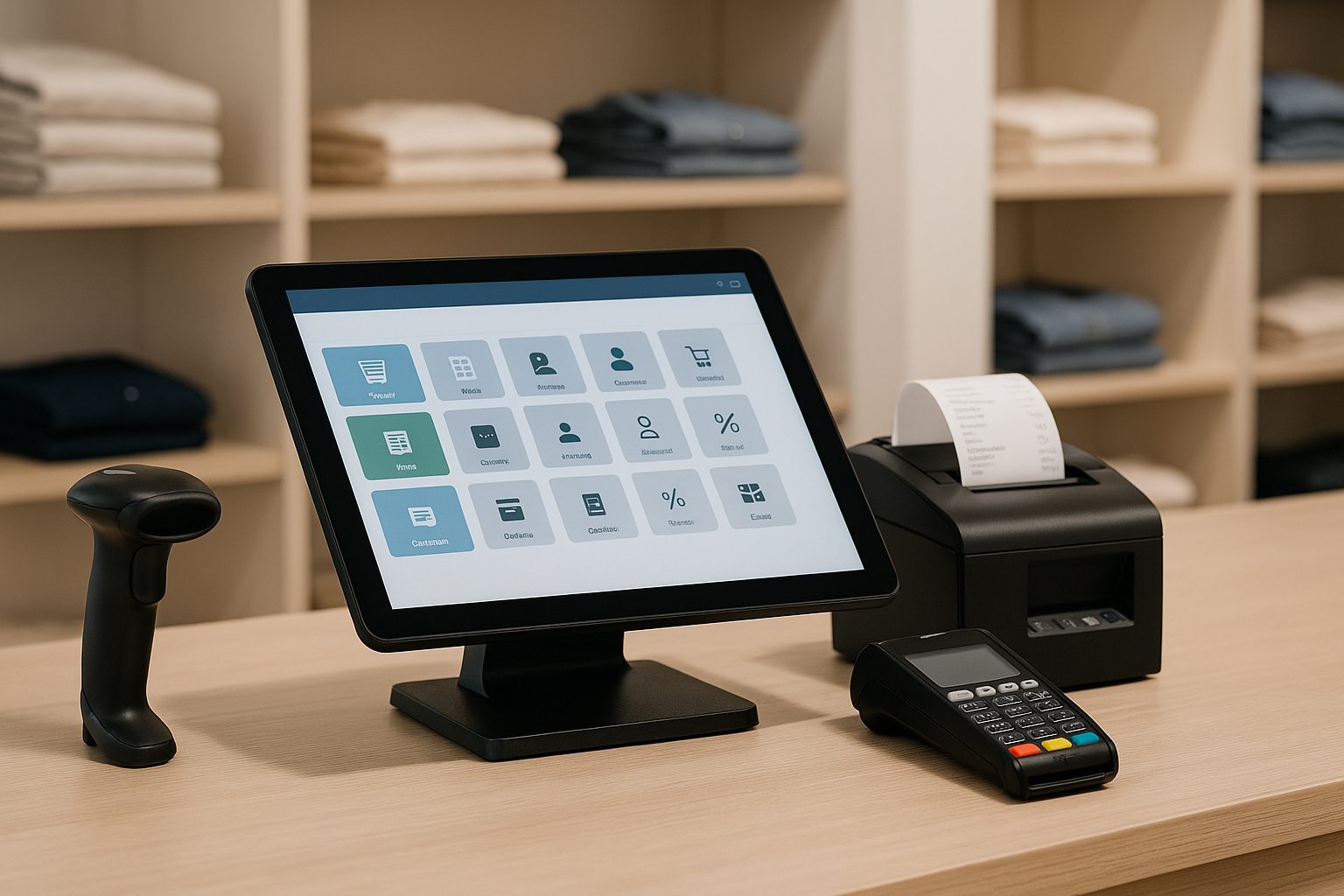
Most retail POS systems include a checkout interface, barcode scanning, receipt printing, inventory tracking, and reporting tools. Many also offer integrations with eCommerce platforms, accounting software, loyalty programs, and employee scheduling tools. In short, the best POS system for retail stores helps you manage both the front end and back end of your business.
Key Features to Look for in a Retail POS System
Inventory Management
Inventory management is one of the most important features in any retail POS system. You need to know what products are in stock, what is selling quickly, and when it is time to reorder. A strong POS system should automatically update inventory counts after each sale and alert you when stock is running low.
Sales Reporting and Analytics
The best POS systems provide detailed sales reports that help you understand business performance. Look for data on best-selling products, peak sales hours, seasonal trends, and employee performance. These insights can help you make better purchasing and staffing decisions.
Customer Management
Many retail stores benefit from customer profiles that store purchase history, preferences, and contact information. This feature can support loyalty programs, personalized promotions, and stronger customer relationships. If repeat business matters to your store, customer management is a must-have.
Employee Management
A good POS system should make it easy to manage staff permissions, time tracking, and sales activity. Employee management tools can help you reduce errors, monitor performance, and keep operations secure. Some systems also include scheduling and performance reporting.
Payment Flexibility
Today’s shoppers expect flexible payment options. The best POS system for retail stores should accept credit and debit cards, mobile wallets, contactless payments, and sometimes buy now, pay later services. The more payment options you offer, the easier it is to close a sale.
Ease of Use
A retail POS system should be intuitive and easy to learn. A cluttered interface or complicated workflow can slow down checkout lines and frustrate employees. Look for a solution with a clean layout, simple navigation, and responsive customer support.
Benefits of Using the Best POS System for Retail Stores
Faster Checkout Experience
Speed matters in retail. A reliable POS system helps reduce wait times, process transactions quickly, and keep lines moving. This creates a better shopping experience and helps you serve more customers during busy hours.
Improved Inventory Accuracy
Manual inventory tracking can lead to costly mistakes. The right POS system keeps inventory data updated in real time, which helps reduce stockouts, overordering, and shrinkage. Better accuracy means fewer surprises and more control over your store.
Better Business Insights
Retail success depends on understanding what is happening in your store. POS reporting tools give you a clear picture of sales trends, product performance, and customer behavior. These insights can guide everything from merchandising to marketing.
Stronger Customer Experience
Customers appreciate fast service, smooth checkout, and personalized interactions. A well-chosen POS system helps you deliver all three. Features like loyalty tracking, saved purchase history, and easy returns can help build trust and encourage repeat visits.
More Efficient Operations
When your POS system connects inventory, sales, employees, and reporting in one place, your team spends less time on manual tasks. This improves efficiency and frees up time to focus on sales, service, and growth.
How to Choose the Right POS System for Your Retail Store
Assess Your Store’s Needs
Start by identifying your biggest challenges. Do you struggle with inventory tracking, employee management, or long checkout times? Are you running a single location or multiple stores? Your answers will help narrow down the best options.
Consider Your Budget
POS pricing can vary widely. Some systems charge a monthly software fee, while others require upfront hardware costs or payment processing fees. Make sure you understand the full cost, including add-ons, integrations, and support. The cheapest option is not always the best value.
Check Integration Options
If you already use accounting software, an eCommerce platform, or marketing tools, look for a POS system that integrates smoothly with them. Strong integrations save time, reduce duplicate work, and keep your data consistent across platforms.
Look for Scalability
Your business may grow, so choose a POS system that can grow with you. The best POS system for retail stores should support additional locations, more employees, larger inventory, and new sales channels as your business expands.
Test Customer Support
When something goes wrong at checkout, fast support matters. Before choosing a provider, find out what kind of support they offer. Look for live chat, phone support, onboarding help, and clear documentation. Good support can save you time and stress later.
Common Mistakes to Avoid
One common mistake is choosing a system based only on price. While budget matters, a low-cost POS system may lack the features your store needs. Another mistake is overlooking ease of use. If the system is difficult for employees to learn, it can slow down operations and create errors.
Retailers also sometimes ignore future growth. If you expect your store to expand, make sure your POS can handle that growth without requiring a complete system change. Finally, don’t forget to test the reporting and inventory tools before making a final decision. These features are often the most valuable in day-to-day operations.
Conclusion
The best POS system for retail stores is the one that fits your business goals, supports your team, and helps you serve customers more efficiently. By focusing on features like inventory management, reporting, payment flexibility, and ease of use, you can choose a system that streamlines operations and supports long-term growth. Take the time to compare your options carefully, and you’ll be in a much better position to find the right retail POS solution.