What Is a Point of Sale System?
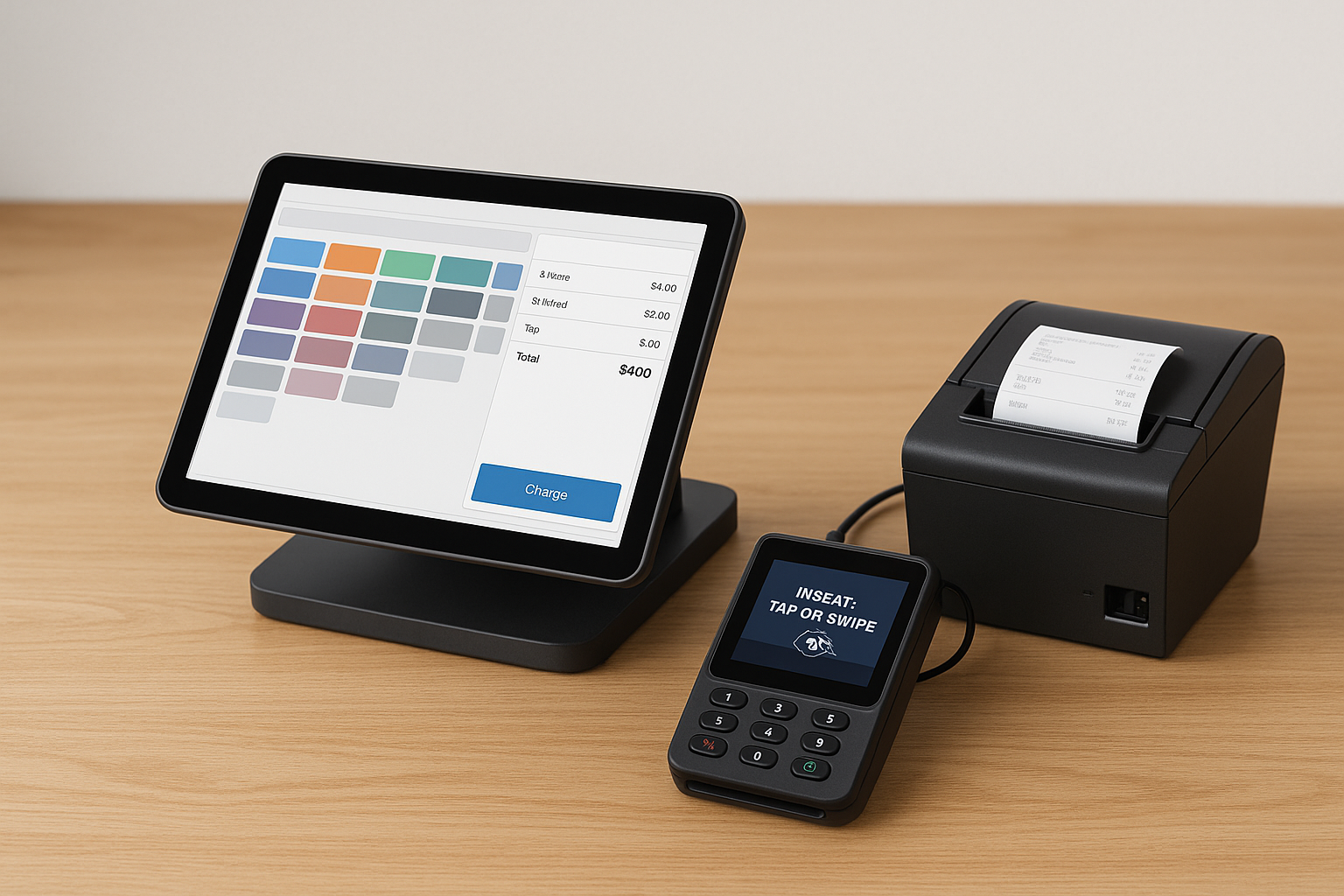
A point of sale system, often called a POS system, is the combination of hardware and software businesses use to process transactions. In simple terms, it is where a customer makes a purchase and a business records the sale. Modern POS systems do much more than ring up items. They can track inventory, manage staff, store customer data, generate reports, and help businesses run more efficiently.
POS systems are used in retail stores, restaurants, salons, service businesses, and many other industries. Whether a business operates from a physical storefront, online, or both, a POS system helps centralize sales and operational information in one place.
How a POS System Works
At its core, a POS system connects the front-end checkout process with back-end business management tools. When a customer buys a product or service, the cashier or employee enters the item into the system. The POS calculates the total, applies discounts or taxes, and processes the payment. At the same time, it updates inventory and records the transaction.
Most modern POS systems work in real time. That means business owners can see sales data immediately, monitor stock levels, and review performance from anywhere with an internet connection. Some systems operate on a desktop, while others use tablets, smartphones, or cloud-based platforms.
Key Components of a POS System
A POS setup usually includes both hardware and software. Together, these components create a complete checkout and management solution.
Hardware
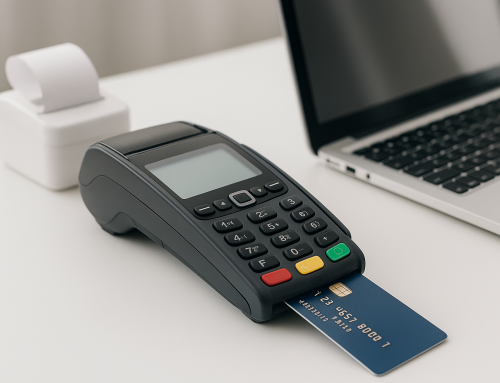
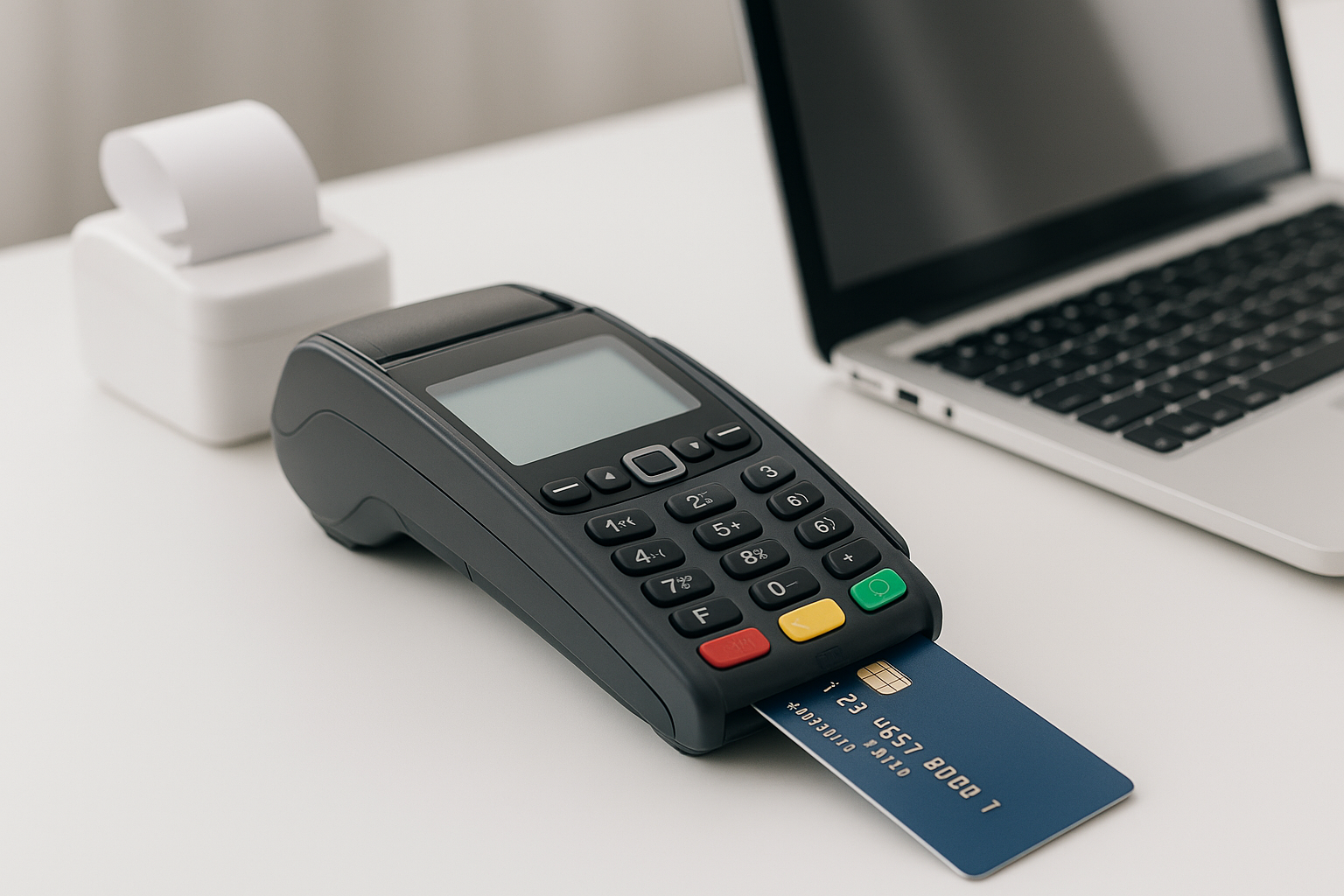
Common POS hardware includes a terminal or tablet, barcode scanner, receipt printer, cash drawer, card reader, and sometimes a customer display. Depending on the type of business, additional devices may include kitchen printers, scales, or handheld ordering devices.
Software
POS software handles the actual transaction and management functions. It may include sales processing, inventory tracking, employee scheduling, reporting, customer relationship tools, and integrations with accounting or e-commerce platforms.
Types of POS Systems
There are several types of POS systems, and the best choice depends on the size and nature of the business.
Traditional POS Systems
Traditional POS systems are often installed on local computers or servers. They are commonly used in larger businesses that want more control over their software and data. These systems can be reliable, but they may require more upfront investment and maintenance.
Cloud-Based POS Systems
Cloud-based POS systems store data online, making it easy to access reports and sales information from multiple devices or locations. They are popular with small and medium-sized businesses because they are flexible, scalable, and easier to update.
Mobile POS Systems
Mobile POS systems run on tablets or smartphones. They are ideal for businesses that need flexibility, such as food trucks, pop-up shops, or retailers that want to assist customers anywhere on the sales floor.
Self-Service Kiosks
Self-service POS kiosks allow customers to place orders or complete purchases themselves. These are especially common in fast food, quick-service restaurants, and busy retail environments.
Benefits of Using a POS System
Investing in a POS system can improve both customer experience and business operations. Here are some of the biggest advantages.
Faster Checkout
A POS system speeds up the payment process by automating pricing, discounts, and tax calculations. This reduces wait times and helps staff serve more customers efficiently.
Better Inventory Management
Many POS systems automatically update inventory after every sale. This helps businesses avoid stockouts, reduce overstocking, and make smarter purchasing decisions.
Improved Reporting
POS reports can reveal sales trends, top-selling products, peak business hours, and employee performance. These insights help owners make informed decisions based on real data rather than guesswork.
Enhanced Customer Experience
A good POS system can support loyalty programs, discounts, gift cards, and customer profiles. These features make it easier to personalize service and encourage repeat business.
Greater Accuracy
Manual checkout methods can lead to pricing errors, missed sales, or inventory mistakes. A POS system reduces human error by automating key parts of the transaction process.
Features to Look for in a POS System
Not all POS systems are the same. When choosing one, it is important to look for features that match your business needs.
Payment Processing
Your POS should accept multiple payment methods, including credit cards, debit cards, mobile wallets, and contactless payments. A flexible payment system improves convenience for customers.
Inventory Tracking
Strong inventory tools help businesses monitor stock in real time, set reorder alerts, and track product variants such as size, color, or style.
Sales Reporting
Look for reporting tools that are easy to understand and customizable. The best systems give you a clear view of performance across products, locations, and time periods.
Employee Management
Some POS systems include time tracking, permissions, and sales performance monitoring. These features are useful for businesses with multiple employees or shifts.
Integrations
A POS system should connect smoothly with accounting software, e-commerce platforms, marketing tools, and delivery services when needed. Integrations save time and reduce manual data entry.
Choosing the Right POS System for Your Business
Choosing the right POS system starts with understanding your business model. A small boutique, for example, may need inventory tracking and customer profiles, while a restaurant may need table management and kitchen printing. Think about how many employees will use the system, how many locations you have, and whether you sell in person, online, or both.
It is also important to consider cost. Some POS systems charge monthly subscriptions, while others have higher upfront fees but lower ongoing costs. Be sure to factor in hardware, payment processing fees, training, support, and potential upgrade costs. The right choice is not always the cheapest one; it is the system that supports your business efficiently as it grows.
Common Industries That Use POS Systems
POS systems are widely used across many industries. Retail stores rely on them to process sales and manage stock. Restaurants use them for order taking, kitchen coordination, and table service. Salons and spas use POS tools to manage appointments and service sales. Service businesses, such as repair shops or fitness studios, use them to handle billing and customer records. Even nonprofits and event vendors can benefit from streamlined payment processing.
The Future of POS Systems
POS technology continues to evolve. More businesses are adopting cloud-based systems, AI-powered analytics, and mobile checkout options. Integration with online stores and delivery platforms is becoming more common, helping businesses create a seamless omnichannel experience. Contactless payments, digital receipts, and customer loyalty tools are also expected to remain standard features.
As customer expectations change, POS systems will continue to play a major role in helping businesses stay competitive, efficient, and responsive.
Conclusion
A point of sale system is much more than a payment tool. It is a central hub for sales, inventory, reporting, and customer management. By choosing the right POS system, businesses can streamline operations, improve accuracy, and deliver a better experience for customers. Whether you are opening a new shop or upgrading an existing operation, the right POS system can make a meaningful difference in how your business runs every day.