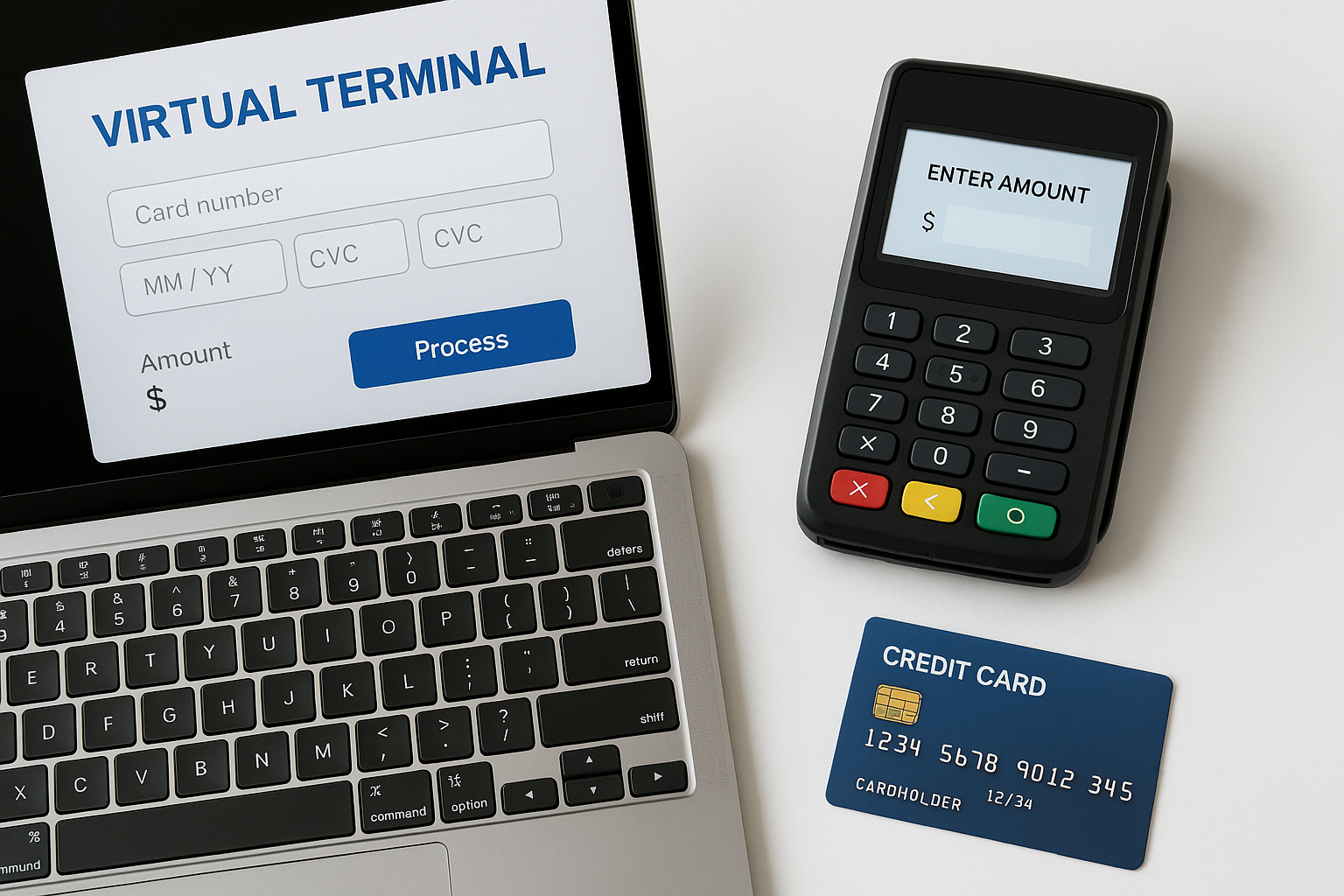
A virtual terminal is a web-based payment interface that lets businesses accept credit and debit card payments without a physical card reader. Instead of swiping, dipping, or tapping a card in person, a team member manually enters payment details into a secure online dashboard. It is especially useful for phone orders, mail orders, recurring payments, and remote customer support teams.
What Is a Virtual Terminal?
A virtual terminal works like a digital version of a card machine. It allows you to process card payments from any internet-connected computer, tablet, or mobile device. Because the payment details are entered by hand, it is often used when the customer is not physically present.
This makes it a practical tool for businesses that take orders over the phone, handle invoices, or work with clients remotely. It gives companies a flexible way to collect payments without needing special hardware at every location.
How a Virtual Terminal Works
The process is straightforward. A staff member logs into the virtual terminal portal, enters the customer’s payment information, and submits the transaction for authorization. The payment gateway then communicates with the card network and the issuing bank to approve or decline the charge.
In many cases, the system also allows you to store customer profiles, set up recurring billing, and save transaction notes. Some platforms can send digital receipts automatically, which helps keep the payment process organized and professional.
Typical steps in a virtual terminal transaction
- Log in to the secure payment portal.
- Enter the customer’s name, card number, expiration date, and billing details.
- Choose the amount to charge.
- Submit the payment for authorization.
- Receive confirmation or a decline notice.
Why Businesses Use Virtual Terminals
Virtual terminals are popular because they make payment acceptance more flexible. Businesses do not need to wait for a customer to visit a store or install equipment at every point of contact. This is valuable for service providers, nonprofits, healthcare offices, call centers, and B2B companies.
They are also useful for businesses that take payments in situations where a traditional point-of-sale system is not convenient. For example, a plumber can process a payment after a service call, or a nonprofit can accept donations by phone.
Common use cases
- Phone orders and mail orders
- Invoice payments
- Remote sales teams
- Recurring subscriptions
- Donations and fundraising
- Service-based businesses
Key Benefits of a Virtual Terminal
One of the biggest benefits is convenience. You can accept payments from almost anywhere without relying on a physical card reader. This helps businesses stay agile and serve customers even when they are not face to face.
Another major advantage is versatility. A virtual terminal can support one-time payments, recurring billing, and in some cases saved customer profiles for faster future transactions. This is especially helpful for subscription businesses and companies with repeat clients.
Virtual terminals can also reduce overhead. Since they do not require specialized hardware, businesses may save on equipment costs while still offering a professional payment experience.
Additional advantages
- Fast setup and easy access through a browser
- Useful for remote and hybrid teams
- Supports card-not-present transactions
- Helps centralize payment records
- Can improve customer service by speeding up payment collection
Security and Compliance Considerations
Because payment data is entered manually, security is an important part of using a virtual terminal. Businesses should choose a provider that follows PCI DSS standards and offers strong encryption, fraud prevention tools, and secure login controls.
It is also important to train staff on how to handle card data properly. Employees should know how to verify customer information, avoid storing sensitive data improperly, and recognize suspicious activity. Good internal procedures help reduce the risk of chargebacks and fraud.
When selecting a platform, look for features such as multi-factor authentication, user permissions, audit logs, and tokenization. These tools can help protect customer information and support compliance efforts.
Virtual Terminal vs. Point-of-Sale System
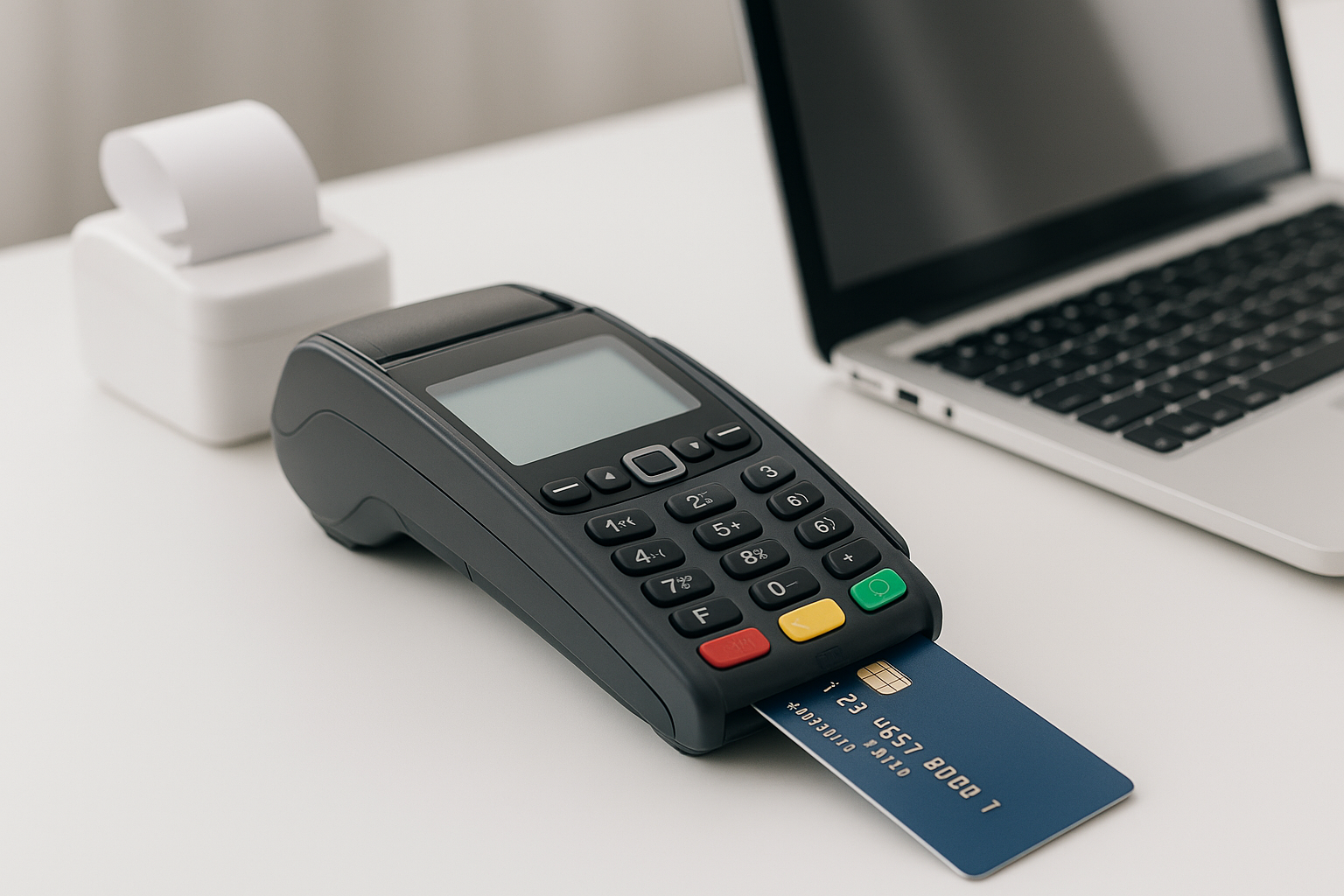
A point-of-sale system is typically used for in-person retail transactions, while a virtual terminal is designed for remote or card-not-present payments. A POS system often includes hardware like card readers, cash drawers, and barcode scanners. A virtual terminal, on the other hand, usually only requires a browser and login access.
Many businesses benefit from using both. For example, a retail store may use a POS system at checkout and a virtual terminal for phone orders or manual payments. Together, they create a more complete payment solution.
What to Look for in a Virtual Terminal Provider
Not all virtual terminal solutions are the same. Before choosing a provider, compare transaction fees, monthly costs, ease of use, and available integrations. Some platforms work better with accounting software, CRM tools, or e-commerce systems than others.
You should also evaluate customer support. If your team relies on the virtual terminal for daily transactions, responsive support can be essential when issues arise.
Important features to consider
- Clear pricing and transparent fees
- PCI-compliant security features
- Recurring billing options
- Digital receipts and transaction history
- Integration with bookkeeping or CRM tools
- User roles and permission controls
- Reliable customer support
Best Practices for Using a Virtual Terminal
To get the most from a virtual terminal, establish a consistent payment workflow. Confirm customer details carefully before submitting a charge, especially for high-value transactions. Accurate data entry helps reduce declined payments and processing delays.
It is also smart to keep clear records of every transaction. Notes, receipts, and customer communication can be useful if there is a dispute later. For recurring payments, make sure customers understand billing terms and authorize charges in advance.
Finally, review your transaction reports regularly. Monitoring payment patterns can help you spot errors, manage refunds, and identify possible fraud early.
Who Should Use a Virtual Terminal?
A virtual terminal is a strong fit for businesses that need flexible payment collection without relying on in-person card processing. Service providers, professional offices, nonprofits, wholesalers, and support teams often find it especially helpful.
If your business handles remote orders, invoices, or subscription payments, a virtual terminal can simplify operations and improve the customer experience. It is a practical solution for any organization that wants to accept card payments from anywhere.
Conclusion
A virtual terminal offers a simple, secure, and flexible way to accept card payments without physical hardware. For businesses that work remotely or handle phone and invoice payments, it can streamline checkout, improve cash flow, and support a better customer experience. With the right provider and good security practices, a virtual terminal can become an essential part of your payment strategy.