
What Makes the Best POS System for Retail Stores?
The best POS system for retail stores does more than process payments. It helps you manage inventory, speed up checkout, track sales, and create a smoother experience for both your staff and customers. In today’s retail environment, the right point-of-sale system can make a real difference in profitability, efficiency, and customer satisfaction.
Retail businesses come in many sizes and formats, from boutiques and gift shops to specialty stores and multi-location chains. Because of that, the best POS solution is not simply the one with the most features. It is the one that fits your store’s daily workflow, supports your growth, and keeps your operations organized.
Key Features to Look for in a Retail POS System
Not every POS system is built with retail in mind. Some are designed mainly for restaurants or service businesses, while others offer retail-specific tools that can save time and reduce errors. When comparing options, focus on the features that matter most to your store.
Inventory Management
Strong inventory management is one of the most important features for retail stores. A good POS system should track stock levels in real time, alert you when products are running low, and help prevent overselling. It should also make it easy to manage product variants such as size, color, or style.
If your store carries a large number of SKUs, look for built-in purchase order tools, stock transfers, and barcode scanning. These features can help you keep inventory accurate and reduce the time spent on manual counting.
Sales Reporting and Analytics
The best retail POS systems provide clear reporting tools that help you understand what is selling, when it is selling, and which items may be underperforming. Sales dashboards, profit reports, and category breakdowns can help you make smarter buying decisions.
With better data, you can identify top-performing products, monitor seasonal trends, and adjust pricing or promotions based on real performance rather than guesswork.
Customer Management
A retail POS system should help you build stronger customer relationships. Look for customer profiles, purchase history tracking, and loyalty program support. These tools allow you to personalize service, reward repeat buyers, and encourage return visits.
For stores that rely on repeat business, customer management features can turn a basic checkout system into a valuable marketing tool.
Payment Flexibility
Today’s shoppers expect multiple payment options. Your POS system should support credit and debit cards, contactless payments, mobile wallets, gift cards, and split payments. Some systems also support buy now, pay later options or special financing integrations.
Offering flexible payment methods can reduce friction at checkout and improve the overall shopping experience.
Ease of Use
Even the most feature-rich POS system is not helpful if it is difficult for your team to use. The interface should be intuitive, with simple checkout steps and easy access to product lookup, discounts, and returns. A system that is easy to learn can shorten training time and reduce mistakes during busy periods.
Top Benefits of Using a Retail POS System
Investing in a retail-focused POS system can improve many parts of your business. The benefits go far beyond faster checkout lines.
Faster Checkout Process
Speed matters in retail. A POS system that supports barcode scanning, saved customer profiles, and quick payment processing can help you serve more shoppers in less time. Faster checkout also helps reduce wait times during peak hours, which can improve customer satisfaction.
Better Inventory Control
Accurate inventory tracking helps reduce shrinkage, overstocking, and stockouts. With real-time updates, you can see what is available at any moment and make better restocking decisions. This is especially useful for stores with seasonal items or limited-edition products.
Improved Business Decisions
Retail POS systems generate valuable insights that can guide your decisions. You can see which products are most profitable, which promotions drive sales, and how staffing levels affect performance. Over time, these insights can help you improve margins and operate more efficiently.
Stronger Customer Experience
When checkout is smooth and customer information is easy to access, shoppers receive better service. Loyalty rewards, saved preferences, and personalized offers can also make customers feel valued. A better experience often leads to repeat visits and stronger brand loyalty.
How to Choose the Right POS System for Your Store
Choosing the best POS system starts with understanding your store’s unique needs. Every retail business is different, so it helps to think carefully about your sales process, product mix, and future goals.
Consider Your Store Size and Growth Plans
A small boutique may only need a simple, affordable system with basic inventory and payment features. A growing retail chain, on the other hand, may need multi-location inventory tracking, centralized reporting, and user permissions for different staff roles. Make sure the system you choose can grow with your business.
Evaluate Hardware and Software Compatibility
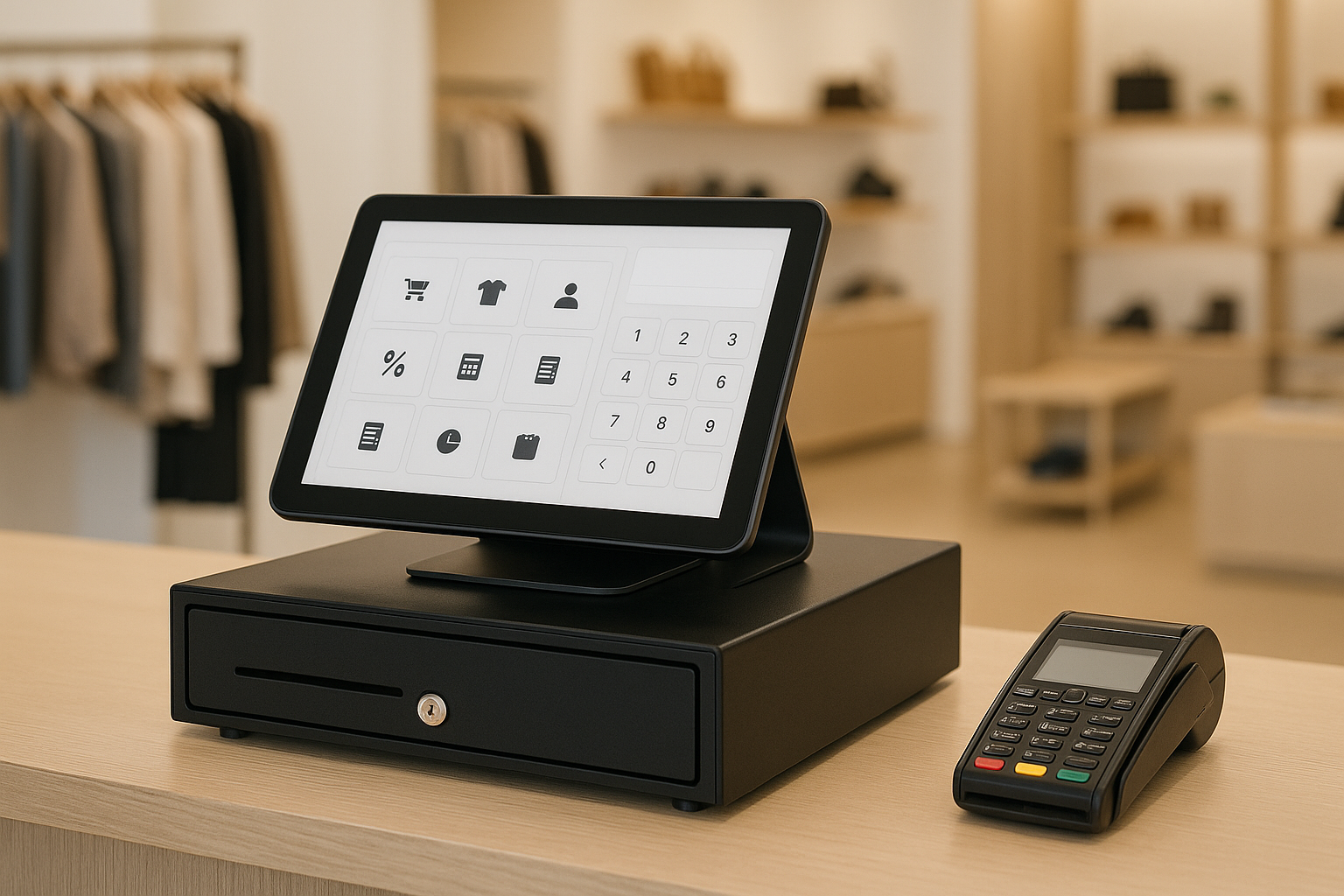
Some POS systems require specific hardware, while others work on tablets, smartphones, or standard computers. Before making a decision, check whether the software is compatible with your existing devices or whether you will need new terminals, barcode scanners, receipt printers, or cash drawers.
Choosing a system that works with your current setup can help you save money and simplify installation.
Look at Pricing and Contract Terms
POS pricing can vary widely. Some systems charge a monthly subscription, while others offer tiered plans based on features or transaction volume. Be sure to look beyond the base price and consider add-on costs for payment processing, customer support, hardware, and integrations.
It is also wise to review contract terms carefully. Flexible month-to-month plans can be a good choice for retailers that want to avoid long-term commitments.
Check for Integrations
Your POS system should work well with other tools your business already uses. Common integrations include accounting software, eCommerce platforms, email marketing tools, and payroll systems. A connected software stack can reduce duplicate data entry and keep your operations running smoothly.
Test Customer Support
Reliable support is essential, especially during busy sales periods. Look for a provider that offers live chat, phone support, onboarding help, and a strong knowledge base. If your system goes down during a holiday rush, fast support can make a major difference.
Popular POS Features Retailers Should Not Overlook
When comparing the best POS systems for retail stores, some features may not seem essential at first but can become extremely valuable over time.
- Offline mode: Keep selling even if your internet connection drops.
- Employee permissions: Limit access to sensitive functions and track user activity.
- Returns and exchanges: Simplify refunds and product swaps.
- Discount and promotion tools: Run sales campaigns with ease.
- Multi-location support: Manage inventory and reporting across several stores.
These features may not be the first thing you look for, but they can improve daily operations and help your store stay flexible.
Conclusion
The best POS system for retail stores is one that combines ease of use, strong inventory management, flexible payments, and useful reporting. It should support your current operations while leaving room for future growth. By focusing on the features that matter most to your business, you can choose a POS system that saves time, improves customer service, and helps your store run more efficiently.
Take the time to compare your options carefully, test the software when possible, and choose a solution that fits your retail goals today and in the future.



