What Is a Virtual Terminal?
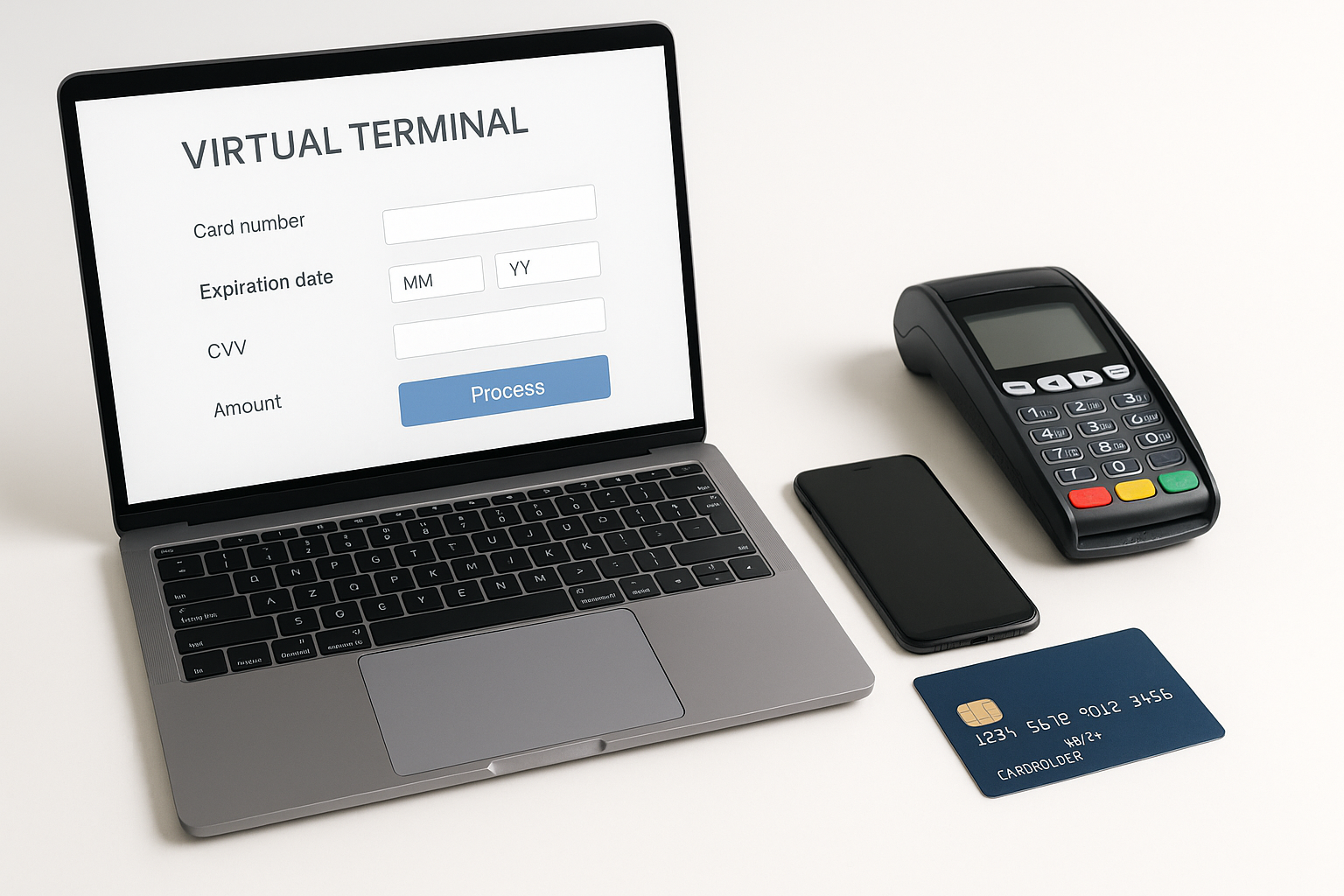
A virtual terminal is a web-based payment tool that lets businesses accept card-not-present payments from almost anywhere with an internet connection. Instead of swiping, dipping, or tapping a card through a physical reader, a team member manually enters a customer’s payment details into a secure online interface.
This makes virtual terminals especially useful for phone orders, mail orders, remote invoicing, and back-office payment collection. In simple terms, it turns a computer, tablet, or smartphone browser into a payment acceptance device.
Businesses often use virtual terminals when they need flexibility without investing in separate hardware. They are popular with service providers, nonprofits, medical offices, repair companies, wholesalers, and B2B businesses that regularly take payments away from a storefront.
How a Virtual Terminal Works
The process is straightforward. A staff member logs in to the virtual terminal through a payment provider’s secure website or dashboard. They then enter the customer’s payment information, such as the card number, expiration date, billing address, and transaction amount. Some systems also support additional verification fields like CVV or purchase order numbers.
Once the details are submitted, the payment processor routes the transaction through the card network and the issuing bank for authorization. If approved, the transaction is completed and the business receives confirmation almost immediately.
Because the payment is entered manually, a virtual terminal is considered a card-not-present transaction. That distinction matters because card-not-present payments generally carry different risk profiles and fee structures than in-person transactions.
Common features you may see
- Secure login and user permissions
- Transaction history and search tools
- Refund and void options
- Saved customer profiles or tokenization
- Email or SMS receipts
- Recurring billing support
- Reporting and reconciliation tools
Benefits of Using a Virtual Terminal
One of the biggest advantages of a virtual terminal is convenience. If your business takes orders over the phone or works with customers remotely, you can process payments without needing a physical card reader at every workstation.
Virtual terminals also help businesses operate more efficiently. A team member can take a payment while speaking with a customer, send a receipt immediately, and log the payment in the same system used for reporting and reconciliation. That reduces manual work and helps keep records organized.
Another major benefit is flexibility. Because the system is browser-based, you can process payments from different locations as long as you have secure access. This is ideal for businesses with field staff, multiple office locations, or seasonal remote operations.
Virtual terminals can also improve customer service. Customers who cannot pay in person still get a fast, easy way to complete a purchase. This can reduce delays, improve cash flow, and help close sales that might otherwise be lost.
Additional advantages
- No need for specialized hardware in every setting
- Easy to train staff on a single payment workflow
- Good fit for invoice-based and service-based businesses
- Useful for collecting deposits, balances, and one-time charges
Virtual Terminal vs. Physical Card Reader
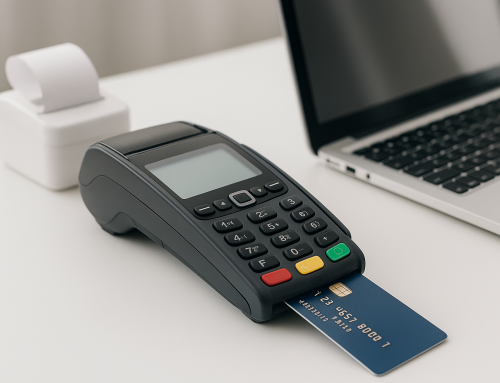
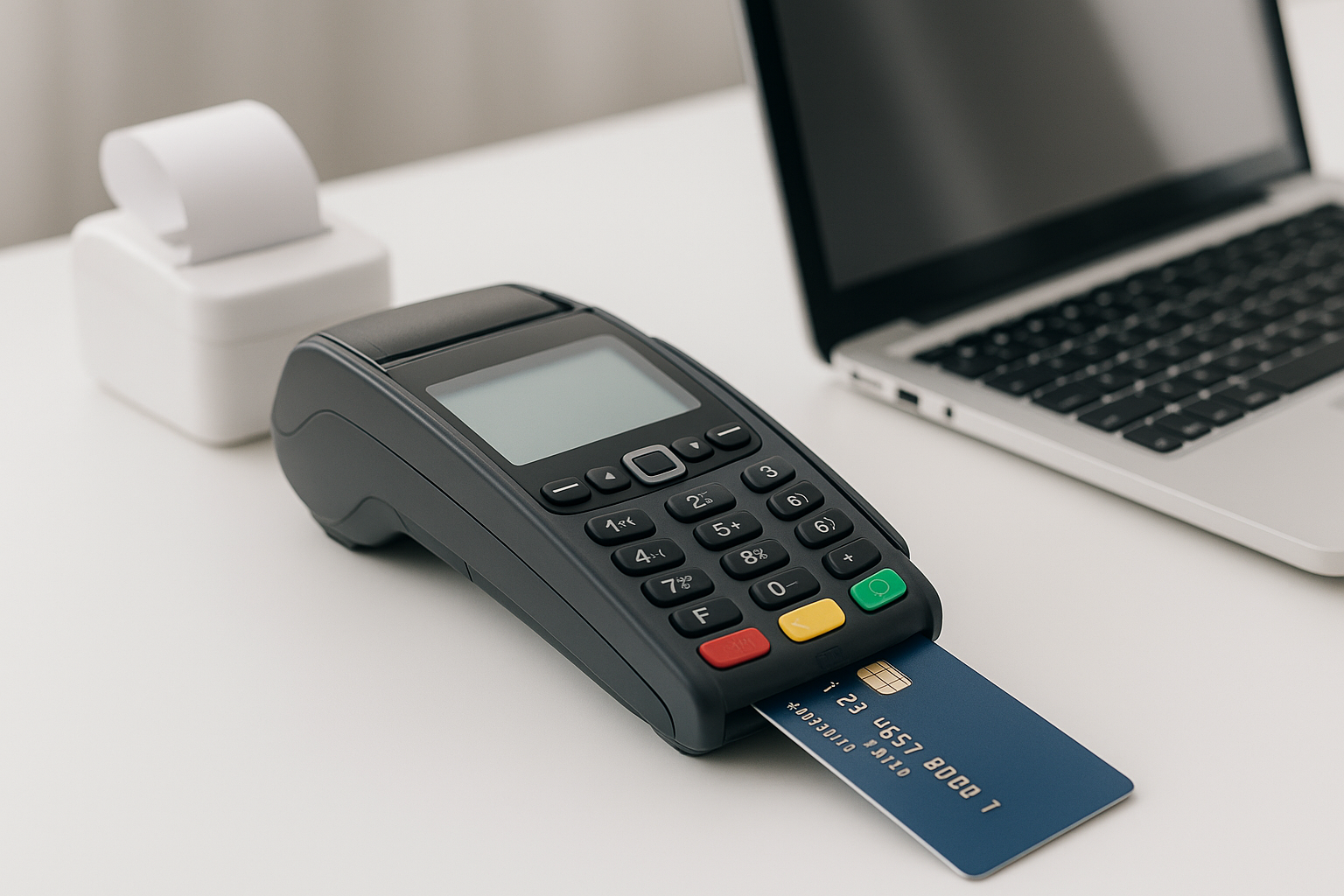
Virtual terminals and physical card readers both process payments, but they serve different business needs. A physical reader is designed for in-person checkout, where customers present their card or mobile wallet directly. A virtual terminal is designed for remote or manually entered transactions.
If you run a retail store, café, or any business with a regular point-of-sale counter, a physical reader may be your primary tool. If you manage appointments, deliveries, phone orders, or invoices, a virtual terminal may be the better fit. Many businesses use both tools so they can accept payments in whatever way works best for the customer.
One important difference is risk. Manual entry increases the chance of data entry errors and can raise fraud concerns compared with chip or tap payments. For that reason, businesses should use strong verification steps and follow payment security best practices.
Who Should Use a Virtual Terminal?
Virtual terminals are a strong option for businesses that need payment flexibility without relying on a counter-top checkout system. Service businesses often use them to collect payment after a job is completed. Examples include plumbers, electricians, landscapers, consultants, and marketing agencies.
Healthcare providers, legal offices, and professional services firms may also use virtual terminals to process balances by phone or send follow-up invoices. Nonprofits often use them for donation processing, especially when supporters call in with credit card donations.
They are also helpful for B2B companies that invoice clients and want a simple way to accept card payments over the phone. In fact, any business that regularly handles card-not-present payments can benefit from the speed and organization a virtual terminal provides.
Security Considerations and Best Practices
Because virtual terminals handle sensitive payment data, security should be a top priority. Businesses should choose a provider that follows PCI DSS requirements and offers secure encryption for data in transit and at rest. Access controls are also important so only authorized team members can process payments.
It is best to avoid writing down full card numbers or storing payment information in unsecured files. If the system supports tokenization, use it. Tokenization replaces sensitive card data with a secure placeholder, reducing risk when storing customer profiles for future billing.
Staff training matters as well. Employees should know how to verify customer identities, handle suspicious requests, confirm transaction details, and recognize signs of fraud. Clear internal procedures can help reduce chargebacks and prevent mistakes.
Other best practices include using strong passwords, enabling multi-factor authentication when available, reviewing user activity regularly, and keeping devices and browsers updated.
How to Choose the Right Virtual Terminal
Not all virtual terminals are the same. When comparing providers, start by looking at the payment processor’s fees, including transaction rates, monthly costs, chargeback fees, and any added fees for key-entered payments. A lower headline rate is not always the best deal if the platform charges extra for essential features.
Next, evaluate usability. A good virtual terminal should be easy to navigate, fast to learn, and simple enough for your team to use without constant support. If your staff processes payments throughout the day, a clean interface can save time and reduce errors.
You should also consider reporting tools, refund handling, recurring billing options, and integration with your accounting or CRM software. For businesses with repeat customers, the ability to store payment profiles securely and set up recurring charges can be especially valuable.
Finally, review support and reliability. If payment processing is important to your daily workflow, you want a provider with responsive customer service and a strong track record of uptime.
Conclusion
A virtual terminal gives businesses a simple, secure way to accept payments without relying on a physical card reader. It is especially useful for phone orders, invoicing, service businesses, and any organization that needs to take payments from different locations. With the right provider and strong security practices, a virtual terminal can streamline payment collection and support better customer service.