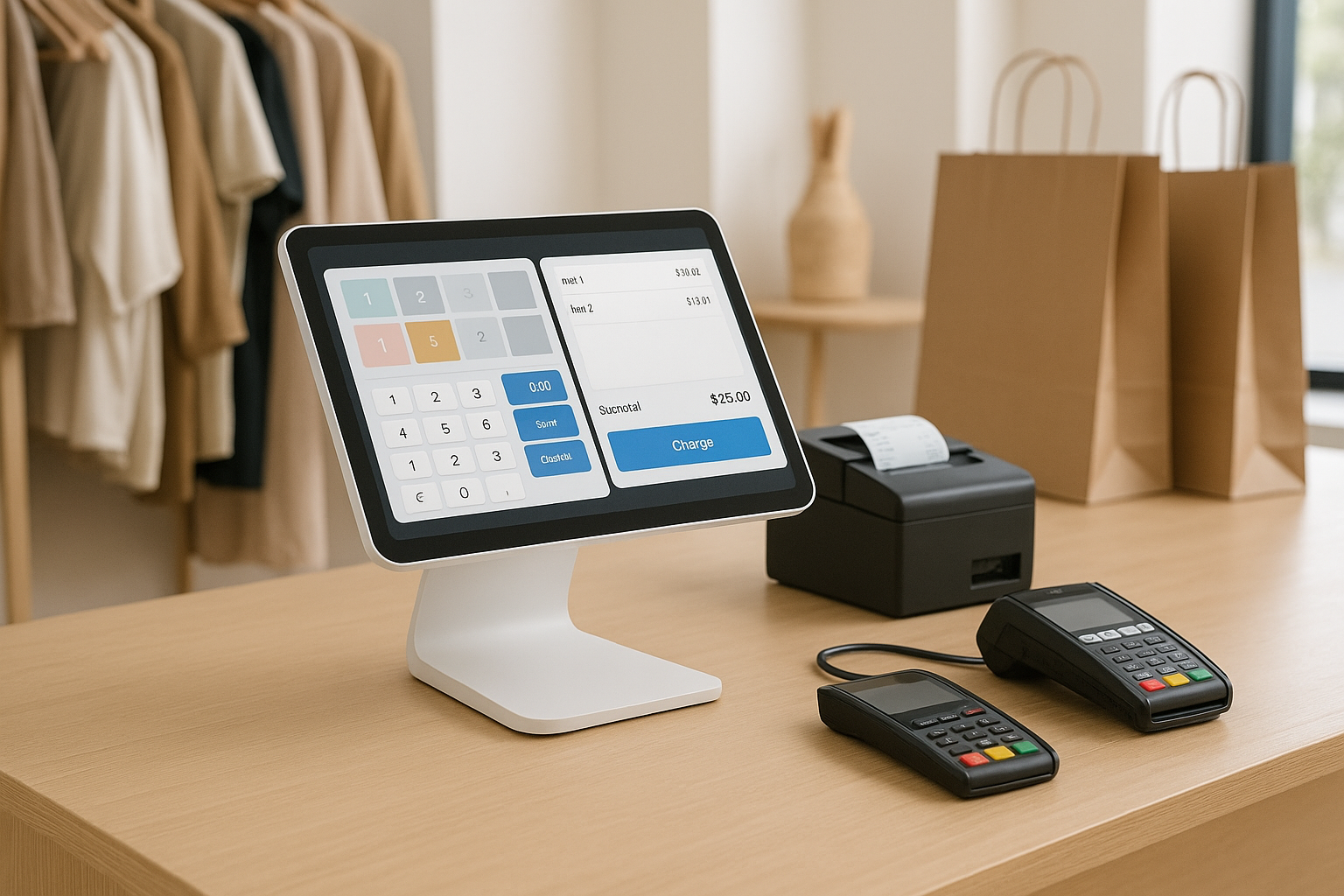
What Makes the Best POS System for Retail Stores?
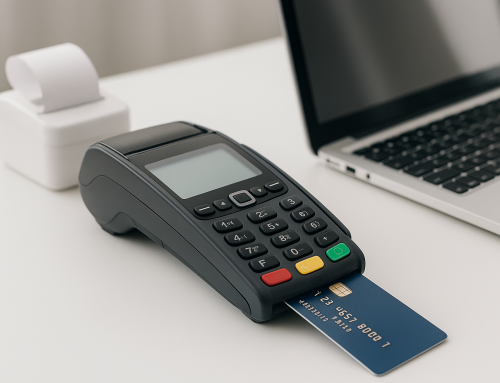
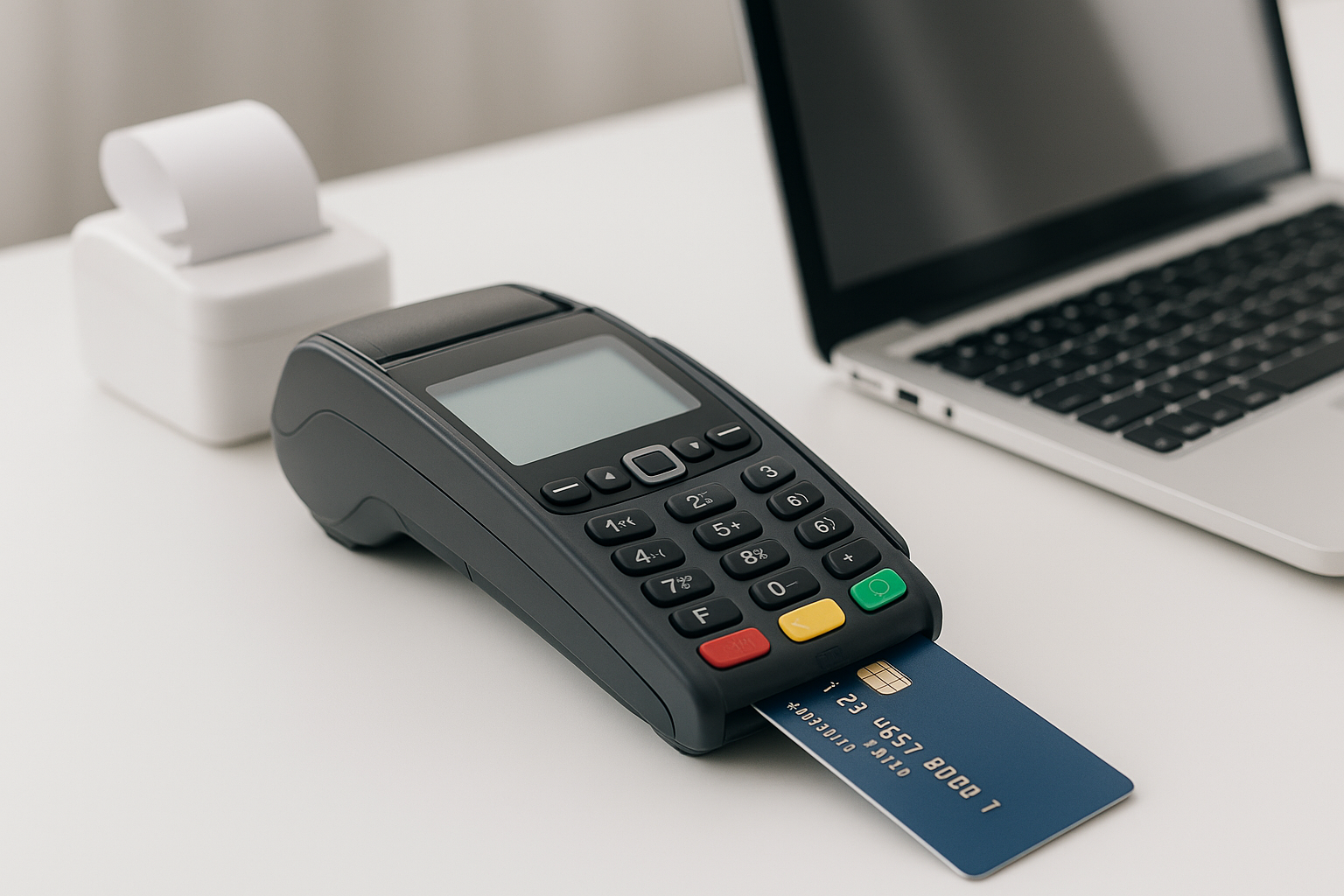
Choosing the best POS system for retail stores starts with understanding what your business actually needs at the counter, in the stockroom, and across every sales channel. A strong retail POS system does more than process payments. It helps you manage inventory, track sales, speed up checkout, and give customers a smoother shopping experience.
For retail businesses, the best system should be easy to use, reliable, and flexible enough to support growth. Whether you run a boutique, specialty shop, convenience store, or multi-location retail brand, the right POS can save time and reduce costly mistakes.
Key features to look for
When comparing options, focus on features that directly improve day-to-day operations. Important capabilities include:
- Inventory management: Track stock levels in real time, set low-stock alerts, and manage variants like size or color.
- Sales reporting: Review best-selling products, peak sales times, and employee performance.
- Customer management: Store purchase history and support loyalty programs or personalized offers.
- Multi-channel selling: Sync in-store and online sales to avoid overselling and keep records accurate.
- Payment flexibility: Accept credit cards, debit cards, mobile wallets, gift cards, and contactless payments.
- Ease of use: A simple interface reduces training time and helps staff work faster.
The best POS system for retail stores is not always the one with the most features. It is the one that fits your workflows, team size, and growth plans.
Why retail businesses need a specialized POS
Retail operations have unique demands. Unlike some service-based businesses, stores must manage physical inventory, frequent transactions, returns, exchanges, discounts, and promotions. A retail-focused POS system is built to handle these tasks without slowing down staff or creating errors.
With the right platform, you can reduce manual work and improve visibility across the business. That means better purchasing decisions, fewer stockouts, and more consistent customer service.
Top Benefits of Using a Retail POS System
A modern POS system does much more than ring up sales. It becomes a central hub for your retail operations and can improve both efficiency and profitability.
Faster checkout and better customer service
Long lines can frustrate shoppers and hurt sales. A fast, intuitive POS speeds up checkout, supports barcode scanning, and makes it easier to apply discounts or process returns. When staff can work quickly and confidently, customers have a better experience.
Improved inventory accuracy
Inventory mistakes can lead to lost sales and unhappy customers. A good retail POS updates stock in real time as items are sold, returned, or transferred. This helps store owners know exactly what is available and when to reorder.
Better sales insights
Reporting tools help retailers understand what is working and what is not. You can identify seasonal trends, top-performing products, and underperforming locations. These insights support smarter decisions about pricing, promotions, and purchasing.
Support for business growth
As your store expands, your POS should scale with you. Many of the best systems support multiple locations, employee permissions, integrated eCommerce, and advanced reporting. This makes it easier to grow without replacing your core software later.
How to Choose the Best POS System for Your Retail Store
There is no one-size-fits-all solution. The best POS for your retail store depends on your product type, budget, and day-to-day operations. A thoughtful selection process can help you avoid expensive mistakes.
Assess your store’s needs
Start by identifying your must-have features. Do you need strong inventory tracking for thousands of SKUs? Do you sell online as well as in-store? Do you need employee time tracking, appointment booking, or loyalty tools? Make a list of non-negotiables before comparing software.
Consider hardware and setup
Some POS systems are cloud-based and work on tablets or standard devices, while others require more specialized hardware. Think about the equipment you already have and what you may need to purchase, such as receipt printers, barcode scanners, cash drawers, and card readers.
It is also important to ask how easy the setup process is. A system that is simple to install and train on can reduce downtime and help your team get up and running faster.
Review pricing carefully
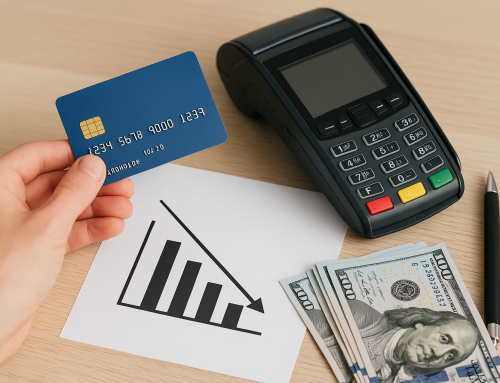
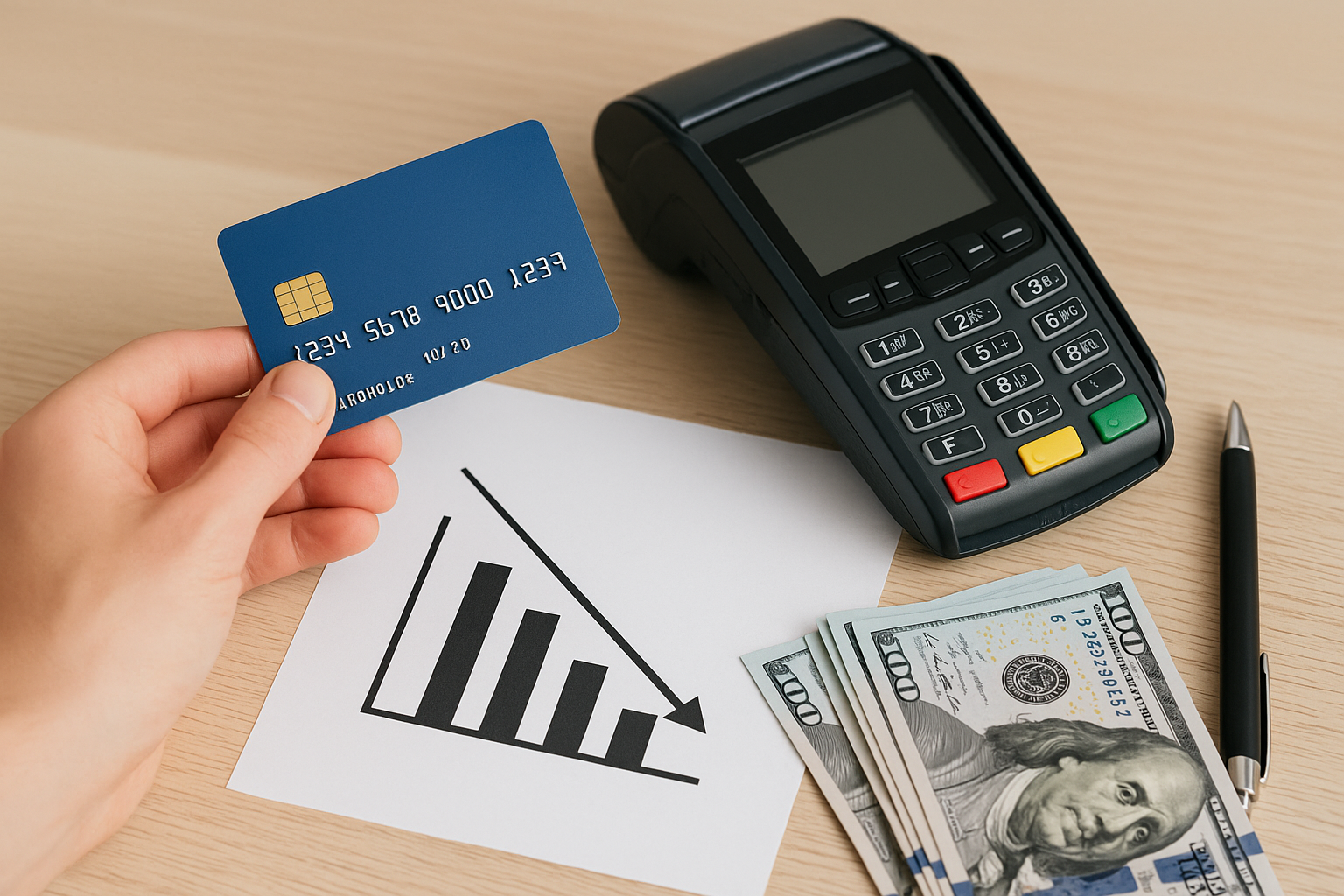
POS pricing can include monthly software fees, payment processing costs, hardware expenses, setup fees, and add-on modules. Compare the total cost of ownership instead of just the headline subscription price. Sometimes a low monthly fee hides expensive transaction rates or feature limits.
Look for transparent pricing and confirm whether customer support, updates, and backups are included.
Evaluate integrations
Your POS should work well with the rest of your business tools. Common integrations include accounting software, eCommerce platforms, payroll systems, and marketing tools. When systems connect properly, you spend less time entering data manually and reduce the risk of errors.
Check support and reliability
Retail stores rely on their POS every day, so dependable support matters. Research the provider’s customer service options, response times, and training resources. Also consider uptime and offline functionality in case of internet issues.
Best POS System Features Retailers Should Prioritize
If you want a system that truly supports retail success, prioritize features that improve both operations and the customer experience.
Omnichannel capabilities
Today’s shoppers often move between online and in-store channels. A strong POS should sync product, order, and customer data across channels so you can offer buy online, pick up in store, ship from store, and easy returns.
Inventory and vendor management
Retailers benefit from tools that make purchasing easier. Look for purchase order creation, vendor tracking, stock transfers, and reorder alerts. These features help you stay organized and reduce the chance of running out of popular items.
Loyalty and marketing tools
Repeat business is valuable in retail. Some POS systems include customer profiles, loyalty rewards, email marketing, and promotions. These tools make it easier to encourage repeat visits and strengthen customer relationships.
Employee management
Staff oversight features can help you manage schedules, permissions, and performance. Role-based access keeps sensitive data secure while allowing employees to focus on the tasks they need to complete.
Common Mistakes to Avoid When Choosing a Retail POS
Many store owners make the mistake of choosing based on price alone. While affordability matters, the cheapest option can cost more in lost productivity, limited features, or poor support.
Another common mistake is ignoring scalability. A POS that works for a single register may not be enough if you open another location or start selling online. It is also wise to involve staff in the decision, since the people using the system every day can provide valuable feedback on usability.
Conclusion
The best POS system for retail stores is one that fits your current needs while supporting future growth. Focus on inventory control, ease of use, reporting, integrations, and dependable support. When you choose carefully, your POS can become a powerful tool for improving sales, streamlining operations, and delivering a better customer experience.