
Introduction
Accepting credit cards is no longer a nice-to-have for small businesses—it is often essential. Customers expect fast, secure, and convenient ways to pay, whether they are shopping in person, online, or over the phone. For small businesses, the right credit card processing setup can improve cash flow, increase sales, and create a better customer experience.
At the same time, credit card processing can feel confusing. Between fees, equipment, payment gateways, security rules, and contract terms, it is easy to get overwhelmed. This guide breaks down the basics of credit card processing for small business owners so you can choose a solution that fits your needs and budget.
What Is Credit Card Processing?
Credit card processing is the system that moves money from a customer’s credit card to your business bank account. When a customer pays with a card, several steps happen behind the scenes:
- The card information is captured.
- The payment is authorized by the customer’s bank.
- The transaction is approved or declined.
- The funds are settled and deposited into your account.
This process happens in seconds, but multiple parties are involved, including the customer, the merchant, the payment processor, the card network, and the issuing bank. Understanding these parts makes it easier to evaluate processing options and spot hidden costs.
Why Small Businesses Need Credit Card Processing
Small businesses benefit from accepting card payments in several ways. First, it removes friction at checkout. Many customers carry less cash than they used to, and some prefer digital payments exclusively. If you do not accept cards, you may lose sales.
Second, card payments can help improve cash flow. Instead of waiting for checks to clear or chasing invoices, you can receive funds faster. This can be especially helpful for businesses with tight margins or frequent expenses.
Finally, accepting credit cards can make your business look more professional and trustworthy. Customers often associate card acceptance with legitimacy, convenience, and modern service.
How Credit Card Processing Works
The Main Players
To understand card processing, it helps to know the key players involved:
- Customer: The person making the payment.
- Merchant: Your business.
- Payment processor: The company that handles the transaction.
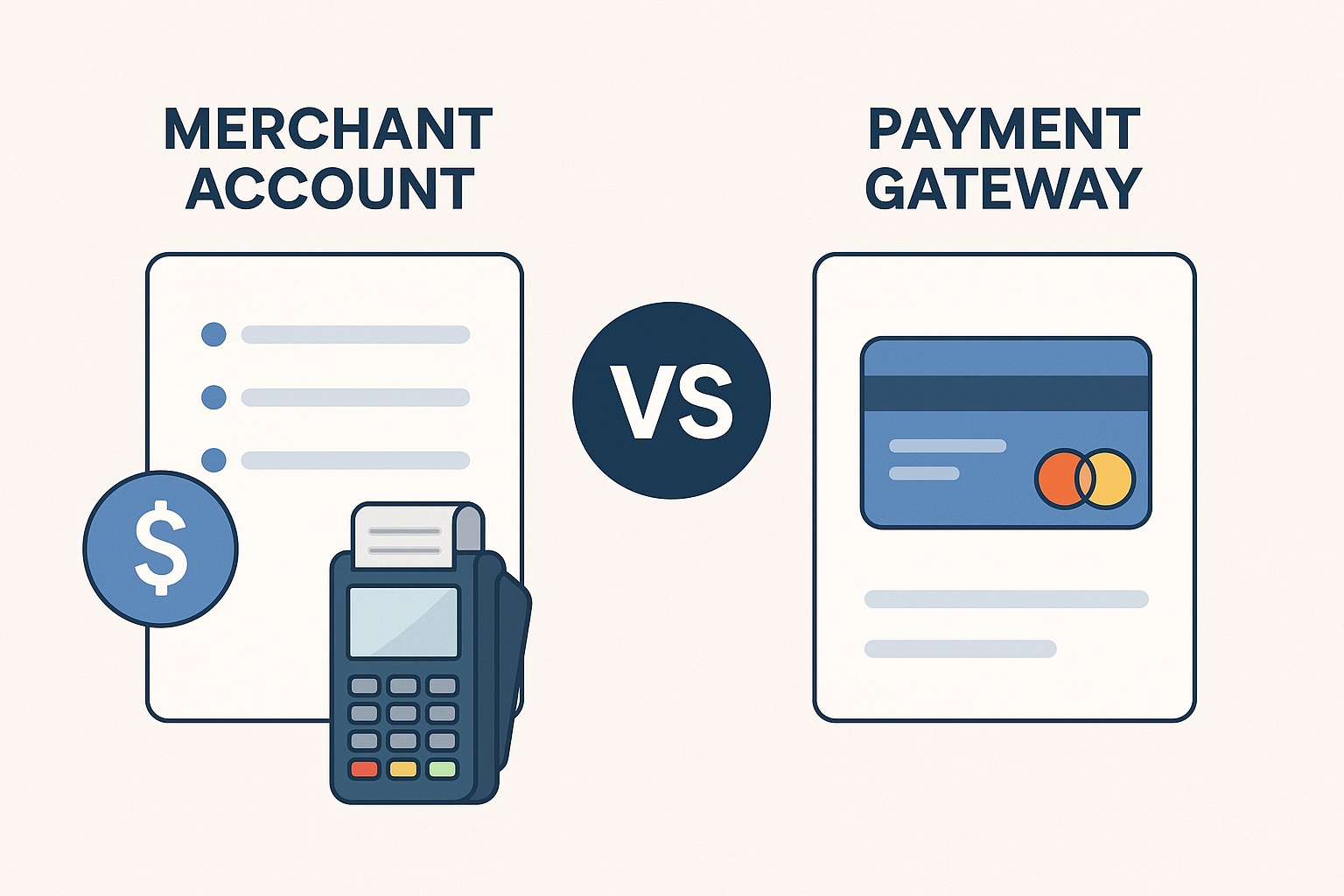
- Merchant account or payment platform: The account that temporarily holds funds before deposit.
- Card network: Visa, Mastercard, American Express, or Discover.
- Issuing bank: The customer’s bank that approves or declines the charge.
The Transaction Flow
When a customer pays, the card reader, online checkout page, or payment app sends transaction data to the processor. The processor routes the request through the card network to the issuing bank. If the bank approves the charge, the transaction is authorized. Later, the money is settled and transferred to your business account, usually within one to three business days.
Although the process is mostly automatic, the quality of your payment setup affects speed, reliability, and fees. That is why choosing the right provider matters.
Types of Credit Card Processing Solutions
In-Person Processing
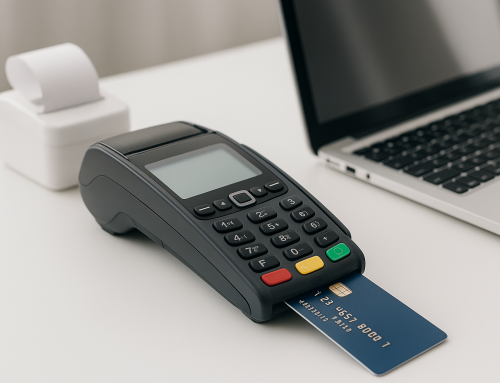
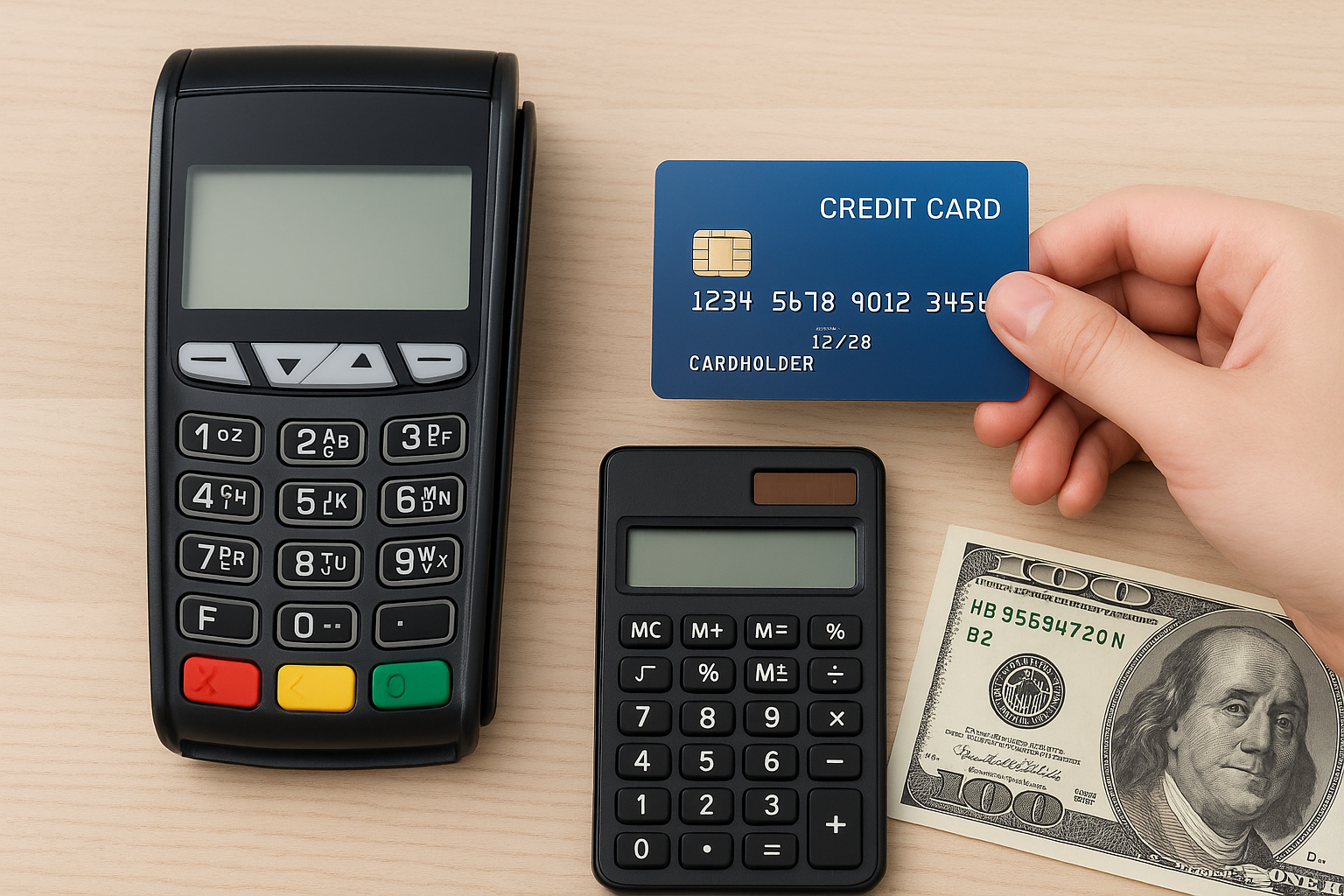
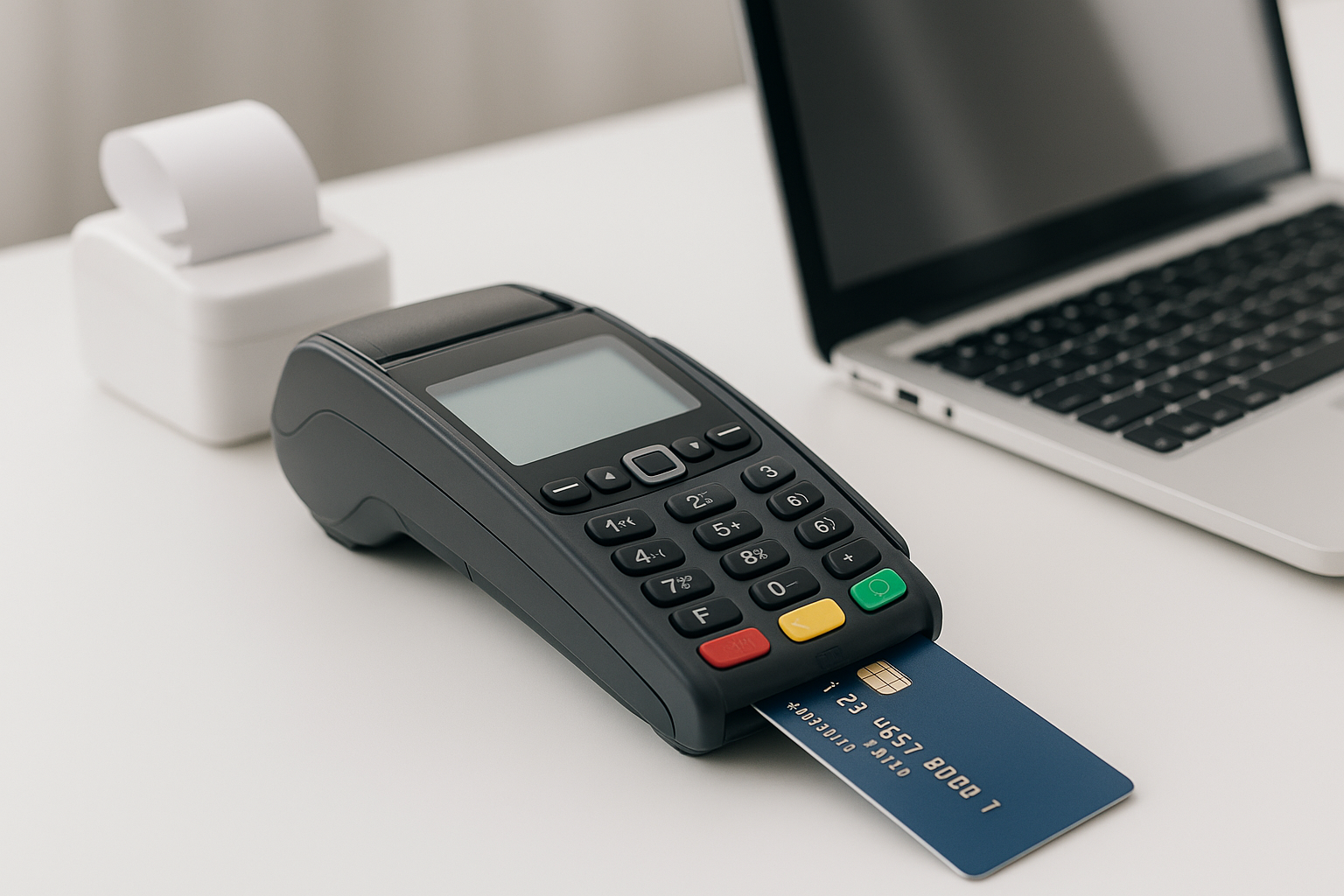
In-person processing is used when a customer pays at your physical location. This typically involves a card reader, terminal, or point-of-sale system. It is common for retail stores, restaurants, salons, and service businesses.
Online Processing
Online processing is used for e-commerce websites, invoicing, and remote sales. Customers enter their payment details through a checkout page or payment link. Businesses often use a payment gateway to securely transmit data from the website to the processor.
Mobile Processing
Mobile processing allows you to accept payments from a smartphone or tablet using a mobile card reader or app. This is a great option for contractors, pop-up shops, delivery services, and businesses that work on the go.
Keyed-In and Phone Payments
Some businesses need to accept payments by phone or manually enter card details. These transactions are convenient, but they usually carry higher fees and greater fraud risk. If you process these payments regularly, make sure your provider supports strong security tools.
Understanding Credit Card Processing Fees
Fees are one of the biggest concerns for small business owners. Processing costs vary by provider, business type, and transaction method, but most setups include some combination of the following:
- Interchange fees: Paid to the card-issuing bank.
- Assessment fees: Charged by the card networks.
- Processor markup: The payment company’s profit margin.
- Monthly fees: Account or service charges.
- Chargeback fees: Applied when a customer disputes a charge.
- Equipment or software fees: For terminals, POS systems, or subscriptions.
Some providers advertise low rates but add hidden costs elsewhere. Before signing a contract, ask for a full fee breakdown. Pay attention to transaction percentages, per-transaction fees, monthly minimums, PCI compliance fees, cancellation terms, and chargeback policies.
How to Choose the Right Credit Card Processor
The best processor for your business depends on how you sell, how many transactions you process, and what features you need. Here are a few factors to consider:
1. Pricing Structure
Look for transparent pricing. Flat-rate pricing is often simple and predictable, while interchange-plus pricing may be more cost-effective for businesses with higher volume. Make sure you understand how the provider calculates fees before you commit.
2. Business Type and Sales Channels
A restaurant, online retailer, and home service company all have different needs. Choose a processor that supports your sales environment, whether that means tableside payments, e-commerce integration, recurring billing, or mobile checkout.
3. Hardware and Software
Consider the equipment you need. Do you want a basic countertop terminal, a full POS system, or a mobile reader? If you already use accounting, inventory, or scheduling software, check whether the processor integrates with it.
4. Security Features
Security is essential. Look for PCI-compliant systems, encryption, tokenization, fraud detection tools, and chargeback management options. Good security protects both your customers and your business reputation.
5. Customer Support
Payment problems can disrupt sales quickly. Choose a provider with responsive support, especially if you operate outside regular business hours. Fast help can prevent downtime and lost revenue.
Common Mistakes Small Businesses Should Avoid
Many small business owners make costly mistakes when setting up card processing. Avoid these common pitfalls:
- Choosing a processor based only on the lowest advertised rate.
- Ignoring contract terms and cancellation fees.
- Using outdated equipment that creates checkout delays.
- Failing to follow PCI compliance requirements.
- Not training staff on how to handle declines, refunds, and disputes.
- Overlooking chargeback prevention and fraud controls.
Taking the time to compare providers and understand the terms can save you money and headaches in the long run.
Tips for Lowering Processing Costs
While you cannot eliminate processing fees entirely, you can reduce them. Here are a few practical strategies:
- Encourage card-present transactions when possible, since they are often less expensive than manually entered payments.
- Use the correct card type and entry method to avoid unnecessary penalties.
- Keep your account in good standing by minimizing chargebacks and fraud.
- Review statements regularly to catch unexpected charges.
- Negotiate pricing if your business processes a high volume of transactions.
Small changes can add up over time, especially if your sales volume grows.
Conclusion
Credit card processing is a core part of running a modern small business. The right solution can help you get paid faster, serve customers more conveniently, and support business growth. By understanding how processing works, comparing fee structures, and choosing a provider that fits your sales model, you can set up a system that works for both your business and your customers.
Before you sign up, take the time to review pricing, security, hardware, and support. A well-chosen payment solution is not just a backend tool—it is a key part of your customer experience and your bottom line.