
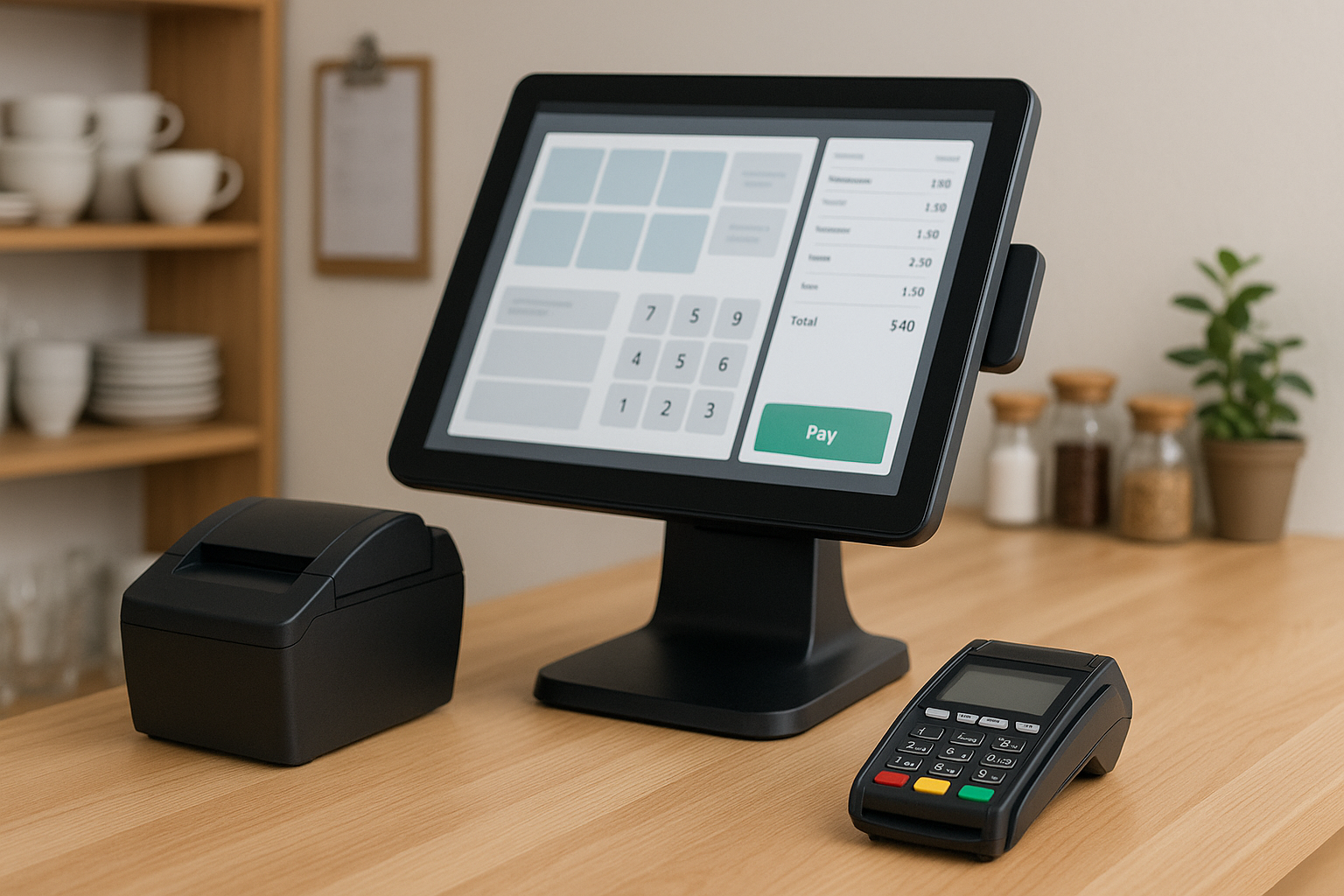
What Is a POS System for Small Business?
A POS system, or point of sale system, is the combination of hardware and software a business uses to accept payments, track sales, and manage day-to-day operations. For small businesses, a POS system is often much more than a cash register. It can help with inventory tracking, customer management, reporting, employee scheduling, and even online sales.
The right POS system can save time, reduce errors, and give you a clearer picture of how your business is performing. Whether you run a retail store, café, salon, or service-based business, choosing a system that fits your workflow can make daily operations much smoother.
Why Small Businesses Need a POS System
Small business owners wear many hats, so tools that simplify operations are essential. A modern POS system helps centralize tasks that would otherwise require separate tools or manual work. Instead of juggling spreadsheets, paper receipts, and separate payment processors, you can manage everything in one place.
Here are some of the biggest benefits:
- Faster checkout: Speed up transactions and reduce wait times.
- Accurate sales tracking: Monitor revenue in real time.
- Inventory control: Know what’s in stock and what needs reordering.
- Customer insights: Track buying habits and preferences.
- Better reporting: Make informed decisions with clear data.
- Employee management: Set permissions, track hours, and monitor performance.
For many small businesses, a POS system becomes the operational hub that supports both front-end sales and back-end management.
Key Features to Look For
Not all POS systems are created equal. The best choice depends on your business type, size, and goals. Before investing, look closely at the features that matter most.
1. Ease of Use
A POS system should be intuitive enough for you and your staff to learn quickly. A clean interface, simple checkout flow, and easy navigation can reduce training time and limit mistakes during busy hours.
2. Inventory Management
If you sell products, inventory tracking is one of the most valuable features. A good POS should update stock automatically with each sale, alert you when items are low, and help you identify top-selling products.
3. Payment Processing
Your POS should support the payment types your customers expect, including credit cards, debit cards, mobile wallets, and contactless payments. Some systems also support split payments, tips, and refunds.
4. Sales and Business Reporting
Detailed reports can reveal trends in sales, peak hours, average order values, and product performance. These insights help you make smarter pricing, staffing, and inventory decisions.
5. Customer Management
Customer profiles, loyalty programs, and purchase history can help you build stronger relationships. This is especially useful for businesses that rely on repeat customers.
6. Mobile and Cloud Access
Cloud-based POS systems let you access your data from anywhere. Mobile POS options are especially useful for pop-up shops, tableside ordering, or businesses that need flexibility.
7. Integration Options
Look for a system that integrates with tools you already use, such as accounting software, e-commerce platforms, email marketing tools, and payroll systems. Integrations can reduce manual work and keep your business data connected.
Types of POS Systems for Small Businesses
There are several types of POS systems available, and each suits different business needs.
Traditional POS Systems
These are often found in brick-and-mortar stores and typically include a terminal, barcode scanner, receipt printer, and cash drawer. They can be reliable and familiar, especially for businesses with steady in-person transactions.
Cloud-Based POS Systems
Cloud-based systems store data online, making it easy to access reports and manage your business remotely. They are popular with small businesses because they usually offer flexibility, automatic updates, and lower upfront costs.
Mobile POS Systems
Mobile POS systems use tablets or smartphones to process sales. They are a great choice for food trucks, market vendors, salons, and businesses that need to move around or save space.
Industry-Specific POS Systems
Some POS platforms are built for specific industries like restaurants, retail, hospitality, or service businesses. These systems often include specialized tools such as table management, appointment booking, or menu modifiers.
How to Choose the Right POS System
Choosing the right POS system starts with understanding your business needs. A system that works well for a retail boutique may not be the best fit for a coffee shop or hair salon.
Consider these steps when evaluating your options:
Assess Your Business Needs
List the tasks you need help with most, such as payment processing, inventory tracking, appointment scheduling, or online sales. This will help you prioritize features instead of paying for extras you won’t use.
Set a Budget
POS pricing can vary widely. Some systems charge monthly software fees, while others may include hardware costs, payment processing fees, setup costs, or add-on features. Be sure to look at the total cost of ownership, not just the monthly price.
Think About Scalability
Your business may grow, so choose a system that can grow with it. A scalable POS can handle additional registers, staff members, locations, or sales channels without forcing you to switch platforms later.
Check Customer Support
Reliable support matters, especially when sales are on the line. Look for providers with responsive support channels, helpful training resources, and clear troubleshooting options.
Test Before You Commit
Whenever possible, request a demo or free trial. Testing the interface and features firsthand can help you decide whether the system is truly a good fit for your business and your team.
Common Mistakes to Avoid
It’s easy to focus only on price or flashy features when shopping for a POS system, but that can lead to problems later. Avoid these common mistakes:
- Choosing a system that is too complex for your team
- Ignoring payment processing fees
- Overlooking compatibility with existing tools
- Failing to plan for future growth
- Skipping staff training
Taking the time to evaluate long-term needs can prevent costly changes down the road.
How a POS System Can Improve Daily Operations
A well-chosen POS system can streamline many parts of your business. It can help reduce manual entry, improve accuracy, and free up time for customer service and growth. You can use it to identify your busiest hours, find your best-selling items, and understand which promotions are working.
For customer-facing businesses, the experience can improve as well. Faster checkout, accurate orders, and personalized service all contribute to a better impression. Over time, this can lead to stronger customer loyalty and more repeat business.
Conclusion
For small businesses, a POS system is more than a payment tool. It is a central part of running operations efficiently, understanding sales, and supporting growth. By choosing a system with the right features, pricing, and flexibility, you can make daily tasks easier and set your business up for long-term success.
Take the time to compare options carefully, and focus on what best fits your workflow. The right POS system can quickly become one of the most valuable tools in your business.



