
Introduction
Point of sale systems, often called POS systems, are the tools businesses use to complete sales transactions, accept payments, and keep day-to-day operations running smoothly. What used to be a simple cash register has evolved into a powerful business platform that can track inventory, manage staff, generate reports, and even support customer loyalty programs.
For retailers, restaurants, salons, and many other businesses, the right POS system can save time, reduce errors, and improve the customer experience. In this article, we’ll break down what point of sale systems are, how they work, the features that matter most, and how to choose one that fits your business.
What Is a Point of Sale System?
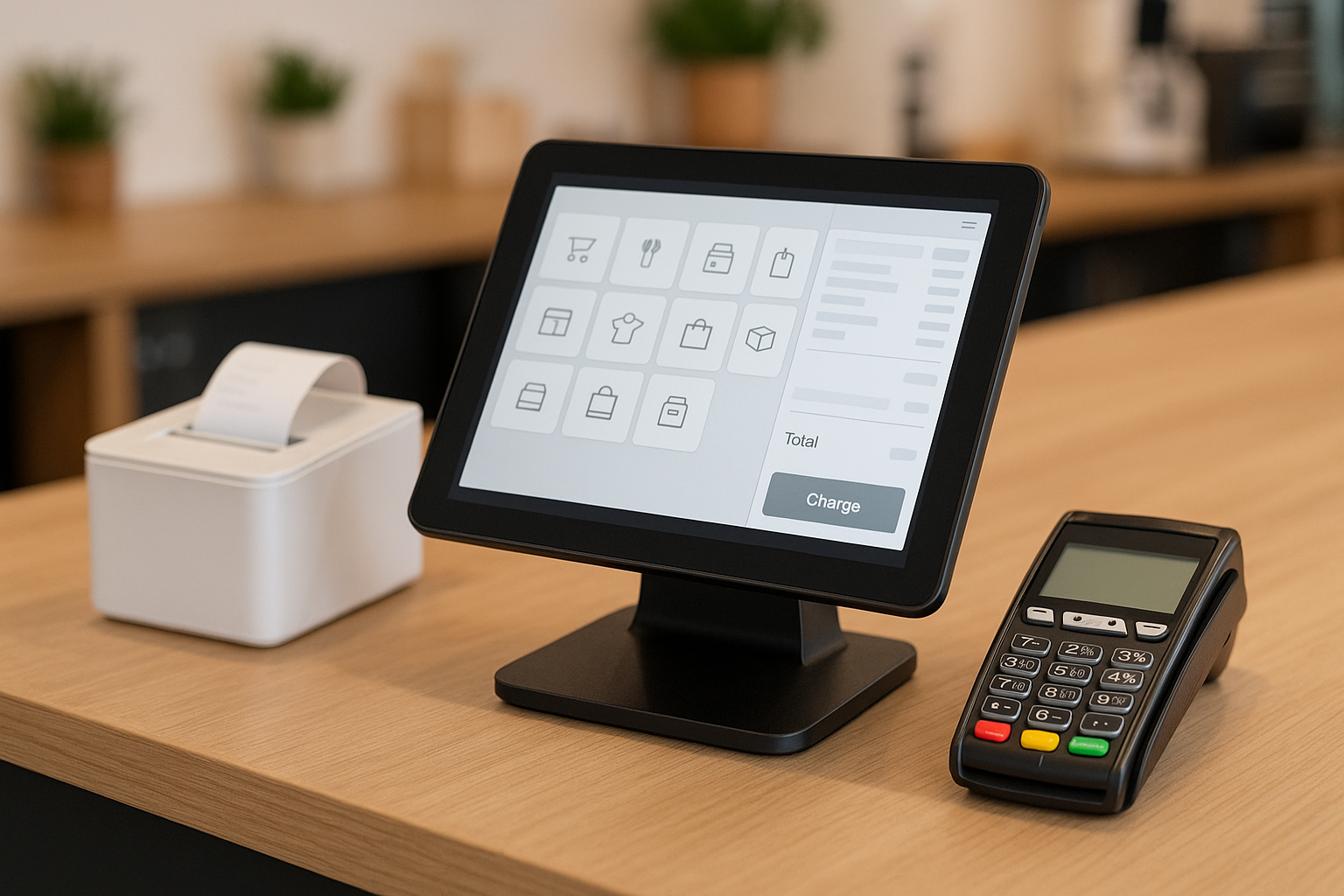
A point of sale system is the combination of hardware and software businesses use to process customer purchases. The “point of sale” is the moment and place where a transaction happens, whether that’s at a checkout counter, on a tablet at a table, or through a mobile device.
Modern POS systems do much more than ring up sales. They can connect payment processing, inventory tracking, employee management, and customer data in one place. That means every transaction can update your business records automatically, helping you stay organized and make better decisions.
How Point of Sale Systems Work
At its core, a POS system follows a simple process. First, the cashier or employee scans items or enters services into the system. The POS calculates totals, taxes, discounts, and fees. Then the customer pays using cash, card, mobile wallet, or another method. Once the payment is approved, the system records the sale and updates relevant data, such as inventory levels or daily sales reports.
Depending on the setup, the system may also send receipts by email or text, print receipts, update customer loyalty points, and sync sales data to a cloud dashboard. This automation is one of the biggest reasons businesses upgrade from traditional registers to modern POS platforms.
Types of Point of Sale Systems
Traditional POS Systems
Traditional POS systems are often found in fixed checkout locations. They usually include a terminal, barcode scanner, receipt printer, and cash drawer. These systems are reliable and well suited for businesses with a dedicated counter, such as grocery stores or specialty retail shops.
Mobile POS Systems
Mobile POS systems run on smartphones or tablets and are popular with businesses that need flexibility. They work especially well for pop-up shops, food trucks, market vendors, and restaurants that want to take payments at the table. Because they are portable, they can help reduce wait times and improve service.
Cloud-Based POS Systems
Cloud-based POS systems store data online rather than on a local server. This allows owners to access reports, manage inventory, and monitor sales from anywhere with an internet connection. Cloud systems are often easier to scale and update, making them a popular choice for growing businesses.
Key Features to Look For
Inventory Management
Inventory management is one of the most valuable POS features. A strong system tracks stock levels in real time, warns you when items are running low, and helps prevent overselling. Some systems can even create purchase orders automatically based on sales patterns.
Payment Processing
Today’s customers expect flexibility at checkout. A good POS system should support credit and debit cards, contactless payments, mobile wallets, gift cards, and sometimes Buy Now Pay Later options. Secure payment processing is essential for building trust and meeting industry standards.
Sales Reporting and Analytics
Reports help business owners understand what is selling, when sales peak, and which employees are performing best. POS analytics can reveal trends that improve pricing, staffing, promotions, and inventory planning. The best systems make this data easy to read and act on.
Employee Management
Many POS systems include tools for scheduling, time tracking, permissions, and performance monitoring. Managers can control access to sensitive functions, track labor costs, and review employee sales activity. These features help improve accountability and streamline operations.
Customer Relationship Tools
Some systems store customer profiles, purchase history, and preferences. This makes it easier to run loyalty programs, send personalized offers, and build repeat business. For businesses focused on customer retention, these tools can be especially valuable.
Benefits of Using a POS System
One of the biggest benefits of a POS system is efficiency. Transactions are faster, records are more accurate, and employees spend less time on manual tasks. This creates a smoother experience for both staff and customers.
Another major advantage is better visibility into the business. Instead of guessing which products are popular or which days are busiest, owners can make decisions based on real data. POS systems also reduce the risk of human error by automating calculations and updating records instantly.
In addition, POS systems can improve customer satisfaction. Faster checkout, flexible payment options, and personalized service all contribute to a better shopping experience. Over time, that can lead to stronger loyalty and higher revenue.
How to Choose the Right Point of Sale System
Choosing the right POS system starts with understanding your business needs. A retail shop may prioritize inventory tools, while a restaurant may need table management, kitchen printing, and split checks. Think about your daily workflow before comparing options.
Next, consider ease of use. Your team should be able to learn the system quickly, especially during busy hours. A complicated interface can slow down service and create frustration. Look for software with a clean layout, intuitive controls, and reliable customer support.
It’s also important to compare pricing carefully. Some providers charge monthly fees, while others bundle hardware, software, and payment processing into one package. Be sure to look for hidden costs such as installation fees, contract terms, chargeback fees, or extra charges for add-on features.
Finally, think about scalability. The best POS system should be able to grow with your business. If you plan to add locations, sell online, or expand your services, choose a platform that supports those goals without requiring a major overhaul later.
Common Industries That Use POS Systems
POS systems are used in many industries. Retail businesses rely on them to manage sales and inventory. Restaurants use them to handle orders, tables, tips, and kitchen communication. Salons and spas use them to book appointments, process payments, and track client history.
Other industries, including hospitality, convenience stores, and service businesses, also depend on POS systems to improve operations and customer service. As technology continues to evolve, more businesses are finding ways to adapt POS tools to their unique workflows.
Conclusion
Point of sale systems have become essential tools for modern businesses. They do far more than process payments—they help manage inventory, track performance, support customers, and simplify everyday operations. By understanding how POS systems work and what features matter most, you can choose a solution that supports both your current needs and future growth.
If your business is still relying on a basic register or manual process, upgrading to a modern POS system could be one of the smartest investments you make.



