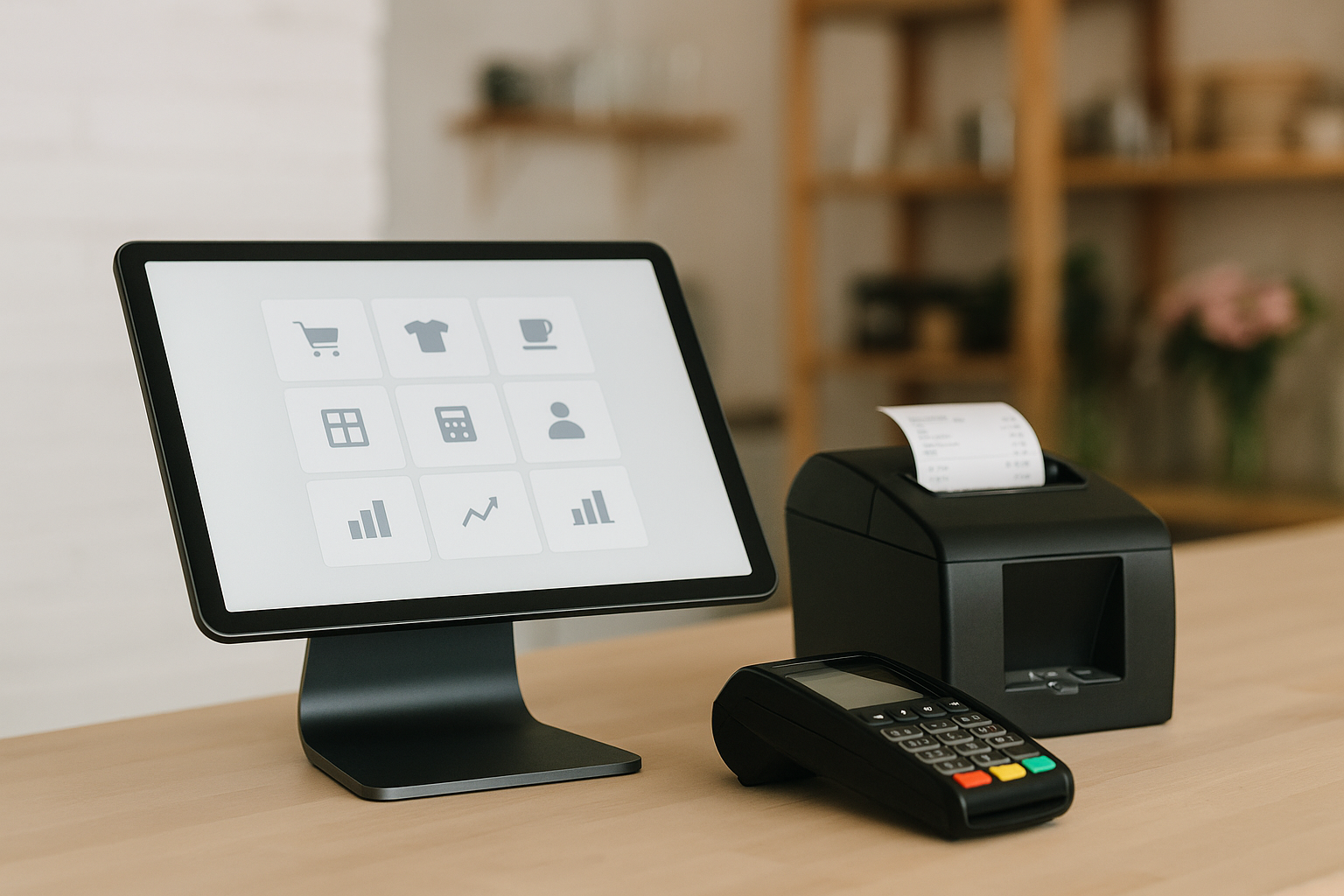
What Is a POS System?
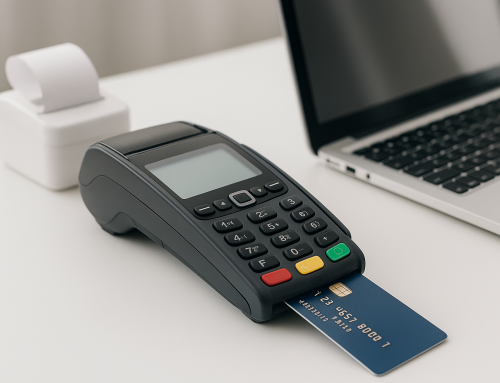
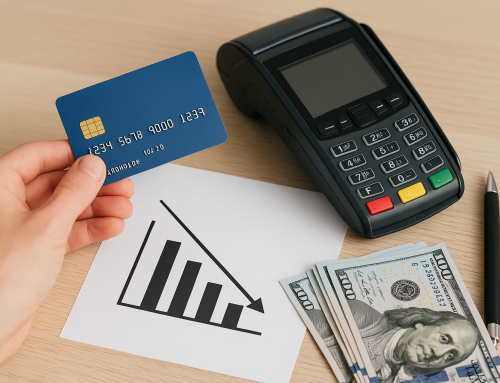
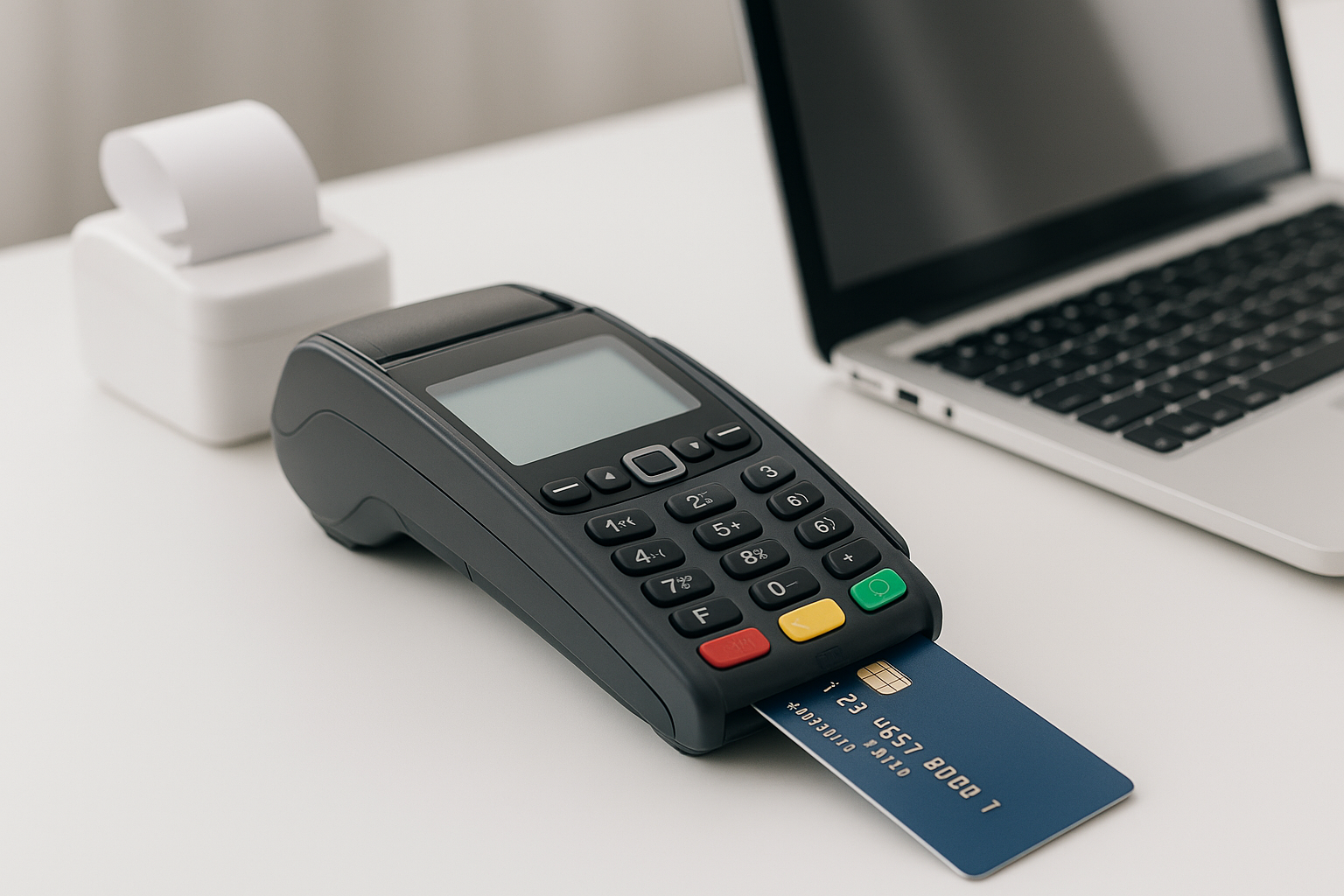
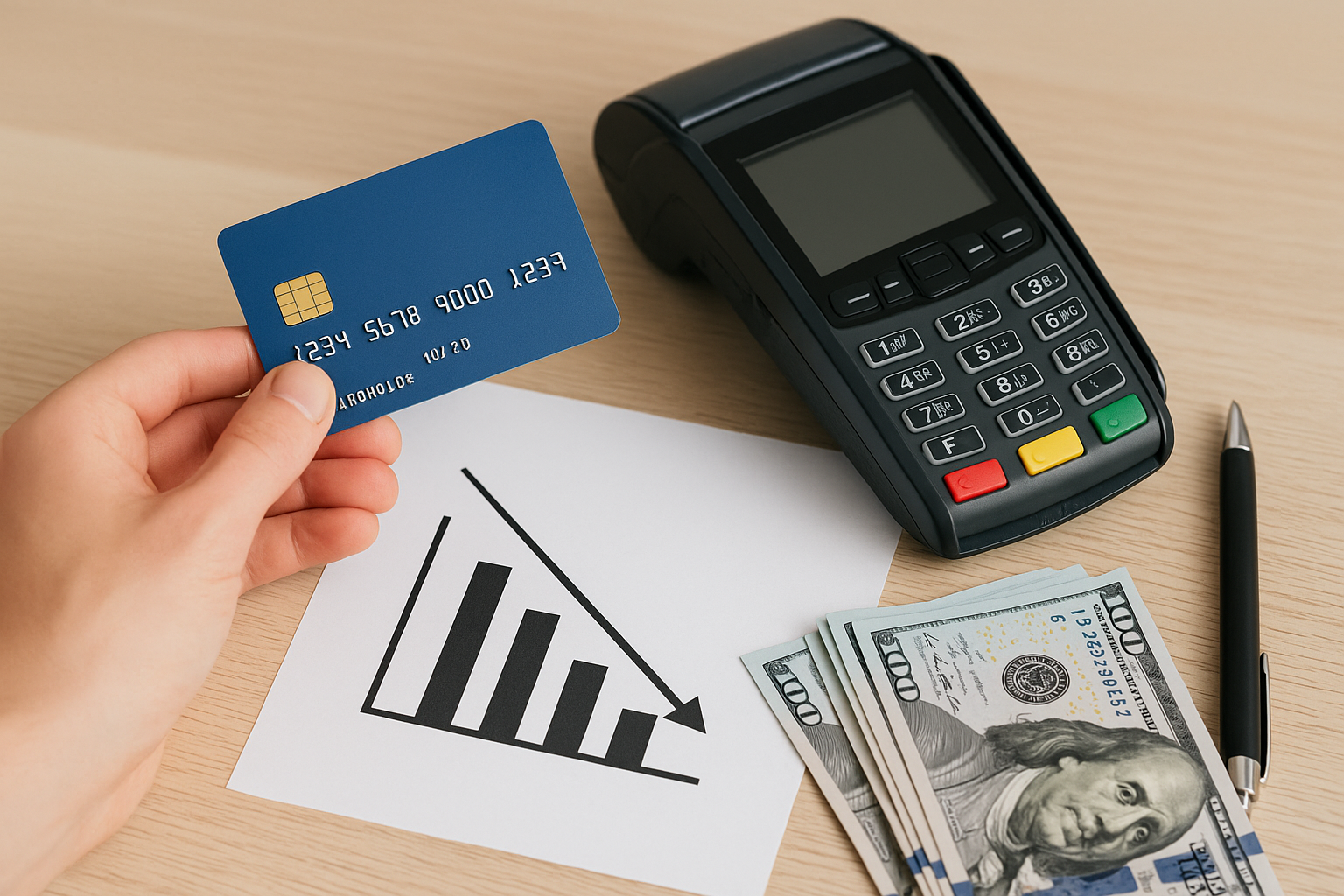
A POS system, or point-of-sale system, is the combination of hardware and software that helps a business process sales. In its simplest form, it includes a device for taking payments and recording transactions. In practice, modern POS systems do much more. They can track inventory, manage employees, store customer data, generate reports, and help owners understand how their business is performing.
For small businesses, a POS system can replace outdated cash registers and scattered spreadsheets with one organized platform. Whether you run a retail shop, café, salon, or service-based business, the right POS system can streamline daily operations and reduce manual work.
Why Small Businesses Need a POS System
Small business owners often wear many hats, which makes efficiency essential. A good POS system helps save time, reduce errors, and improve the customer experience. Instead of entering sales manually or guessing what is in stock, you can see accurate, real-time information in one place.
Here are some of the biggest benefits:
- Faster checkout: Speed up transactions and reduce long lines.
- Better inventory control: Automatically track stock levels and receive low-inventory alerts.
- Sales reporting: Understand which products, services, and times of day drive revenue.
- Customer management: Save customer profiles, purchase history, and loyalty data.
- Employee oversight: Track hours, permissions, and performance.
For a small business, these features can have a direct impact on profitability. Even a modest improvement in checkout speed or inventory accuracy can lead to meaningful savings over time.
Key Features to Look For
Not all POS systems are created equal. The best option depends on your business type, budget, and goals. Before choosing a system, look closely at the features that matter most.
1. Inventory Management
Inventory tools help you monitor stock in real time. This is especially valuable for retail and food businesses where product availability changes quickly. Look for features like low-stock alerts, purchase order tracking, and product variants such as size, color, or flavor.
2. Payment Processing
Your POS should accept the payment methods your customers prefer, including credit cards, debit cards, contactless payments, mobile wallets, and gift cards. Some systems also support split payments and refunds, which can improve flexibility at checkout.
3. Sales Reporting and Analytics
Reports help you make smarter business decisions. A strong POS system should show daily sales totals, best-selling items, peak hours, and employee performance. These insights make it easier to adjust pricing, staffing, and promotions.
4. Customer Relationship Tools
Many small businesses rely on repeat customers. POS systems with customer profiles, loyalty programs, and email marketing integrations can help you build stronger relationships and encourage return visits.
5. Employee Management
Scheduling, time tracking, and permissions are useful for businesses with staff. Some POS systems allow you to set access levels so employees can only perform certain actions, such as processing sales but not changing prices.
6. Ease of Use
A POS system should make your work easier, not more complicated. Choose software with a clean interface, simple navigation, and quick training time. This is especially important if you hire seasonal or part-time employees.
7. Integration Options
The right POS system should work well with the other tools you already use, such as accounting software, e-commerce platforms, payroll systems, and email marketing tools. Integrations can reduce duplicate work and keep your data consistent.
Types of POS Systems for Small Business
There are several types of POS systems, and each one suits different needs.
- Traditional POS: Usually installed on a countertop or terminal and common in retail and restaurants.
- Cloud-based POS: Stores data online, allowing you to access reports and manage your business from anywhere.
- Mobile POS: Runs on tablets or smartphones, making it ideal for pop-up shops, food trucks, and service businesses.
- Hybrid POS: Combines local and cloud functionality, which can be helpful if you want flexibility and backup options.
Cloud-based and mobile systems are especially popular with small businesses because they tend to be more affordable, easier to set up, and more scalable than traditional systems.
How to Choose the Right POS System
Choosing a POS system starts with understanding your business needs. A retail store may prioritize inventory and barcode scanning, while a restaurant may need table management and split checks. A salon might care most about appointment booking and customer profiles.
Use the following steps to narrow your options:
- Identify your must-have features: Make a list of essential tools and nice-to-have extras.
- Set a realistic budget: Include software subscriptions, hardware, payment processing fees, and setup costs.
- Check compatibility: Make sure the POS works with your current devices and business tools.
- Test the interface: Choose a system your team can learn quickly.
- Read reviews and compare support: Reliable customer support matters when problems arise.
It also helps to ask for a demo or free trial. Hands-on testing can reveal whether the system feels intuitive and whether the reporting and checkout tools meet your expectations.
Common Mistakes to Avoid
Many small business owners choose a POS system based only on price, but the cheapest option is not always the best value. A system that lacks important features may cost more in lost time and inefficiency.
Other common mistakes include:
- Choosing software that is too complex for your team
- Ignoring hidden fees or contract terms
- Overlooking integration with accounting or e-commerce tools
- Not planning for future growth
- Skipping staff training after installation
A little planning upfront can help you avoid expensive changes later. The best POS system is one that supports your current workflow while leaving room to grow.
How a POS System Can Help Your Business Grow
A well-chosen POS system does more than process payments. It gives you the tools to run your business with more confidence. By centralizing sales, inventory, and customer data, you can make faster decisions and spot trends earlier.
For example, you may notice that certain products sell better on weekends, or that some employees outperform others during busy shifts. You might also identify opportunities to bundle items, launch promotions, or improve staffing schedules. Over time, this kind of insight can lead to stronger margins and better customer satisfaction.
Conclusion
For small businesses, a POS system is more than a checkout tool. It is a central part of running efficient operations, improving customer service, and supporting growth. By choosing a system with the right features, pricing, and integrations, you can simplify daily tasks and make better business decisions. Take the time to compare options carefully, and you will find a POS solution that fits your business today and scales with you in the future.