
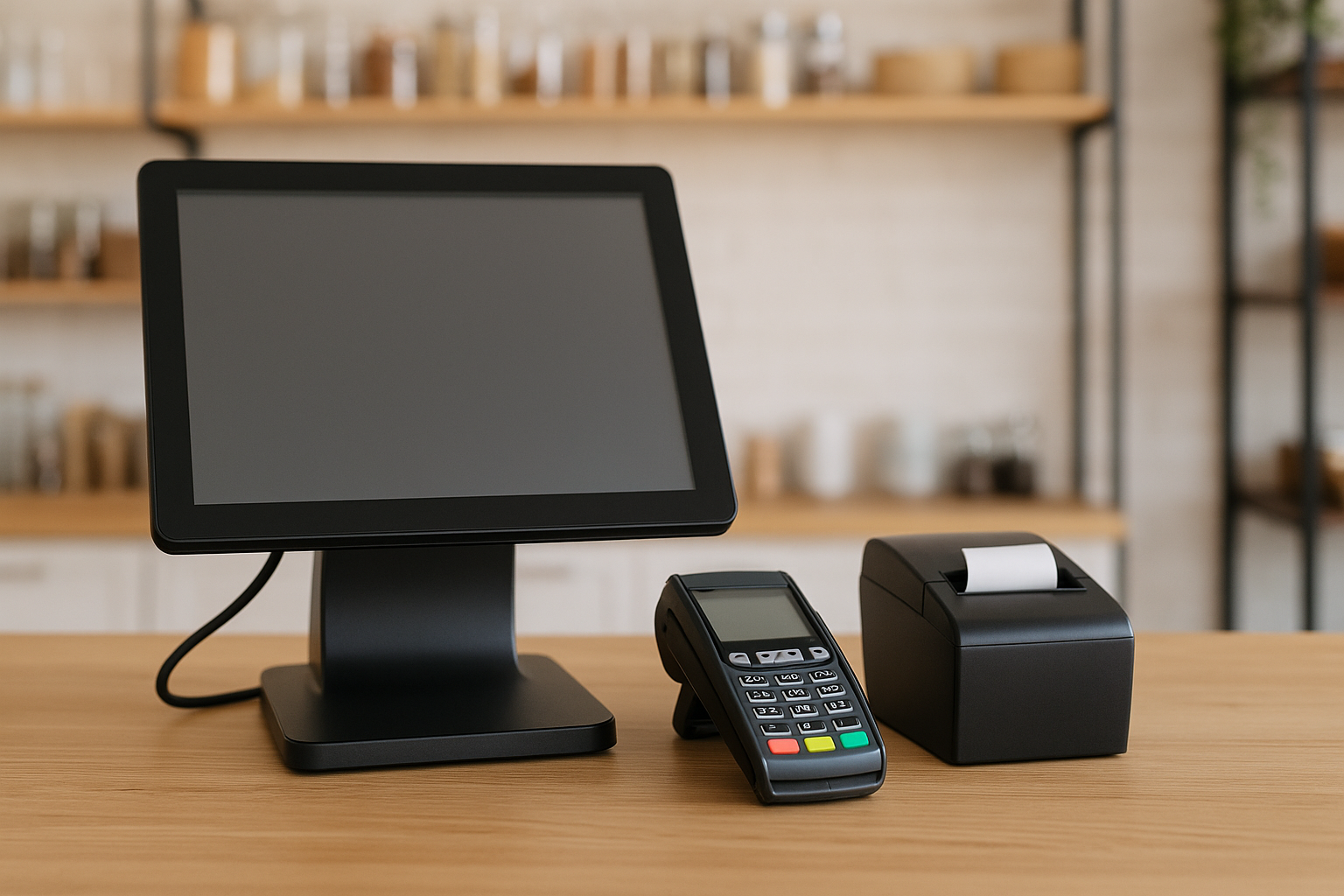
What Is a POS System for Small Business?
A POS system for small business is the hardware and software used to complete sales transactions, track inventory, manage customers, and generate reports. In simple terms, it is the central hub that connects your checkout process with the rest of your operations. For many small business owners, a modern POS system does much more than ring up sales—it helps streamline day-to-day tasks, reduce errors, and create a better customer experience.
Today’s POS systems can be cloud-based, mobile, or traditional countertop setups. Whether you run a retail shop, cafe, salon, food truck, or service business, the right system can save time and give you better visibility into how your business is performing.
Why a POS System Matters for Small Business
Small businesses often run with limited time, staff, and budget. That makes efficiency especially important. A POS system helps you speed up checkout, keep better records, and make smarter decisions based on real sales data.
Instead of juggling spreadsheets, manual receipts, and separate inventory lists, a POS system brings everything into one place. This can help you:
- Process payments faster
- Reduce human error at checkout
- Track inventory in real time
- Monitor sales trends and best-selling products
- Store customer information for loyalty programs and marketing
- Improve staff accountability and reporting
For small businesses competing with larger brands, having a reliable POS system can also create a more professional experience. Faster service, accurate pricing, and smoother transactions all contribute to customer satisfaction.
Key Features to Look for in a POS System
Not all POS systems are the same. The best choice depends on your business type, sales volume, and growth plans. Still, there are several core features that most small businesses should consider.
1. Easy Payment Processing
Your POS system should accept the payment methods your customers prefer, including credit cards, debit cards, contactless payments, mobile wallets, and cash. The simpler and faster the payment process, the better the checkout experience.
2. Inventory Management
Inventory tracking is one of the most valuable parts of a POS system for small business. Look for tools that update stock levels automatically, alert you when items are running low, and help you identify products that are not selling well.
3. Sales Reporting and Analytics
Good reporting helps you understand what is happening in your business. A strong POS system should show daily sales, peak hours, top-performing products, and employee performance. These insights can help you make better buying, staffing, and pricing decisions.
4. Customer Management
Many POS systems include customer profiles that store contact details, purchase history, and loyalty points. This is especially useful if you want to run promotions, reward repeat customers, or personalize your marketing.
5. Employee Management
If you have staff, a POS system can simplify scheduling, permissions, clock-ins, and sales tracking by employee. This makes it easier to manage accountability and measure performance.
6. Cloud Access and Mobile Use
Cloud-based POS systems allow you to monitor sales and inventory from anywhere. Mobile POS options are also helpful for businesses that sell at events, tableside, or on the go. Flexibility is a major advantage for small businesses that need to stay agile.
Types of POS Systems
There are several types of POS systems for small business, and each one fits different needs.
Cloud-Based POS
Cloud-based POS systems store data online, making it easy to access reports and updates from multiple devices. They usually offer automatic software updates and lower upfront costs than traditional systems. This is a popular choice for small businesses because it is scalable and easy to maintain.
Traditional POS
Traditional POS systems typically run on local servers and require more on-site equipment. While they may be reliable, they can be more expensive and less flexible than cloud-based solutions. They are often used by businesses that want a more fixed, established setup.
Mobile POS
Mobile POS systems use tablets or smartphones with card readers. They are ideal for businesses that need portability, such as food trucks, pop-up shops, markets, and service providers. Mobile POS systems are usually easy to set up and can reduce the need for bulky hardware.
How to Choose the Right POS System for Small Business
Choosing the right POS system starts with understanding your business needs. A system that works well for a boutique may not be the best fit for a restaurant or salon. Before you commit, think through these important factors.
Assess Your Business Type
Different industries need different features. Restaurants may need table management and kitchen printing. Retail stores may need barcode scanning and inventory variants. Service businesses may benefit more from appointment scheduling and customer profiles. Pick a system built for your workflow.
Set a Realistic Budget
POS systems can include monthly software fees, payment processing costs, hardware purchases, installation charges, and add-on features. Look beyond the sticker price and calculate the total cost of ownership. The cheapest system is not always the best value if it lacks important features or scales poorly.
Check for Ease of Use
Your staff should be able to learn the system quickly. A complicated POS can slow down service and increase mistakes. Look for a clean interface, simple navigation, and helpful training resources.
Consider Integrations
A strong POS system should connect with the other tools you already use, such as accounting software, eCommerce platforms, email marketing tools, and payroll systems. Integrations save time and reduce the need for manual data entry.
Look at Support and Reliability
Customer support matters, especially if your business depends on the POS system for daily sales. Check whether the provider offers phone support, live chat, onboarding help, and regular updates. You should also review system uptime and offline capabilities in case of internet issues.
Benefits of Using a POS System for Small Business
The right POS system can make a measurable difference in how smoothly your business operates. Here are some of the biggest benefits.
- Better efficiency: Faster transactions and less manual work
- Improved accuracy: Fewer pricing and inventory errors
- Smarter decisions: Data-driven insights into sales and customers
- Enhanced customer experience: Quicker checkout and better service
- Stronger business control: Real-time visibility into stock, sales, and staff activity
For owners trying to grow while staying organized, these benefits can quickly add up. A good POS system is not just a checkout tool—it is an operational advantage.
Common Mistakes to Avoid When Buying a POS System
It is easy to get distracted by flashy features or low introductory prices. To make a smart choice, avoid these common mistakes:
- Choosing a system without considering your industry-specific needs
- Ignoring hidden fees or long-term contract terms
- Overlooking staff training and ease of use
- Failing to confirm inventory and reporting features
- Skipping integration checks with your current tools
Taking the time to compare systems carefully can save you frustration later. A POS system should support your business, not complicate it.
Conclusion
Choosing the right POS system for small business is an important investment in efficiency, customer service, and growth. By focusing on your business needs, budget, and must-have features, you can find a system that simplifies operations and helps you make better decisions. The best POS system is the one that fits your workflow today while giving you room to grow tomorrow.



