
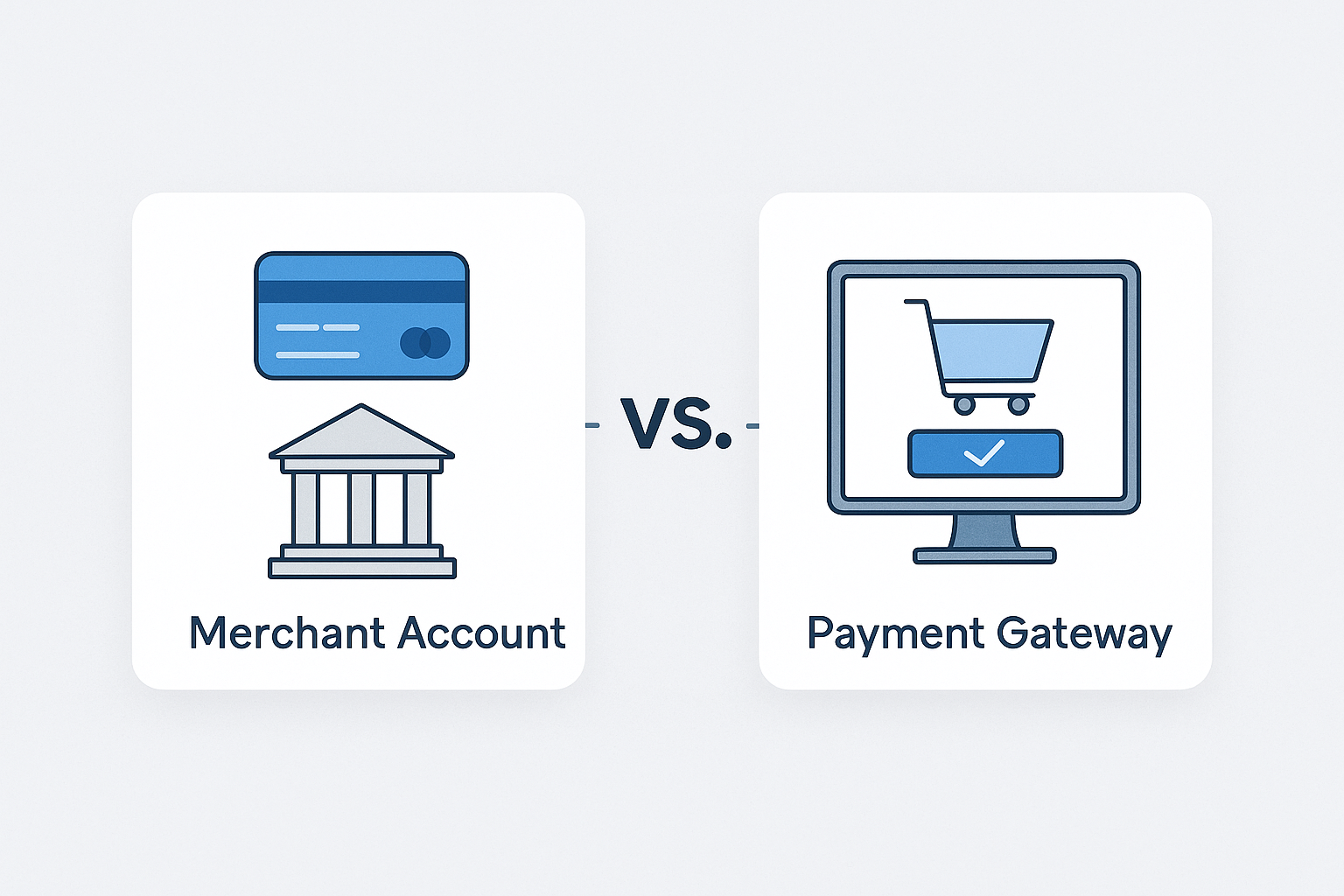
Merchant Account vs Payment Gateway
If you accept online payments, you’ve likely heard the terms merchant account and payment gateway used interchangeably. While they work together to process card payments, they are not the same thing. Understanding the difference can help you choose the right payment setup, avoid hidden fees, and create a smoother checkout experience for your customers.
In simple terms, a merchant account is where approved funds are held before they are deposited into your business bank account, while a payment gateway is the technology that securely captures and sends payment information for authorization. Both are essential parts of the payment process, but they serve different roles.
What Is a Merchant Account?
A merchant account is a special type of account that allows a business to accept credit and debit card payments. It acts as an intermediary between your customer’s bank and your business bank account. When a payment is approved, the funds first go into the merchant account and are then transferred to your business account, usually within a few business days.
Merchant accounts are typically provided by acquiring banks or payment processors. They are especially common for businesses that need to accept payments in person, online, or over the phone. Depending on your business type and risk level, the provider may require an application, underwriting review, and possibly a contract.
How a Merchant Account Works
Here’s a simplified version of the process:
- A customer makes a purchase using a card.
- The payment is authorized by the cardholder’s bank.
- The funds are temporarily held in the merchant account.
- The merchant account provider settles the funds into your business bank account.
This setup helps manage the financial side of card transactions and reduces the risk of failed or disputed payments.
What Is a Payment Gateway?
A payment gateway is the technology that securely captures payment details and sends them to the processor for authorization. Think of it as the digital bridge between your website, your customer’s payment method, and the banks involved in the transaction.
Payment gateways are used primarily for online and card-not-present transactions. They encrypt sensitive information, help prevent fraud, and ensure payment data is transmitted securely. Without a payment gateway, your ecommerce store would not be able to collect and send payment details for processing.
How a Payment Gateway Works
The gateway handles the front-end part of the transaction:
- The customer enters payment details at checkout.
- The gateway encrypts the information.
- The data is sent to the payment processor or acquiring bank.
- The payment is approved or declined.
- The result is returned to the customer in real time.
In short, the payment gateway is the secure messenger that moves payment information through the system.
Merchant Account vs Payment Gateway: Key Differences
Although both are needed to accept card payments, they perform different functions. A merchant account stores and settles funds, while a payment gateway transmits transaction data.
Here are the main differences:
- Purpose: A merchant account handles money settlement; a payment gateway handles secure data transmission.
- Role in the transaction: The merchant account comes into play after authorization, while the gateway is used at checkout.
- Where it operates: Merchant accounts are tied to the financial back end; gateways operate on the customer-facing front end.
- Security: Gateways encrypt and protect payment data; merchant accounts are focused on fund management and settlement.
Another helpful way to think about it is this: the payment gateway is like the checkout counter, and the merchant account is the holding area where money is processed before reaching your bank.
Do You Need Both?
In many cases, yes. If you want to accept online credit card payments, you usually need both a merchant account and a payment gateway. The gateway collects the payment details, and the merchant account receives the approved funds.
However, some providers bundle both services together in one solution. These all-in-one platforms simplify setup and may be a good choice for small businesses, startups, and merchants that want a faster onboarding process. Others prefer to separate the services to gain more flexibility, negotiate better rates, or use specialized tools.
The right option depends on your business model, transaction volume, and technical needs.
Types of Merchant Accounts
Not all merchant accounts are the same. The right one for your business depends on how and where you take payments.
Dedicated Merchant Accounts
A dedicated merchant account is set up specifically for your business and is typically provided by a bank or merchant services provider. These accounts may offer better control, but they can involve more paperwork and underwriting.
Aggregated Merchant Accounts
With an aggregated account, multiple businesses process payments under one large provider account. This is common with platforms that offer simple sign-up and quick approval. It can be convenient, though sometimes funds are held longer or risk controls are stricter.
High-Risk Merchant Accounts
Businesses in industries with higher chargeback risk or regulatory concerns may need a high-risk merchant account. These accounts often come with higher fees and stricter terms, but they are designed to support businesses that standard providers may not accept.
Types of Payment Gateways
Payment gateways also vary depending on your business setup and customer experience.
Hosted Payment Gateways
A hosted gateway redirects customers to a secure third-party page to complete payment. This can reduce your compliance burden, but it may create a less seamless checkout experience.
Integrated Payment Gateways
An integrated gateway keeps customers on your site during checkout. This creates a smoother experience and can improve conversions, though it may require more development and security planning.
API-Based Gateways
API-based gateways give businesses the most flexibility. They allow custom checkout flows and advanced features, but they usually require more technical expertise to implement.
How to Choose the Right Payment Setup
Selecting the right payment solution means looking beyond just fees. The best setup should match your business size, sales channels, and long-term goals.
Consider the following factors:
- Business type: Some industries need specialized merchant accounts.
- Sales volume: Higher volume businesses may benefit from dedicated pricing and support.
- Checkout experience: A seamless gateway can reduce cart abandonment.
- Security and compliance: Look for PCI-compliant tools and strong fraud protection.
- Integration needs: Make sure the gateway works with your ecommerce platform, CRM, or accounting software.
- Fees and contract terms: Compare setup fees, monthly fees, transaction costs, and cancellation terms.
If you’re just getting started, a bundled solution may be the easiest option. If you’re scaling or need more control, separate merchant account and gateway providers may offer better flexibility.
Common Fees to Watch For
Payment processing costs can vary widely, so it’s important to understand the common fees involved.
- Setup fees: One-time charges to open the account or activate the service.
- Monthly fees: Ongoing charges for account maintenance or gateway access.
- Transaction fees: A percentage and/or flat fee per payment.
- Chargeback fees: Fees charged when a customer disputes a payment.
- PCI compliance fees: Charges related to maintaining payment security standards.
Always review the pricing structure carefully so you understand the full cost of accepting payments.
Final Thoughts
Merchant accounts and payment gateways are both essential to modern payment processing, but they serve different jobs. The merchant account handles the movement of funds, while the payment gateway securely transmits payment details during checkout.
By understanding how each one works, you can choose a payment solution that supports your business, protects your customers, and makes checkout as simple as possible.



