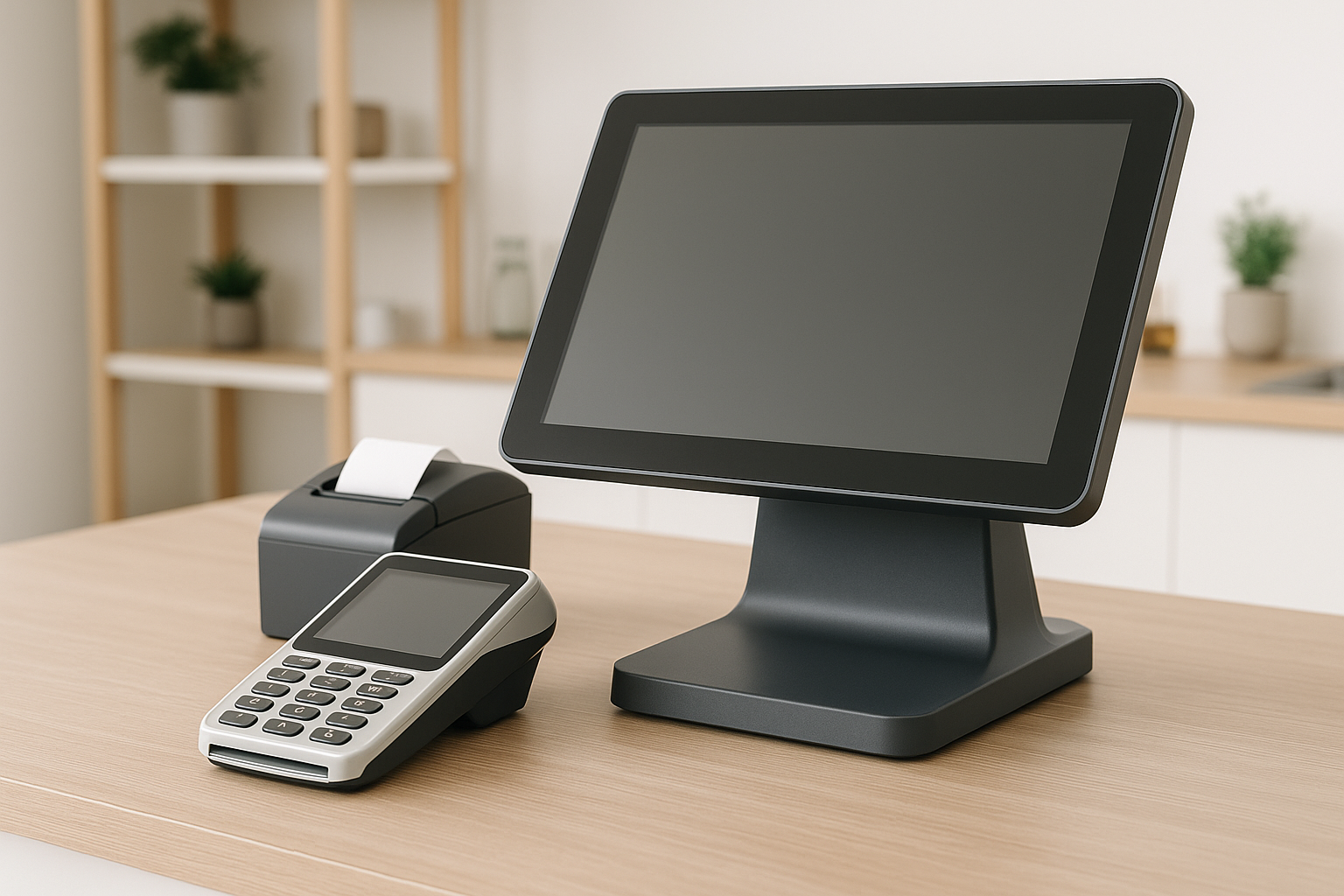
What Is a Point of Sale System?
A point of sale (POS) system is the combination of hardware and software a business uses to complete sales transactions. At its simplest, a POS system processes payments and records purchases. In practice, it does much more. It can track inventory, manage customer data, generate reports, support employee permissions, and help business owners understand how their store is performing in real time.
POS systems are used in retail stores, restaurants, salons, service businesses, and many other industries. Whether the business is a single location or a growing chain, a modern POS system acts as the central hub for daily operations.
How a POS System Works
A POS system works by connecting the checkout process with your business data. When a customer makes a purchase, the cashier or staff member enters the items into the system, the total is calculated, payment is accepted, and the transaction is recorded.
Behind the scenes, the system may also update inventory counts, apply discounts, record taxes, store customer loyalty information, and create a sales report. Many systems also sync data to the cloud, which allows owners to access information from anywhere.
Key Components of a POS System
Hardware
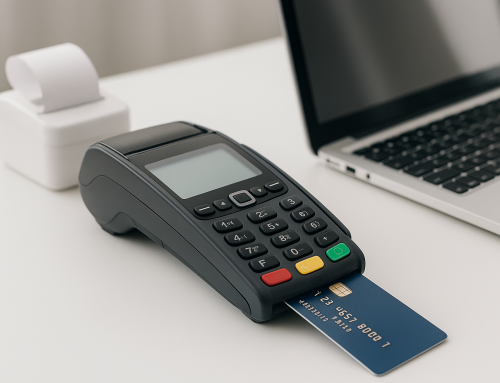
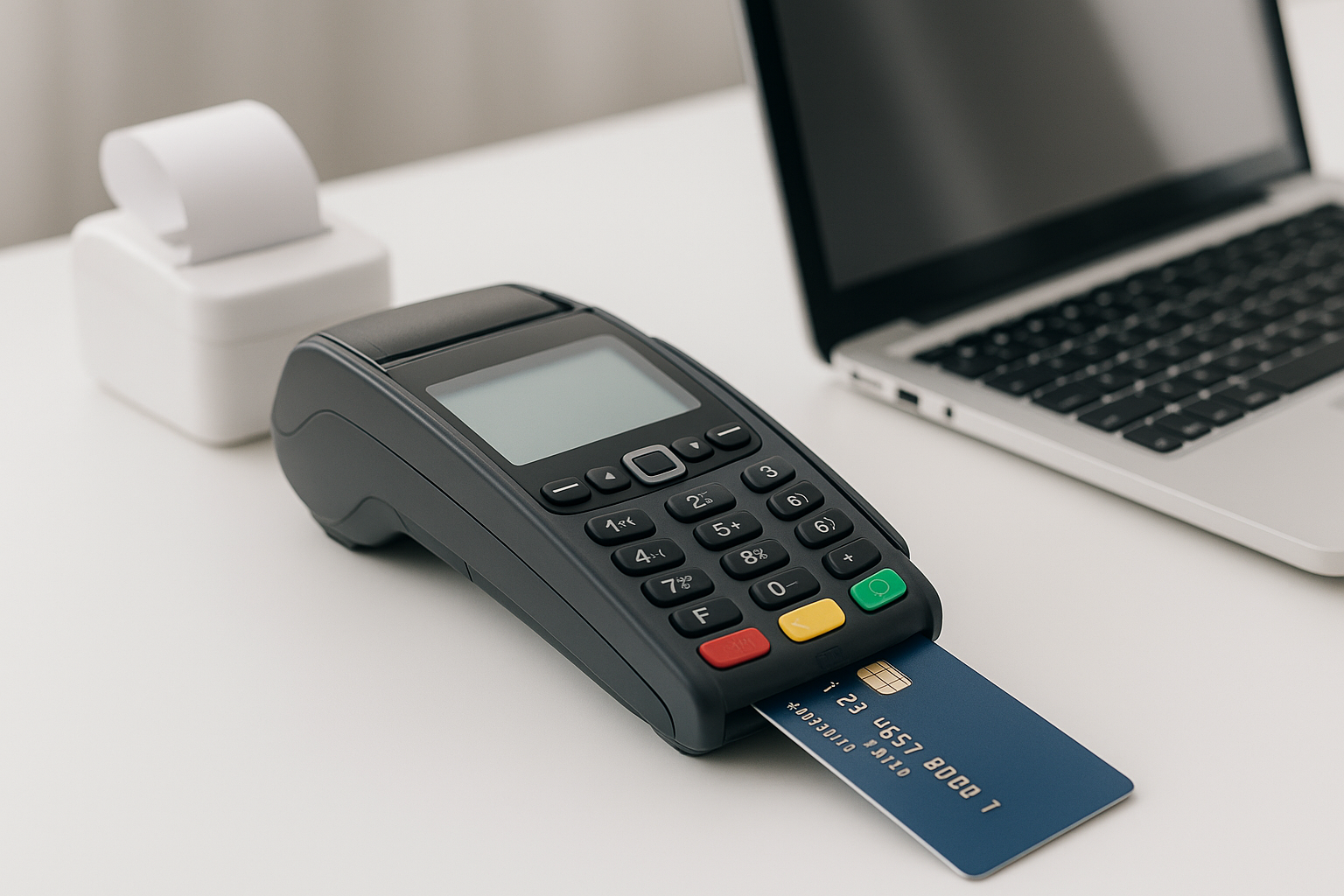
POS hardware includes the physical tools used to complete sales. Common examples are a touchscreen terminal, tablet, barcode scanner, receipt printer, cash drawer, and card reader. Depending on the business, hardware may be a compact mobile device or a full countertop setup.
Software
POS software is the brain of the system. It handles product lookup, payment processing, inventory tracking, reporting, and customer management. Good software should be easy to use, reliable, and flexible enough to match the needs of the business.
Payment Processing
Most modern POS systems include integrated payment processing. This means businesses can accept debit cards, credit cards, contactless payments, mobile wallets, and sometimes even gift cards or buy-now-pay-later options. Integrated processing helps speed up checkout and reduces the chance of errors from manual entry.
Cloud Connectivity
Cloud-based POS systems store information online instead of only on a local device. This makes it easier to access sales reports remotely, update products across locations, and back up important business data automatically.
Benefits of Using a POS System
Faster Checkout
A POS system streamlines the payment process, helping businesses serve customers more quickly. Faster checkout reduces wait times, improves the customer experience, and can help increase sales during busy periods.
Accurate Inventory Management
One of the biggest advantages of a POS system is inventory tracking. Every sale can automatically reduce stock levels, making it easier to know what is selling, what needs to be reordered, and which products are underperforming.
Better Reporting and Insights
POS systems generate detailed reports on sales, products, customers, and employee performance. These insights can help business owners identify trends, make smarter purchasing decisions, and spot opportunities to improve profitability.
Improved Customer Experience
From faster service to loyalty programs and personalized offers, POS systems can help businesses create a better shopping experience. Returning customers may also benefit from saved preferences, purchase history, and easy access to rewards.
Reduced Human Error
Manual processes can lead to pricing mistakes, inventory mismatches, and accounting headaches. A well-designed POS system reduces these errors by automating calculations and recording transactions consistently.
Types of POS Systems
Traditional POS Systems
Traditional POS systems are often installed on local hardware and used in physical locations. They are common in large retail stores and restaurants that need durable equipment and advanced control.
Cloud-Based POS Systems
Cloud-based systems have become increasingly popular because they offer flexibility, remote access, and automatic updates. They are often subscription-based and ideal for businesses that want to scale without heavy upfront investment.
Mobile POS Systems
Mobile POS systems run on tablets or smartphones and are great for businesses that need portability. They are commonly used at pop-up shops, events, food trucks, and service businesses that take payments on the go.
Self-Service POS Systems
Some businesses use self-service kiosks, allowing customers to place orders or complete purchases on their own. These systems can reduce staffing pressure and speed up service in busy environments.
How to Choose the Right POS System
Choosing the right POS system starts with understanding your business needs. A restaurant has different requirements than a clothing store, and a salon will need different features than an online seller with a physical location.
Consider the following factors when comparing systems:
- Industry-specific features: Look for tools tailored to your type of business.
- Ease of use: Staff should be able to learn the system quickly.
- Inventory management: Make sure the system can track products in the way you need.
- Payment options: Check whether it supports the payment methods your customers use.
- Reporting: Strong analytics help with better decision-making.
- Integrations: The system should connect with accounting, eCommerce, payroll, or loyalty tools if needed.
- Support and security: Reliable support and strong data protection are essential.
It is also smart to think about future growth. A system that works today should still work when your business expands to new locations or higher sales volumes.
Common POS Features to Look For
Not all systems are the same, but many of the best POS solutions include features such as:
- Sales tracking
- Inventory management
- Discount and promotion tools
- Customer relationship management
- Employee permissions and time tracking
- Real-time reporting
- Multi-location support
- Offline mode for temporary internet outages
These features can make daily operations smoother and give business owners more control over their sales environment.
POS Systems and Business Growth
A POS system is more than just a checkout tool. It can help a business grow by making operations more efficient and data-driven. For example, if a store knows which products are selling best, it can reorder inventory more effectively and reduce waste. If a business sees that one employee consistently outsells others, managers can study their approach and use it to train the rest of the team.
For businesses with both in-store and online sales, a POS system can unify customer and product data across channels. This makes omnichannel selling much easier and creates a more seamless experience for customers.
Conclusion
Point of sale systems have become essential tools for modern businesses. They do far more than process payments—they help manage inventory, improve customer service, generate insights, and support business growth. By choosing the right POS system, businesses can save time, reduce errors, and create a stronger foundation for long-term success.