What Is a POS System for Small Business?
A POS system, or point-of-sale system, is the technology you use to complete sales, accept payments, and track transactions in your store, restaurant, salon, or service-based business. For small businesses, a POS system does much more than just ring up purchases. It can help manage inventory, monitor sales trends, store customer information, and simplify daily operations.
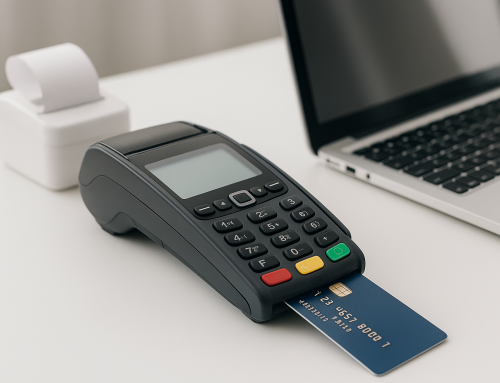
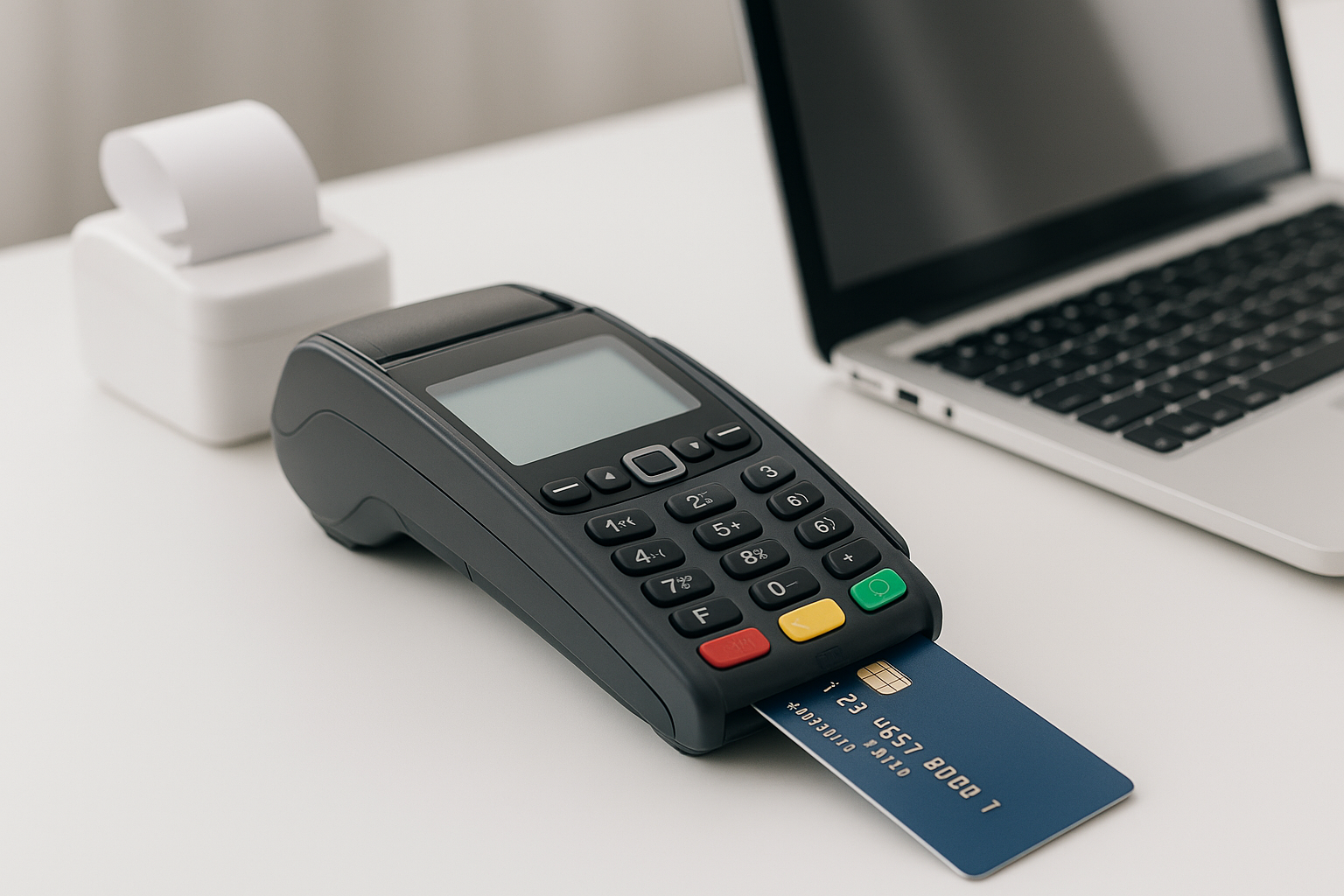
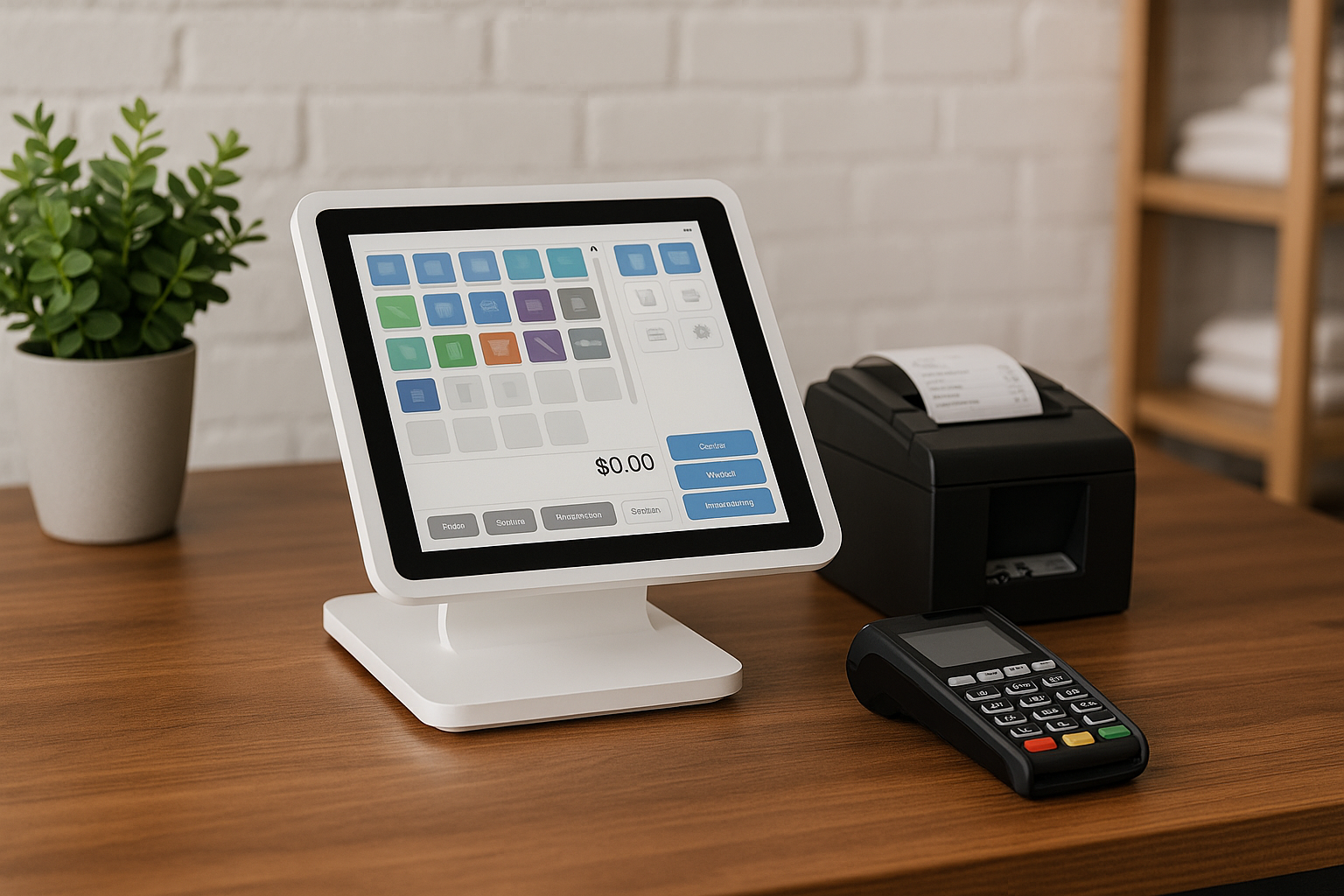
Modern POS systems are usually a combination of software and hardware. The software processes sales and manages business data, while the hardware may include a tablet, cash drawer, receipt printer, barcode scanner, and card reader. Many systems also work in the cloud, which means you can access reports and manage your business from anywhere.
For small business owners, the right POS system can save time, reduce errors, and create a smoother experience for both staff and customers.
Why Small Businesses Need a POS System
Running a small business often means wearing many hats at once. You may be handling sales, inventory, customer service, scheduling, and bookkeeping all in the same day. A POS system helps bring these tasks together in one place, making it easier to stay organized and efficient.
Here are some of the biggest benefits:
- Faster checkout: Speed up transactions and reduce long lines.
- Better inventory tracking: Know what products are selling and when to reorder.
- Improved reporting: View daily sales, peak hours, and best-selling items.
- Enhanced customer experience: Offer modern payment options and quicker service.
- Reduced errors: Automate calculations and minimize manual mistakes.
Even very small businesses can benefit from a POS system. If you sell products or services in person, having a reliable system can make your operations more professional and scalable.
Key Features to Look for in a POS System
Not all POS systems are the same. The best option depends on your business type, budget, and goals. Before choosing a system, look for features that will support both your current needs and future growth.
Inventory Management
Inventory tools help you track stock levels in real time, set reorder alerts, and reduce the risk of overstocking or running out of popular items. This is especially valuable for retail businesses and restaurants that deal with many products or ingredients.
Payment Processing
A good POS system should accept multiple payment methods, including credit cards, debit cards, contactless payments, mobile wallets, and cash. The more payment options you offer, the more convenient it is for your customers.
Sales Reporting and Analytics
Detailed reports can show you which items sell best, when your busiest hours are, and how your business performs over time. These insights help you make smarter decisions about staffing, promotions, and inventory.
Customer Relationship Tools
Some POS systems include customer profiles, loyalty programs, purchase history, and email marketing integrations. These features help you build stronger relationships and encourage repeat business.
Ease of Use
Small businesses often have limited time for training. A POS system should be easy for you and your team to learn quickly. Simple navigation and a clean interface can make a big difference in day-to-day operations.
Cloud Access
Cloud-based POS systems let you manage your business remotely from a phone, tablet, or computer. This is helpful if you want to check sales, update products, or monitor performance when you’re not onsite.
Types of POS Systems for Small Businesses
There are several types of POS systems available, and the best choice depends on how your business operates.
- Traditional POS: Installed on a fixed terminal, often used in stores and restaurants.
- Mobile POS: Runs on tablets or smartphones, ideal for pop-up shops, food trucks, and service businesses.
- Cloud POS: Stores data online and allows remote access from multiple devices.
- Omnichannel POS: Connects in-store, online, and mobile sales channels in one system.
If you sell both in person and online, an omnichannel or cloud-based system may offer the flexibility you need. If your business is smaller and mostly local, a mobile POS may be the most affordable and practical choice.
How to Choose the Right POS System
Choosing the right POS system starts with understanding your business needs. Take time to think about your daily workflow, customer base, and growth plans.
Here are a few steps to guide your decision:
- Identify your business type: Retail, restaurant, salon, and service businesses all need different features.
- Set your budget: Consider software fees, hardware costs, payment processing fees, and add-ons.
- List must-have features: Decide which tools are essential for your operations.
- Check for integrations: Make sure the POS works with your accounting, e-commerce, or marketing tools.
- Read reviews and test demos: Try before you buy whenever possible.
It is also wise to think about scalability. Your business may be small now, but the right POS system should grow with you as you add locations, employees, or new sales channels.
Common Mistakes to Avoid When Buying a POS System
Many small business owners make the mistake of choosing a system based only on price. While affordability matters, the cheapest option is not always the best long-term investment.
Avoid these common mistakes:
- Buying too many features: Extra tools can add cost and complexity.
- Ignoring support: Reliable customer service is essential when problems arise.
- Skipping hardware compatibility checks: Make sure your devices work with the software.
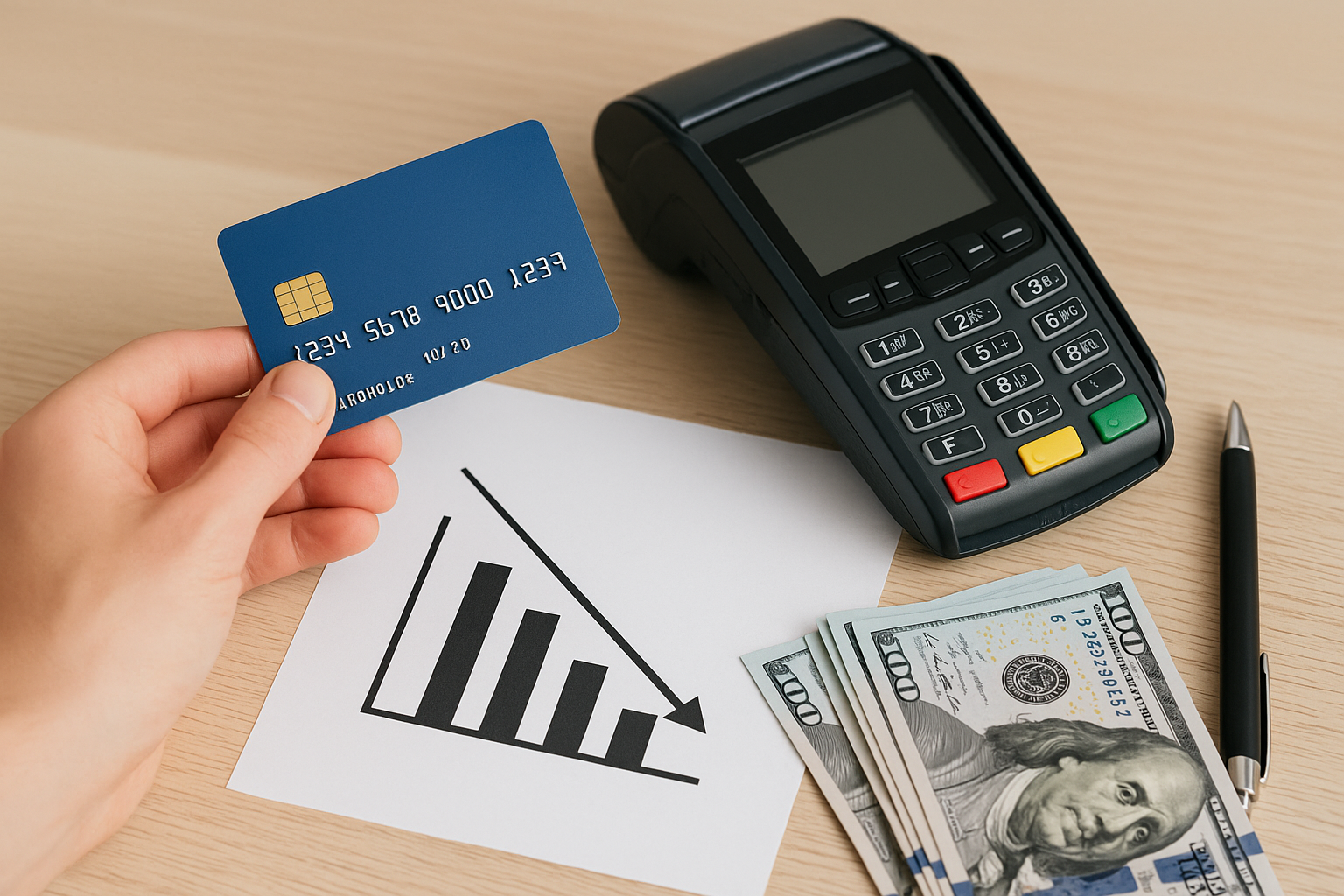
- Overlooking payment fees: Transaction costs can affect your profit margins.
- Not planning for growth: Choose a system that can expand with your business.
Taking the time to compare options carefully can help you avoid frustration and extra expenses later.
Benefits of Using a POS System Long Term
A POS system is not just a checkout tool. Over time, it becomes an important part of how you manage and grow your business. The data it collects can reveal patterns that help you make better decisions about products, pricing, staffing, and customer engagement.
Long-term benefits include more accurate records, better cash flow management, easier tax preparation, and stronger customer loyalty. As your business grows, a good POS system can help you stay organized without adding unnecessary stress.
In many cases, the time saved and mistakes avoided can more than justify the cost of the system.
Conclusion
Choosing the right POS system for small business can make a major difference in how smoothly your company runs. From faster checkout and better inventory tracking to stronger reporting and customer management, the right system helps you work more efficiently and grow with confidence.
By focusing on your business needs, comparing features carefully, and planning for the future, you can find a POS solution that supports both daily operations and long-term success.