How Credit Card Processing Works
Credit card processing may look instant from the customer’s point of view, but behind the scenes it involves several systems communicating in just a few seconds. When a cardholder taps, inserts, or swipes a card, the transaction moves through a chain of parties that verify the card, check for funds, approve or decline the purchase, and transfer the money to the merchant. Understanding how this process works can help business owners choose the right payment solution and better manage transaction costs and security.
The Key Players in a Credit Card Transaction
Before looking at the step-by-step process, it helps to know who is involved. Every credit card payment includes a few core players:
- Cardholder: The customer using the credit or debit card.
- Merchant: The business accepting the payment.
- Payment gateway: The technology that securely captures and transmits card details online or in person.
- Payment processor: The company that routes transaction data between the merchant, card network, and bank.
- Card network: Brands such as Visa, Mastercard, American Express, and Discover that manage the payment rails.
- Issuing bank: The bank that issued the customer’s card and decides whether to approve the charge.
- Acquiring bank: The merchant’s bank, which receives the funds once the transaction is settled.
Each of these players has a specific role, and the payment can’t move forward unless every step works correctly.
Step 1: The Customer Initiates the Payment
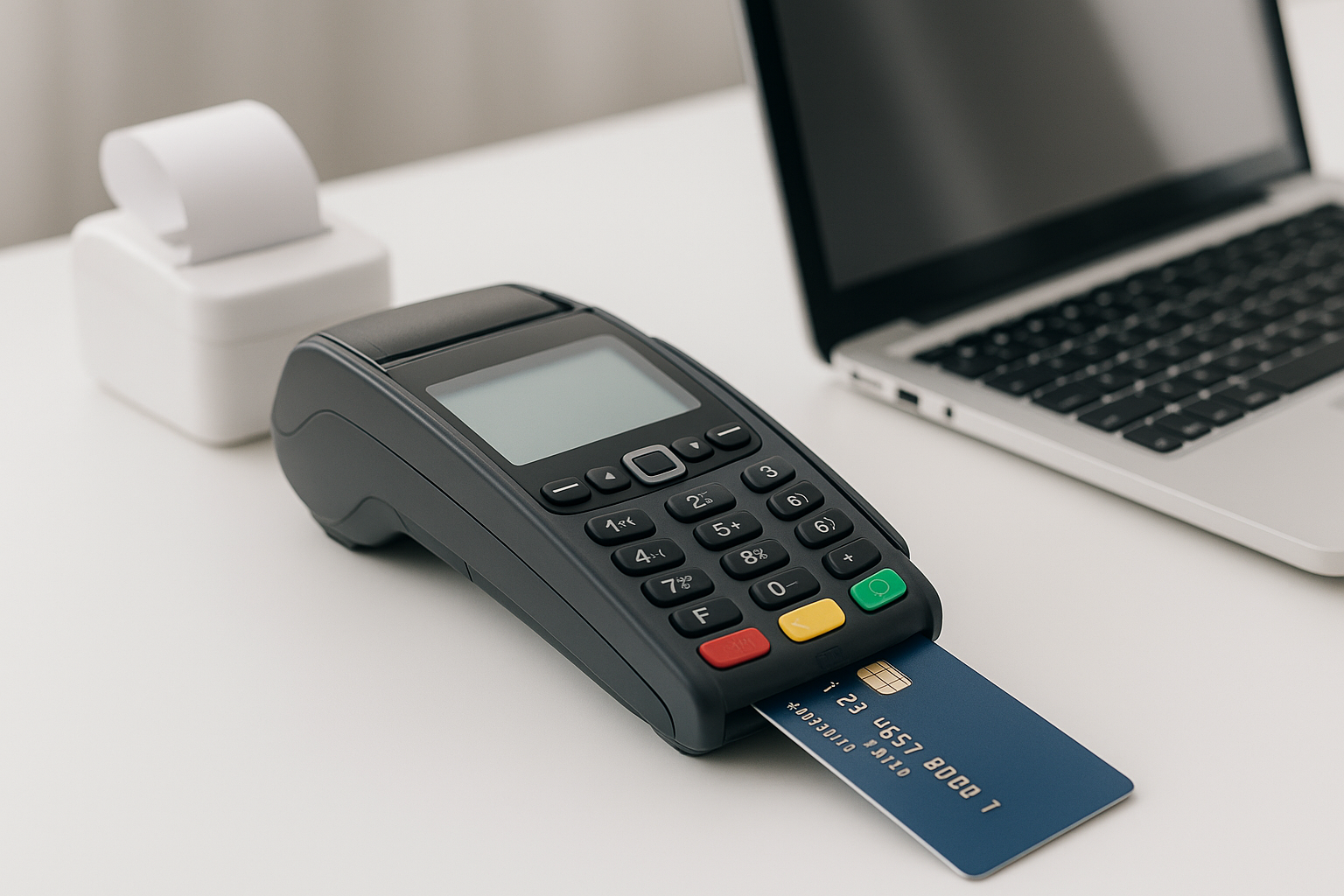
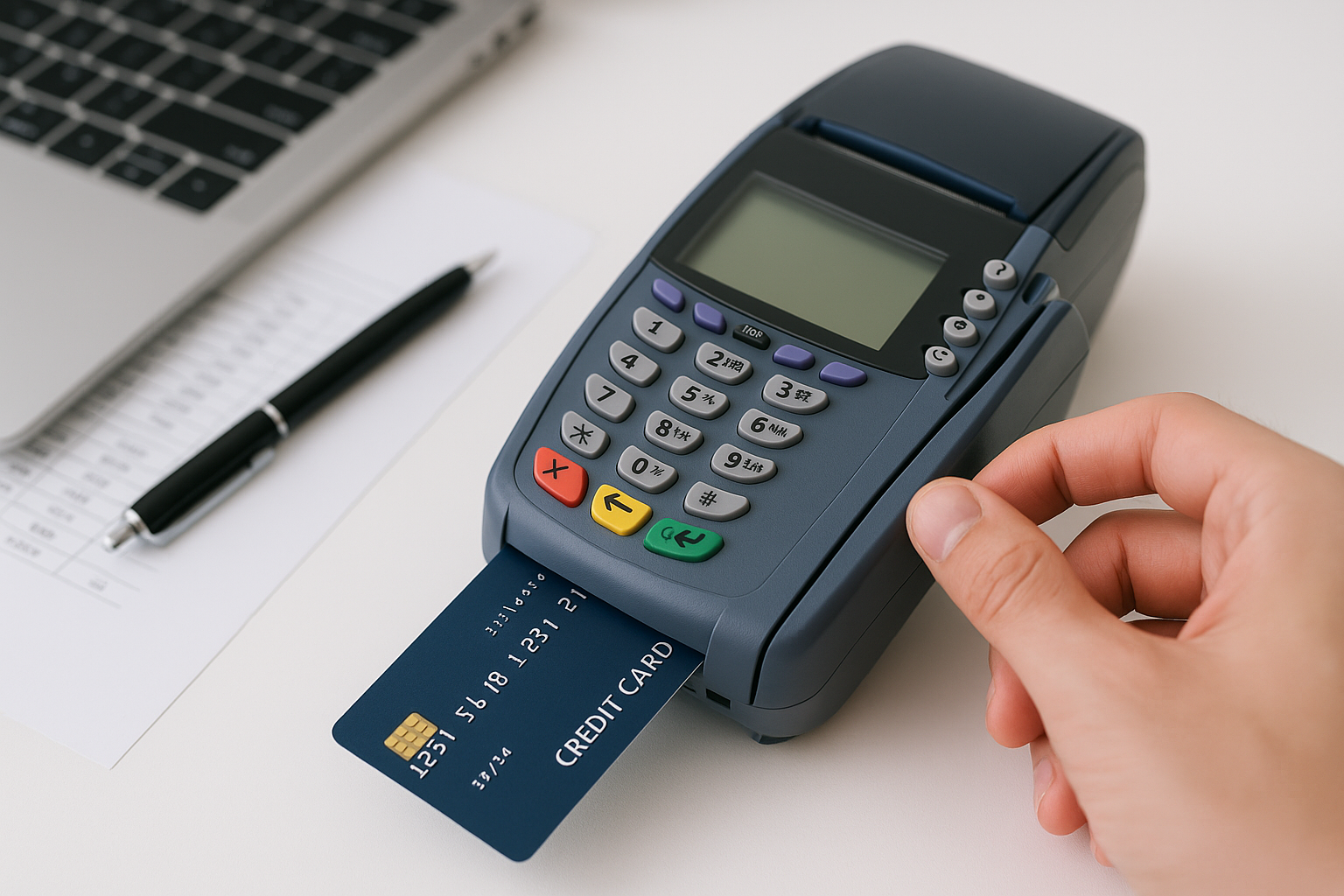
The process starts when a customer makes a purchase. This can happen in a store with a card reader, on a website checkout page, in an app, or through a mobile wallet like Apple Pay or Google Pay. The card details are captured by the payment terminal or gateway and prepared for transmission.
For card-not-present transactions, such as online orders, the customer usually enters the card number, expiration date, CVV, and billing address. For in-person purchases, the chip, magnetic stripe, or contactless tap sends the information to the terminal. In either case, the data is encrypted to help protect sensitive payment information.
Step 2: The Payment Gateway Sends the Data Securely
Once the card information is entered, the payment gateway acts like a secure messenger. Its job is to package the data and send it to the payment processor without exposing sensitive details. Many gateways also perform fraud screening checks at this stage, such as verifying the card format, checking the address, or flagging suspicious activity.
In online transactions, the gateway is essential because it connects the checkout page to the broader payment network. Without it, the merchant would have no secure way to transmit payment data for authorization.
Step 3: The Payment Processor Routes the Transaction
The payment processor receives the transaction from the gateway or point-of-sale system and sends it to the appropriate card network. Think of the processor as the traffic controller of the payment system. It makes sure the transaction gets to the right destination quickly and accurately.
The processor does not decide whether the purchase will be approved. Instead, it simply moves the transaction information through the payment chain and ensures the merchant and card network can communicate efficiently.
Step 4: The Card Network Forwards the Request
Next, the card network receives the transaction request and forwards it to the issuing bank. The network also applies routing rules and helps manage communication between all parties. Different card networks use slightly different systems, but the core function is the same: get the authorization request to the bank that issued the card.
The card network also helps enforce standards, supports dispute handling, and manages the overall infrastructure that makes card payments possible.
Step 5: The Issuing Bank Approves or Declines the Charge
This is the decision point. The issuing bank reviews the transaction and checks several factors, including:
- Whether the card is active
- Whether the available credit or funds are sufficient
- Whether the transaction looks unusual or potentially fraudulent
- Whether the cardholder has exceeded spending limits
- Whether the transaction matches the cardholder’s billing information
If everything looks good, the bank approves the charge and sends an authorization code back through the network. If something is wrong, the bank declines the transaction and may return a reason code. Common decline reasons include insufficient funds, incorrect card information, or suspected fraud.
Approval does not mean the money has moved yet. It only means the bank has placed a hold on the amount and authorized the transaction.
Step 6: The Merchant Receives the Authorization Response
The approval or decline travels back through the same chain in reverse: from the issuing bank to the card network, then to the processor, and finally to the merchant’s terminal or website. If approved, the customer sees a success message and the merchant completes the sale. If declined, the customer must try another payment method or card.
At this stage, the merchant has confirmation that the transaction can proceed, but the funds are still not fully transferred.
Step 7: The Transaction Is Batched for Settlement
At the end of the business day, most merchants send approved transactions in a batch for settlement. This means the merchant’s payment system groups the day’s sales together and submits them for final processing. Some businesses batch more than once a day, while others use automated systems that do it on a set schedule.
Settlement is the step where the money begins moving from the customer’s bank to the merchant’s bank. It is different from authorization, which only confirms that the transaction is valid and funds are available.
Step 8: Funds Are Deposited Into the Merchant Account
After settlement, the acquiring bank receives the funds from the issuing bank through the card network and processor. The money is then deposited into the merchant account, minus any applicable processing fees. Depending on the provider, deposits may take one to three business days, though some merchants can access funds faster.
This is the point where the business actually gets paid. The timing can vary based on the processor, the type of card used, the merchant’s industry, and the risk level of the account.
Fees Involved in Credit Card Processing
Credit card processing is not free. Merchants typically pay a combination of fees, which may include:
- Interchange fees: Paid to the cardholder’s issuing bank
- Assessment fees: Charged by the card networks
- Processor markup: The amount kept by the payment processor or merchant services provider
Some providers charge a flat monthly fee, while others use tiered or interchange-plus pricing. The total cost depends on the volume of transactions, the type of cards accepted, and whether the purchases are made in person, online, or through mobile devices.
Security and Fraud Prevention
Security is a major part of credit card processing. Payment systems use encryption, tokenization, EMV chip technology, address verification, CVV checks, and fraud monitoring tools to reduce the chance of fraud. Merchants that handle card payments should also follow PCI DSS standards, which are designed to protect cardholder data.
Even with modern security tools, no system is completely immune to fraud. That’s why businesses need strong fraud controls and regular monitoring to reduce chargebacks and unauthorized payments.
Conclusion
Credit card processing may seem simple on the surface, but it relies on a fast-moving network of gateways, processors, banks, and card networks working together. From the moment a customer enters payment details to the moment funds reach the merchant account, each step plays an important role in making the transaction secure and reliable. For businesses, understanding this process can make it easier to choose the right payment provider, control costs, and improve the customer experience.