
What Is a Mobile POS System?
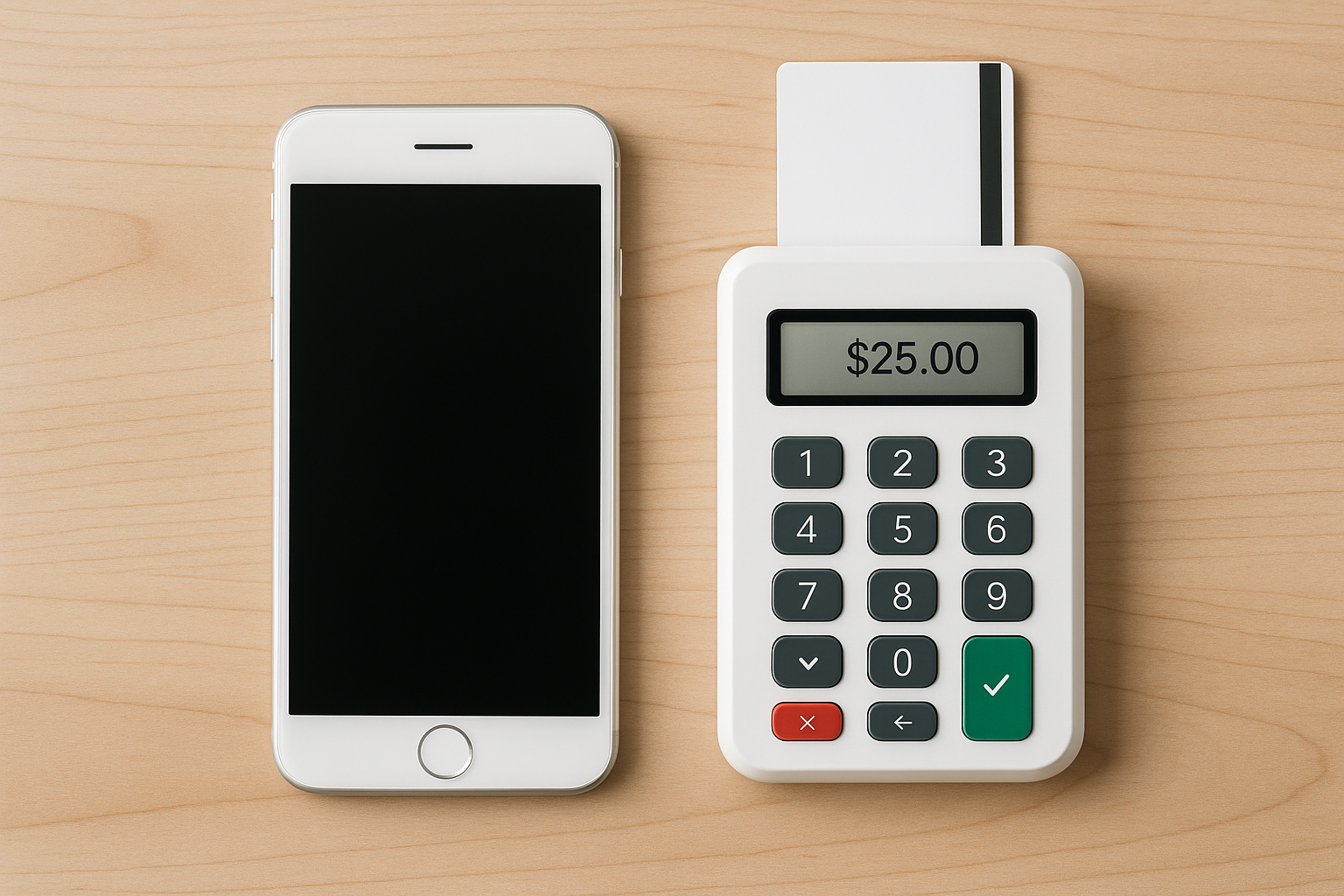
A mobile POS (point of sale) system is a checkout solution that runs on a smartphone, tablet, or other portable device instead of a traditional countertop register. It combines the software and hardware needed to accept payments, manage sales, and often handle tasks like inventory tracking, receipts, and customer data. For businesses that need flexibility, a mobile POS system can turn almost any location into a point of sale.
Unlike legacy POS setups that are fixed in one place, mobile POS systems are designed for movement. Staff can complete transactions on the sales floor, at a table, curbside, at a pop-up event, or even in the field. This mobility makes them especially valuable for businesses that want faster service, shorter lines, and a more convenient customer experience.
How Mobile POS Systems Work
At the core, a mobile POS system pairs a device with POS software and a payment processor. The device could be an iPad, Android tablet, or smartphone. The software handles the sale, calculates totals, applies discounts or taxes, and records the transaction. A card reader or tap-to-pay feature allows customers to pay by chip, swipe, contactless card, or digital wallet.
Many mobile POS platforms also sync with cloud-based dashboards. This means sales data is stored in real time and can be accessed from another device, making it easier to monitor performance, update products, and review reports. When connected to the internet, the system can share information instantly across locations or staff members. Some solutions even offer offline mode so transactions can continue during brief connectivity issues.
Key Benefits of Mobile POS Systems
1. Faster Checkout
Mobile POS systems reduce wait times by bringing checkout directly to the customer. This is especially helpful in busy retail stores, restaurants, events, and service businesses where lines can frustrate buyers. Faster checkout often leads to better customer satisfaction and more completed sales.
2. Greater Flexibility
Because the system is portable, staff are not tied to a single checkout counter. They can assist customers, check inventory, and process payment wherever needed. That flexibility is ideal for businesses that operate in multiple spaces or move between locations frequently.
3. Better Customer Service
Mobile POS systems allow employees to stay with the customer throughout the buying process. In retail, associates can answer questions and ring up purchases on the spot. In hospitality, servers can split bills, take payments at the table, and reduce the time guests spend waiting for a check. This creates a smoother, more personal experience.
4. Easier Setup and Lower Upfront Costs
Traditional POS systems often require bulky hardware, installation, and ongoing maintenance. Mobile POS systems usually have a lower barrier to entry because they run on existing devices and use compact hardware accessories. For small businesses and startups, that can make the technology much more affordable.
5. Real-Time Data and Reporting
Most mobile POS platforms include reporting features that show sales trends, popular items, and employee performance. Since the data is updated in real time, owners and managers can make faster decisions about staffing, promotions, and inventory. This visibility helps businesses stay organized and responsive.
Common Business Types That Use Mobile POS
Mobile POS systems are useful across a wide range of industries. Retail stores use them to assist customers on the sales floor and prevent long checkout lines. Restaurants and cafes use them for tableside ordering and payment. Food trucks, farmers markets, and event vendors rely on them because they need portable solutions that work outside a fixed storefront.
Service-based businesses also benefit. Salons, repair shops, contractors, and mobile service providers can take payment on-site without sending the customer to a counter or office. Even nonprofits and seasonal businesses use mobile POS systems for donations and quick transactions at events.
Features to Look for in a Mobile POS System
Not all mobile POS systems are created equal, so it helps to evaluate features carefully before choosing one. Start with the basics: payment processing, receipt options, sales tracking, and inventory management. Then look for tools that match the needs of your business.
- Inventory management: Track stock levels, receive alerts, and update product counts automatically.
- Customer profiles: Store purchase history and preferences for better service and marketing.
- Offline functionality: Keep selling even if internet access drops temporarily.
- Employee management: Set permissions, track shifts, and monitor performance.
- Integration options: Connect with accounting, eCommerce, payroll, and loyalty tools.
- Multi-location support: Manage several stores or pop-up locations from one dashboard.
- Security features: Look for encryption, tokenization, and compliance with payment standards.
If your business has unique workflows, make sure the system is customizable. The best solution should fit how your team works, not force you into a rigid process.
Hardware and Software Considerations
Mobile POS systems can be as simple as a tablet with an app and a card reader, or as advanced as a full ecosystem with printers, barcode scanners, cash drawers, and customer-facing displays. Your choice depends on your industry, transaction volume, and the experience you want to create.
Software is just as important as hardware. A clean, easy-to-use interface reduces staff training time and minimizes mistakes. Cloud-based systems often offer the most flexibility because they allow updates, backups, and data access from anywhere. Before committing, check whether the software works on your preferred devices and whether it supports the payment methods your customers use most often.
Security and Compliance
Because mobile POS systems handle payment data, security should be a top priority. Choose a provider that follows PCI compliance standards and uses strong encryption to protect transactions. Features like user logins, role-based permissions, and remote device management can also help prevent unauthorized access.
It is also wise to keep devices updated, use secure Wi-Fi networks, and train employees on safe payment handling. A mobile POS system can be highly secure, but only if it is supported by good operational habits. Businesses that take security seriously build trust with customers and reduce the risk of fraud or data loss.
How to Choose the Right Mobile POS System
The best mobile POS system is the one that fits your business model, budget, and growth plans. Start by identifying your biggest pain points. Do you need faster lines, better inventory visibility, or the ability to sell on the go? Once you know your priorities, compare systems based on ease of use, fees, hardware options, and support quality.
It also helps to test the system before making a decision. Request a demo, try a free trial if available, and ask staff for feedback. A solution may look impressive on paper but still be difficult to use in a real-world setting. Pay close attention to customer support as well, since quick help matters when sales are on the line.
Conclusion
Mobile POS systems give businesses a smarter, more flexible way to take payments and manage operations. They can speed up checkout, improve customer service, and provide real-time insights that help owners make better decisions. Whether you run a retail store, restaurant, or service business, a mobile POS system can support growth while making day-to-day transactions easier for everyone involved.



