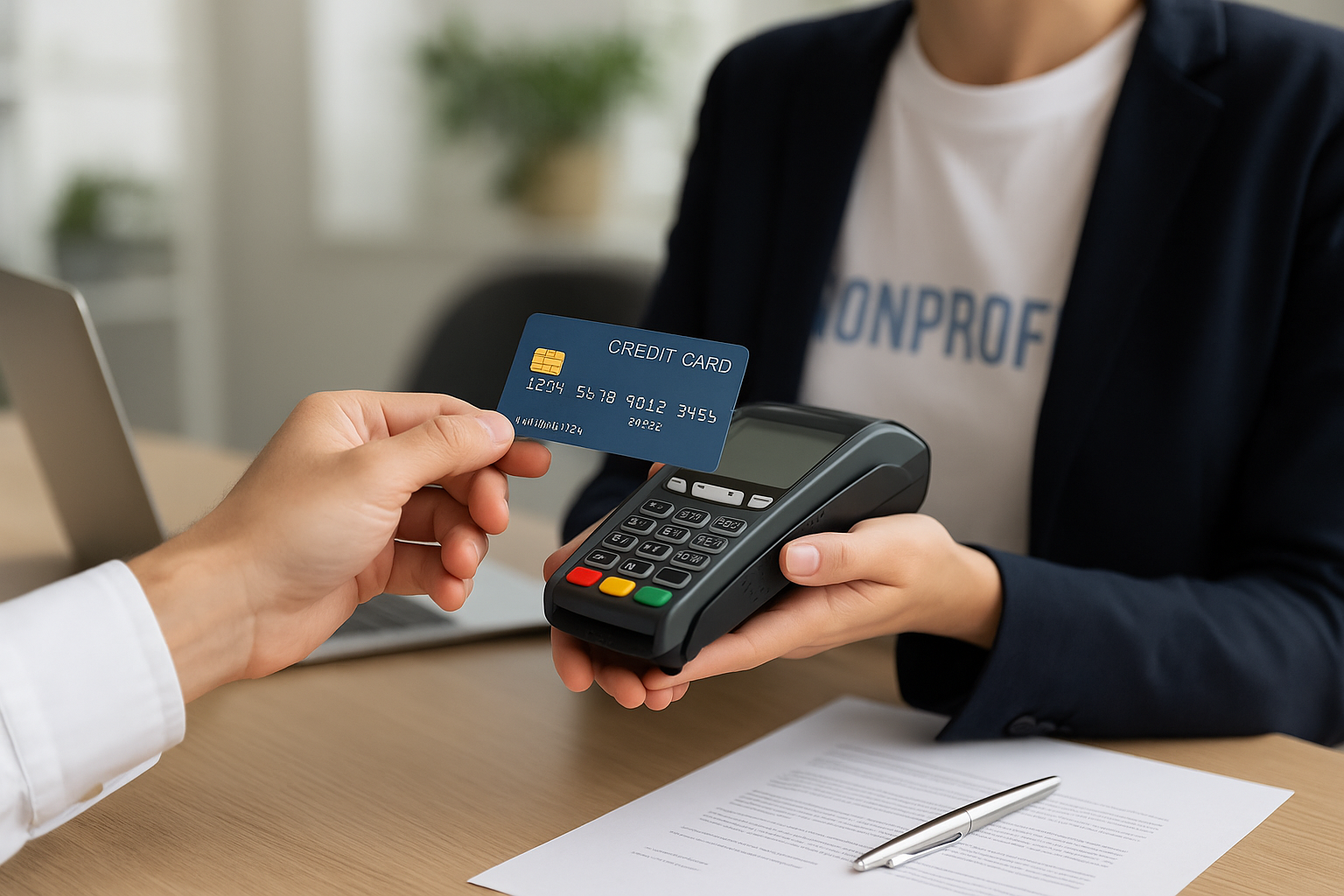
What Is Nonprofit Payment Processing?
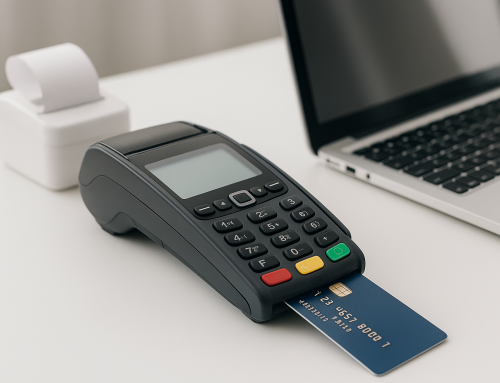
Nonprofit payment processing is the system a nonprofit uses to accept, route, and manage donations and other payments. It covers online giving forms, recurring donations, mobile giving, event registrations, membership dues, and sometimes peer-to-peer fundraising. In simple terms, it is the infrastructure that turns a supporter’s intent to give into a completed transaction.
Unlike standard retail payments, nonprofit payment processing often needs to support multiple giving channels, donor data collection, tax-deductible receipts, recurring support, and fundraising campaigns. A good system helps organizations make giving easy, secure, and efficient while reducing administrative work for staff and volunteers.
Why Payment Processing Matters for Nonprofits
For many organizations, donations are the lifeblood that funds programs, outreach, and day-to-day operations. If the payment experience is confusing, slow, or untrustworthy, potential donors may abandon the process before completing their gift. A smooth payment workflow can directly improve donation conversion rates and increase recurring support.
Payment processing also affects more than revenue. It shapes the donor experience, impacts bookkeeping accuracy, and influences how quickly your team can acknowledge gifts and issue receipts. When your systems work well together, you can spend less time fixing transactions and more time building relationships and advancing your mission.
How Nonprofit Payment Processing Works
Although the process can feel seamless to donors, several steps happen behind the scenes:
1. The donor submits payment information
A supporter enters card details, bank information, or a digital wallet payment on your website, donation page, or event form. Many nonprofits also offer text-to-give or QR code giving for greater convenience.
2. The payment gateway sends the data securely
The payment gateway encrypts and transmits the transaction details to the payment processor. This helps protect sensitive information and reduces fraud risk.
3. The processor communicates with the financial network
The processor checks with the card network or bank to confirm whether the payment is approved. If funds are available and no security flags are triggered, the transaction is accepted.
4. The funds are deposited
After approval, the money is transferred to the nonprofit’s merchant account or designated bank account, typically after a short settlement period. The timing can vary based on the provider and payment method.
5. Records are updated
The transaction data is stored in your donor management system, accounting software, or CRM. This helps your team track donations, generate receipts, and maintain accurate records for compliance and reporting.
Key Features to Look for in a Nonprofit Payment Processor
Not all payment solutions are created equal. Nonprofits should evaluate providers based on the features that support both fundraising goals and operational needs.
Recurring donation support
Recurring gifts are one of the most valuable sources of predictable income for nonprofits. Look for a processor that makes monthly, quarterly, or annual giving easy for donors to set up and simple for your team to manage.
Low-friction donation forms
The best donation forms are simple, mobile-friendly, and quick to complete. Fewer fields usually mean fewer drop-offs, so avoid asking for unnecessary information during checkout.
Multiple payment methods
Supporters may prefer credit cards, debit cards, ACH bank transfers, digital wallets, or other local payment options. Offering more than one method gives donors flexibility and can increase completed gifts.
Automatic receipts and donor data capture
A strong solution should automatically create donation receipts and sync donor information to your CRM or donor management platform. This reduces manual entry and helps maintain clean records.
Security and compliance tools
Security matters for every organization, but especially for nonprofits that handle sensitive donor information. Choose a provider with fraud prevention tools, encryption, PCI compliance support, and secure data handling practices.
Branding and customization
Your donation page should feel like part of your organization, not a disconnected third-party checkout. Custom branding, campaign pages, and tailored messaging can help build trust and improve conversion rates.
Reporting and analytics
Detailed reporting allows you to see donation trends, track campaign performance, and understand donor behavior. These insights can help your fundraising team make better decisions and improve future campaigns.
Common Challenges Nonprofits Face
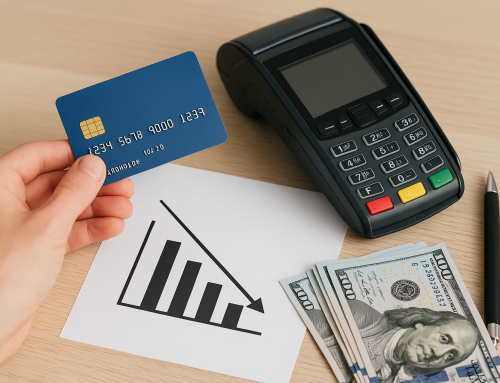
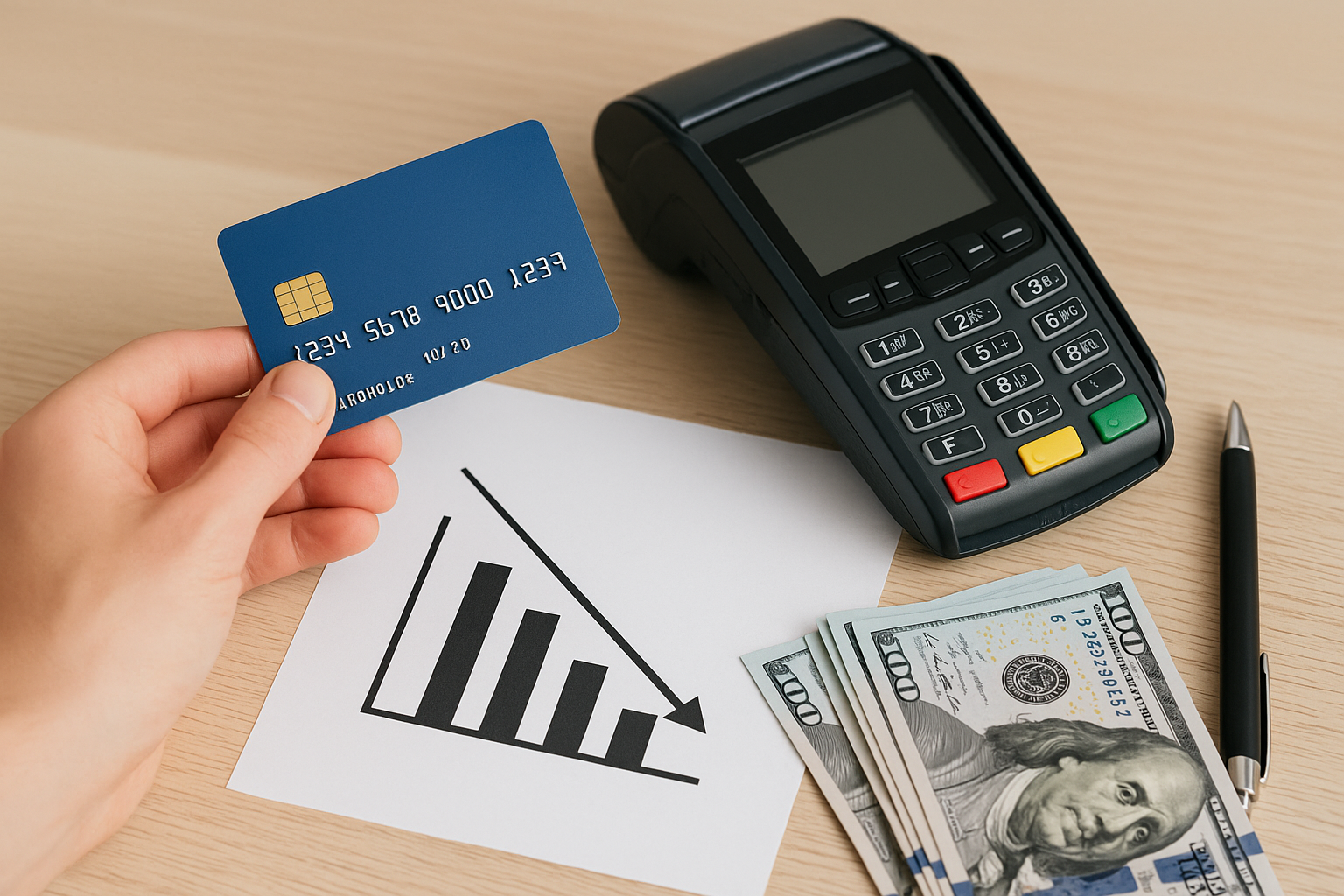
Nonprofit payment processing can create headaches if the system is not set up thoughtfully. One common issue is high transaction fees, which can eat into funds earmarked for programs. Another is fragmented data, where donation records, receipts, and donor profiles live in separate systems.
Recurring payment failures are also a challenge. Expired cards, insufficient funds, or bank account changes can interrupt monthly giving unless there is an efficient retry process and donor update tools. In addition, nonprofits may struggle with donor trust if checkout pages look outdated or lack security cues.
Staff capacity is another concern. Smaller nonprofits often do not have dedicated finance or IT teams, so the payment solution should be easy to manage without requiring constant technical support.
Best Practices for Improving Donation Conversions
Improving conversions does not always require a major technology overhaul. Small adjustments can make a big difference in how many supporters complete their gift.
Keep the giving journey short
Limit the number of steps between landing on the donation page and submitting payment. If possible, allow donors to give in just a few clicks.
Offer suggested gift amounts
Preset donation amounts can guide supporters and make decision-making easier. Include an option for custom amounts so donors still feel in control.
Make recurring giving visible
Encourage monthly donations by showing the impact of a smaller recurring gift compared with a one-time donation. Many supporters are more willing to give monthly if the value is clear.
Use trust signals
Security badges, clear nonprofit messaging, and visible contact information can reassure donors that their payment is safe and their contribution will go where intended.
Test on mobile devices
Many donors give from their phones, especially during events, campaigns, or social media outreach. Always test your donation forms on mobile to ensure they load quickly and are easy to complete.
How to Choose the Right Nonprofit Payment Processor
The best processor is one that fits your organization’s size, budget, and fundraising strategy. Start by identifying your priorities. Do you need strong recurring donation tools? Do you run many event registrations? Are you looking for a processor that integrates with your donor database or accounting platform?
It is also smart to compare pricing carefully. Look beyond the advertised processing rate and review monthly fees, setup costs, chargeback fees, ACH fees, and any costs for recurring billing or integrations. For nonprofits with tight budgets, transparency matters as much as affordability.
Finally, consider support and scalability. As your organization grows, your payment system should be able to handle more donors, more campaigns, and more data without becoming a burden. A reliable provider should make it easier to grow revenue, not harder.
Conclusion
Nonprofit payment processing is more than a technical function—it is a core part of the donor experience and a foundation for sustainable fundraising. The right system helps you collect donations securely, reduce administrative work, and build stronger relationships with supporters. By choosing a payment processor that supports your mission, your team can create a smoother giving experience and focus more energy on the work that matters most.