
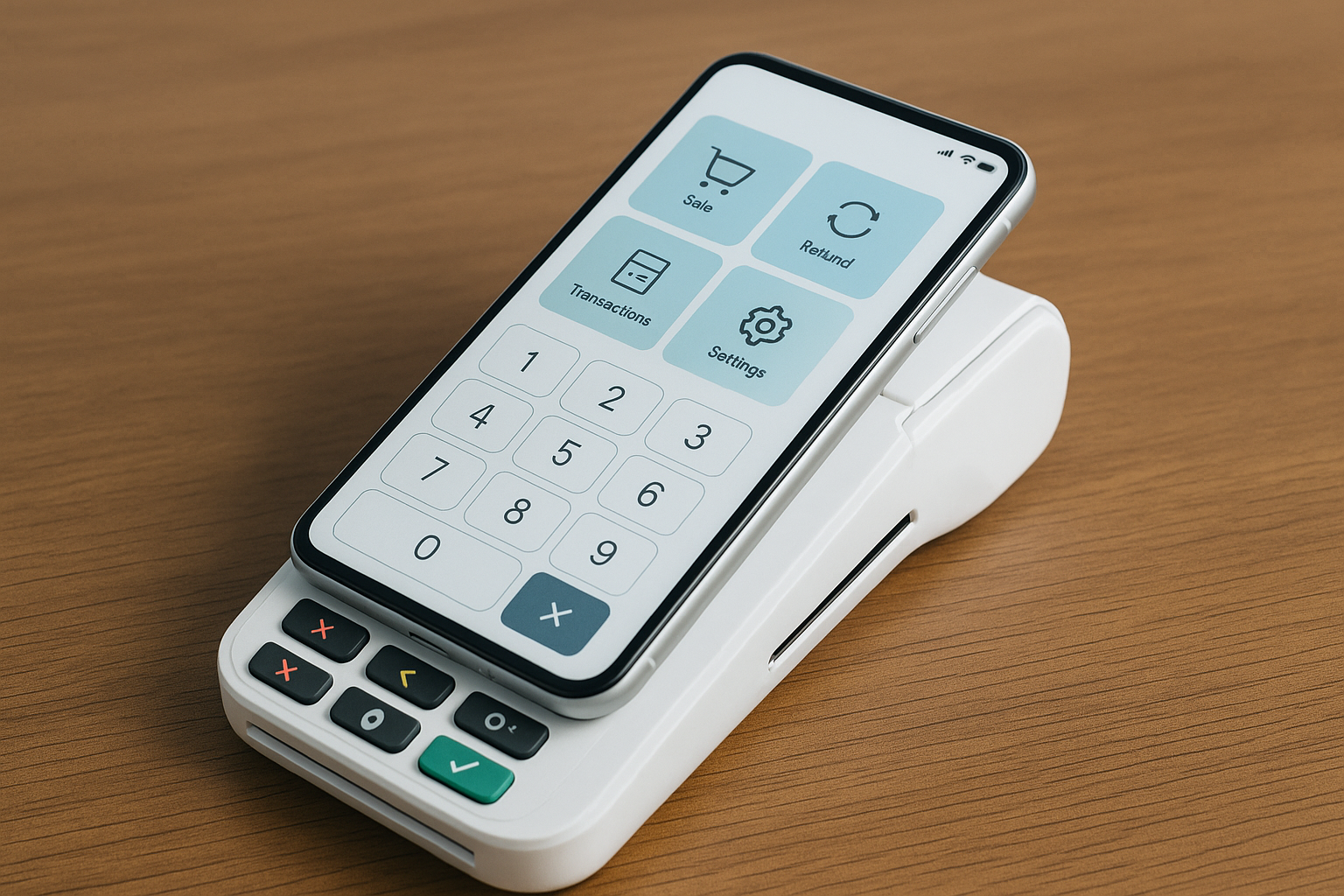
What Is a Mobile POS System?
A mobile POS (point of sale) system is a checkout solution that runs on a smartphone or tablet instead of a traditional cash register. It combines hardware, software, and payment processing tools so businesses can accept payments, manage sales, and track operations from almost anywhere.
Unlike older POS setups tied to a counter, mobile POS systems give businesses the flexibility to serve customers at the table, on the sales floor, at events, or in the field. They are especially valuable for businesses that need speed, mobility, and a more modern customer experience.
How Does a Mobile POS System Work?
Mobile POS systems typically use an app installed on a handheld device, which connects to a card reader, cloud software, and sometimes a receipt printer or barcode scanner. When a customer makes a purchase, the staff member enters the order, processes the payment, and the transaction is sent securely through the system.
Most modern mobile POS platforms are cloud-based, meaning sales data is stored online and synced across devices in real time. This allows business owners to check reports, manage inventory, and monitor performance from a laptop, phone, or back-office dashboard.
Key Features to Look For
Payment Flexibility
A strong mobile POS system should support multiple payment methods, including credit and debit cards, contactless payments, mobile wallets, and sometimes even gift cards or buy-now-pay-later options. The more options you offer, the easier it is for customers to pay the way they prefer.
Inventory Management
Many mobile POS systems include inventory tracking tools that update stock levels automatically after each sale. This helps businesses avoid overselling products, identify fast-moving items, and reorder at the right time.
Sales Reporting and Analytics
Built-in reporting tools can show sales trends, best-selling products, busiest hours, and employee performance. These insights help owners make smarter decisions about staffing, promotions, and product selection.
Customer Management
Some systems also include customer profiles, purchase history, and loyalty features. These tools make it easier to personalize service and encourage repeat business.
Offline Mode
Internet outages happen. A reliable mobile POS system should offer offline functionality so you can continue taking payments and sync transactions once the connection returns.
Benefits of Using a Mobile POS System
Greater Mobility
The biggest advantage of a mobile POS system is mobility. Staff can assist customers anywhere, which reduces wait times and improves service. Restaurants can take orders at the table, retail stores can check out customers on the floor, and service businesses can collect payment on-site.
Faster Checkout
Because transactions can happen wherever the customer is, mobile POS systems help reduce lines and speed up service. Faster checkout often leads to better customer satisfaction and more completed sales.
Lower Startup Costs
Compared with traditional countertop systems, mobile POS setups can be more affordable. Many businesses can start with a tablet or smartphone, a card reader, and a subscription to the POS software, avoiding the cost of bulky hardware.
Easy Setup and Scalability
Most mobile POS platforms are designed to be simple to install and use. As your business grows, you can add more devices, users, and locations without replacing the entire system.
Real-Time Business Visibility
Since data is stored in the cloud, owners can view performance in real time. This makes it easier to spot problems quickly, keep inventory accurate, and stay on top of sales from anywhere.
Common Industries That Use Mobile POS
Mobile POS systems are popular in a wide range of industries. Restaurants use them to improve table service and streamline kitchen communication. Retail stores use them to reduce lines and help staff process sales anywhere in the store.
They are also common in salons, spas, food trucks, pop-up shops, farmers markets, delivery services, and field-based businesses such as home repair or landscaping. Any business that benefits from flexibility and speed can likely benefit from a mobile POS solution.
How to Choose the Right Mobile POS System
Assess Your Business Needs
Start by identifying how and where you plan to use the system. A café, boutique, and mobile service business will have different needs. Consider your sales volume, number of employees, inventory complexity, and payment preferences.
Compare Pricing Carefully
Mobile POS systems may charge monthly software fees, payment processing fees, hardware costs, and add-on charges for extra features. Look beyond the advertised price and review the full cost of ownership.
Check Ease of Use
A system should be intuitive enough for staff to learn quickly. Complicated software can slow down service and create training challenges. A clean interface and responsive support can make a big difference.
Look at Integrations
If you use accounting software, e-commerce platforms, or loyalty tools, make sure the mobile POS system integrates smoothly with them. Good integrations reduce manual work and improve accuracy.
Evaluate Support and Security
Customer support matters, especially when payments are involved. Choose a provider with reliable support and strong security features such as encryption, tokenization, and PCI compliance.
Potential Challenges to Keep in Mind
While mobile POS systems offer many benefits, they are not perfect for every situation. Battery life can be an issue if devices are used all day. Poor Wi-Fi or cellular coverage may also affect performance, which is why offline mode is valuable.
Some businesses may need extra accessories such as stands, scanners, or printers to create a complete setup. It is also important to train staff well so they can use the system efficiently and avoid errors during busy periods.
Best Practices for Getting the Most Out of Mobile POS
To maximize the value of your mobile POS system, keep devices charged and updated, set up staff permissions carefully, and review reports regularly. Clean workflows and clear processes will help your team work faster and reduce mistakes.
It is also smart to test your system before peak business hours, make sure your internet backup plan is in place, and use customer data to improve marketing and service. The more actively you use the system’s features, the greater the return on your investment.
Conclusion
Mobile POS systems have changed the way businesses handle payments, sales, and customer service. By offering flexibility, speed, and real-time insights, they give modern businesses a practical edge in competitive markets. Whether you run a restaurant, retail store, or service business, the right mobile POS system can help you work more efficiently and serve customers better.



