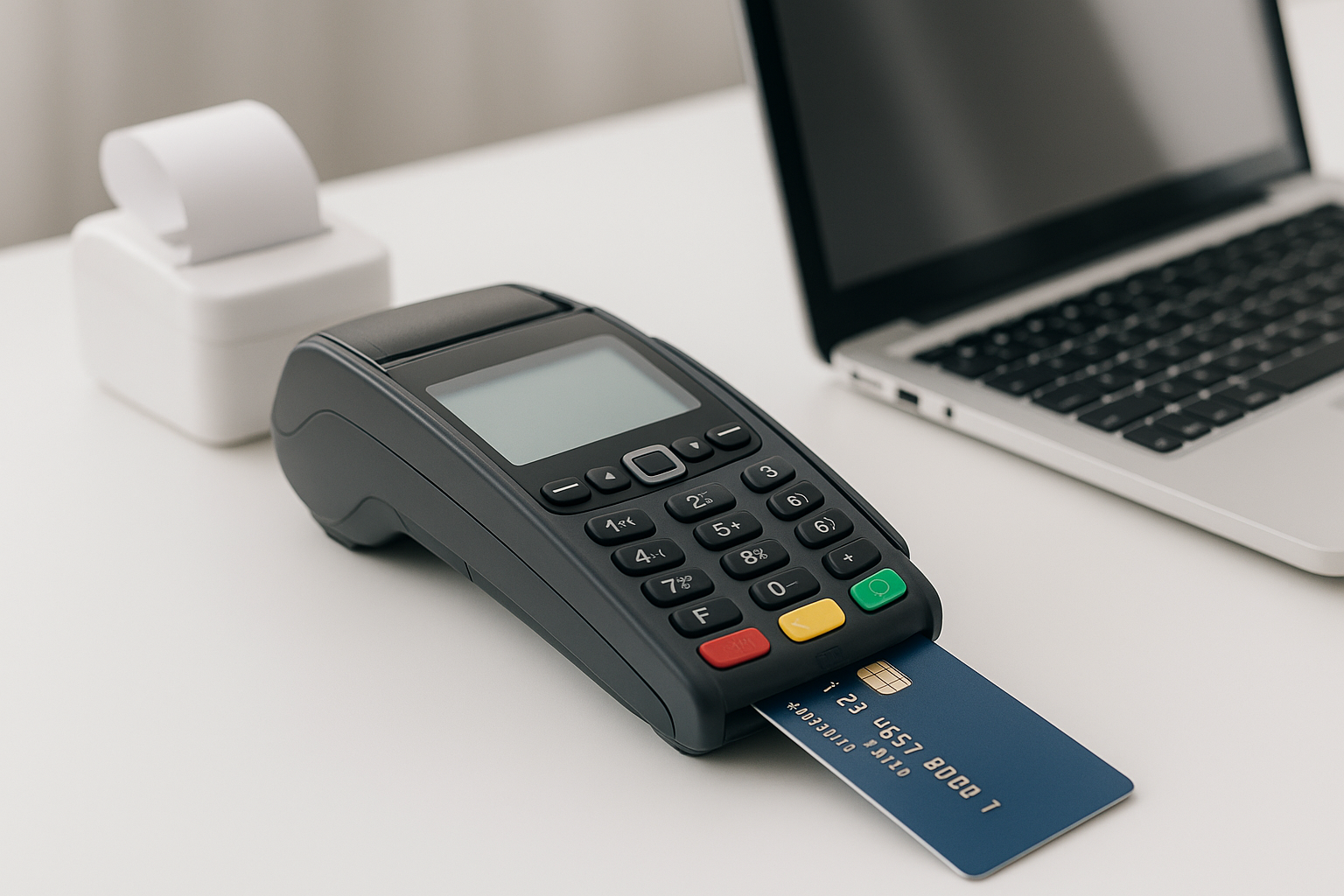
When a customer clicks Pay now, several systems work together to move money from their account to your business. E-commerce payment processing connects your online store, payment provider, banks, and customer in a matter of seconds. Understanding how it works can help you offer a smoother checkout, protect customer data, and manage costs as your business grows.
This guide explains the payment process, the tools and payment methods involved, and what to consider when choosing a solution.
What Is E-commerce Payment Processing?
E-commerce payment processing is the system that handles electronic payments made through an online store, app, or other digital channel. It securely captures payment details, requests authorization, and coordinates the transfer of funds. The process can support credit and debit cards, digital wallets, bank payments, and other options, depending on the provider and your setup.
Payment processing is often discussed alongside a few related services:
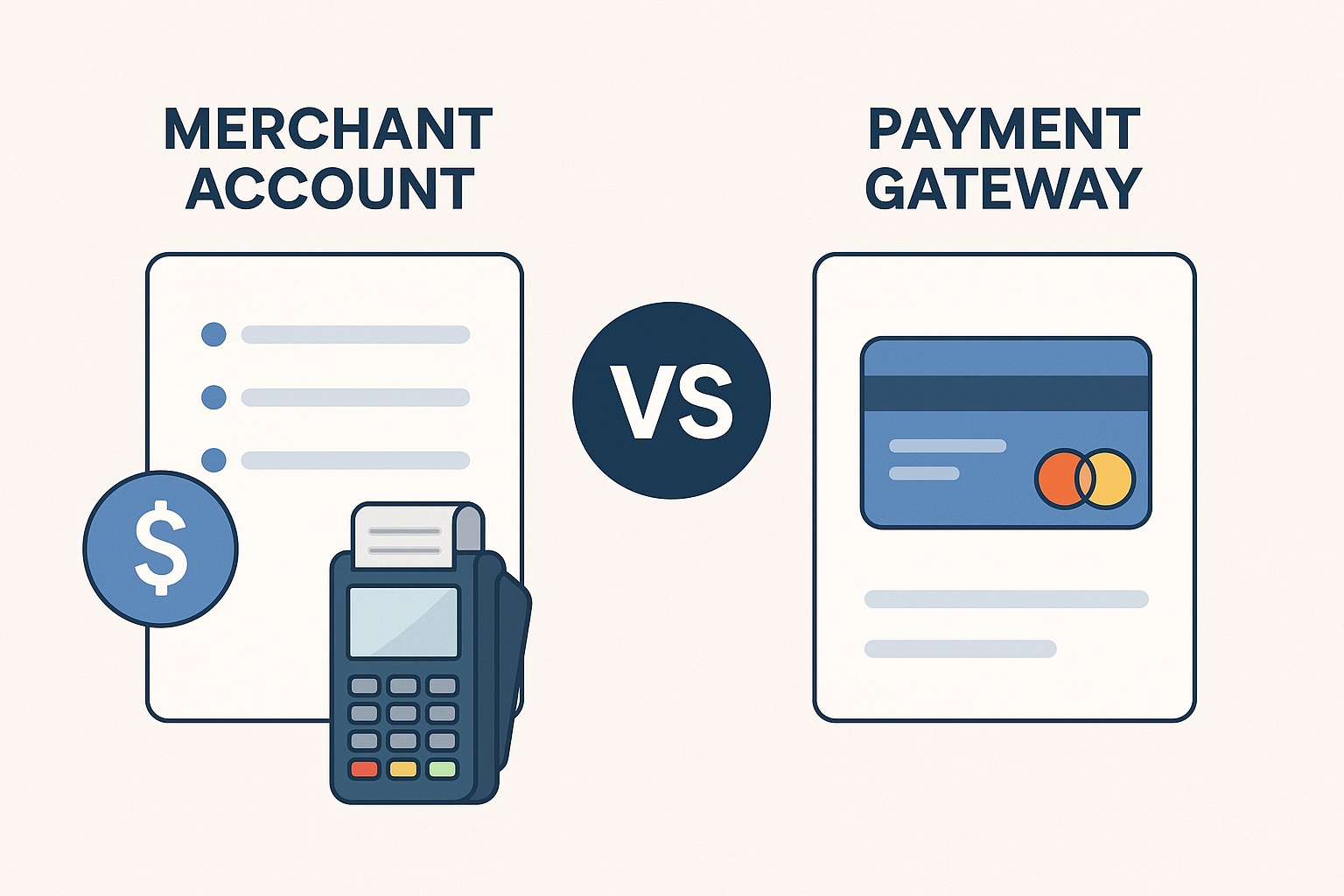
- Payment gateway: Securely collects and transmits payment information between your checkout and payment processor.
- Payment processor: Routes transaction information between the merchant, card networks, and financial institutions.
- Merchant account: A type of account used to receive card payment funds. Some providers offer this as part of an all-in-one service rather than as a separate account.
Many modern providers combine these functions, so a business may not need to set up each service independently.
How an Online Payment Works
Although the customer experience may take only a few seconds, a typical card payment involves several steps:
- Checkout: The customer enters payment details or selects a saved payment method or digital wallet.
- Secure transmission: The gateway or provider encrypts or tokenizes the information and sends the transaction for processing.
- Authorization: The processor routes the request through the relevant payment network to the customer’s bank or card issuer. The issuer checks the transaction and approves or declines it.
- Confirmation: The result is sent back to the store. If approved, the business can confirm the order and begin fulfillment.
- Settlement: Approved funds are transferred to the business’s account, usually after a settlement period set by the provider and financial institutions.
Authorization does not always mean that funds have already reached your account. It confirms that the payment has been approved, while settlement happens later. Refunds and disputes are separate processes and may affect your balance after settlement.
Common Online Payment Methods
Offering familiar payment options can make checkout more convenient, but the right mix depends on your customers, market, and average order value.
Credit and debit cards
Cards are widely used for online purchases. They are a practical starting point for many stores, but costs, available features, and acceptance rules vary by provider and region.
Digital wallets
Wallets such as Apple Pay and Google Pay can let shoppers check out using payment details already stored on a device. They may reduce typing and support a faster mobile experience.
Bank payments and buy now, pay later
Bank transfers or direct debit can suit some markets, recurring payments, and higher-value purchases. Buy now, pay later services can give eligible shoppers installment options. Before adding either, review fees, settlement timing, customer eligibility, and how refunds or disputes are handled.
How to Choose a Payment Processing Solution
A provider should fit your business operations as well as your checkout design. Compare options using the following criteria:
- Total cost: Review transaction rates, fixed fees, monthly charges, currency conversion, refund costs, chargeback fees, and any setup or cancellation charges.
- Payment coverage: Confirm that the provider supports the payment methods, countries, and currencies your customers need.
- Integration: Check for compatibility with your e-commerce platform, accounting tools, inventory systems, and subscription software. Consider whether you need a hosted checkout, plugin, or custom API integration.
- Settlement and reporting: Understand payout schedules, reserve policies, reporting tools, and how clearly transactions and fees appear in your records.
- Support and reliability: Look into support availability, documentation, and how the provider helps resolve outages or payment problems.
- Growth needs: If you plan to expand, check whether the service can support new markets, higher transaction volumes, and additional sales channels.
Compare providers based on your expected transaction sizes and volumes rather than relying on a headline rate alone. Ask for a complete fee schedule and clarify how the provider handles unusual or high-risk transactions.
Security, Fraud Prevention, and Compliance
Customers need confidence that their payment information is handled responsibly. Choose a provider that uses secure data transmission and offers tools such as tokenization, which replaces sensitive card details with a substitute value. This can reduce the amount of sensitive data your own systems store.
Payment card security is governed by the Payment Card Industry Data Security Standard (PCI DSS). Your responsibilities depend on how payments are collected and which services you use, so confirm your requirements with your provider and qualified compliance advisers. Using a hosted checkout can reduce the payment data handled directly by your store, but it does not automatically remove every security obligation.
Fraud controls may include address or security-code checks, transaction monitoring, velocity limits, and risk-based authentication. These tools can help identify suspicious activity, but overly strict rules may block legitimate customers. Review declined payments and fraud outcomes regularly, and adjust settings carefully. Clear billing descriptors and accessible customer support can also help prevent confusion that leads to disputes.
Ways to Improve Checkout Performance
Even a reliable payment system can lose sales if checkout is confusing or restrictive. Use these practical improvements:
- Keep checkout steps short and explain errors in plain language.
- Make the payment page work well on mobile screens and load quickly.
- Show accepted payment methods and any relevant charges before the final step.
- Offer guest checkout where it makes sense, rather than requiring account creation.
- Provide clear confirmation after a payment and make order details easy to find.
- Track payment approval rates, checkout abandonment, refunds, and chargebacks so you can spot patterns.
Test changes with real customer journeys. A payment option that works well for one audience may not improve results for another.
Common Payment Processing Mistakes
Some problems are easy to prevent. Avoid choosing a provider based only on its advertised transaction rate, overlooking cross-border or refund costs, or adding payment methods your customers rarely use. Do not assume that an approved transaction can never be disputed, and make sure your team knows how to handle failed payments, refunds, and customer questions.
It is also wise to test the full payment journey before launch. Check successful and declined transactions, order confirmation emails, mobile checkout, refunds, and how transaction data appears in your business reports.
Conclusion
E-commerce payment processing is a core part of the online shopping experience, not just a back-office function. Choose a solution that balances security, cost, payment choice, and ease of integration. Then monitor performance and improve checkout based on customer behavior. A dependable, well-designed payment experience helps customers complete purchases and gives your business a clearer view of its finances.