Introduction
Accepting credit cards is no longer optional for most small businesses. Customers expect convenient payment options, and credit card processing can boost sales, improve cash flow, and make your business look more professional. This guide explains how credit card processing works, what costs to expect, how to choose a processor, and best practices to keep transactions secure and efficient.
How Credit Card Processing Works
At a high level, credit card processing involves four parties: the cardholder, the merchant (your business), the issuing bank (the customer’s bank), and the acquiring bank (your merchant account provider). When a customer pays by card, the payment information is transmitted through a payment gateway to the processor, who requests authorization from the issuing bank. If approved, the funds are settled and deposited into your merchant account, usually minus fees.
Key Components
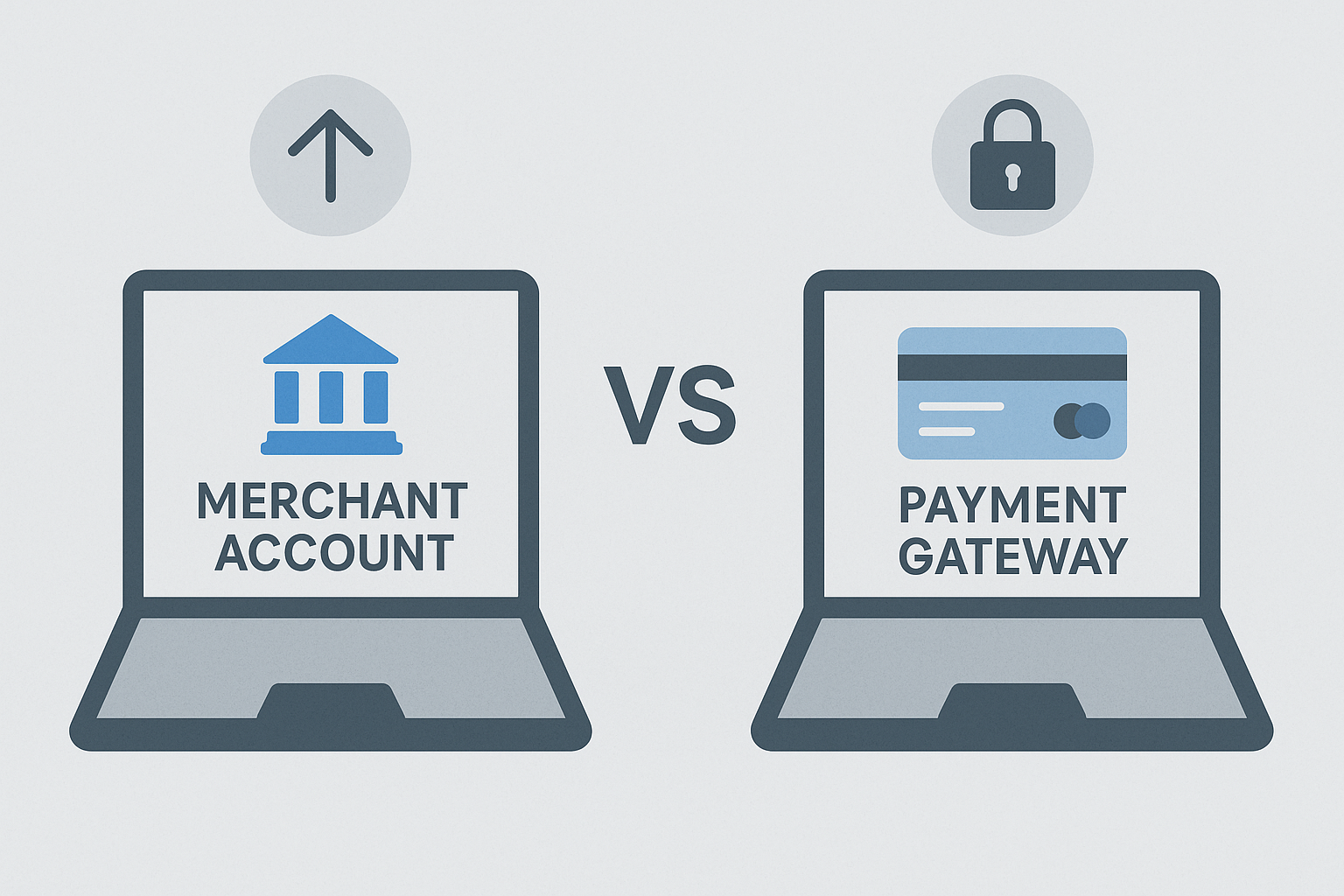
- Payment Gateway: Software that securely transmits card data from the point of sale (POS) or website to the processor.
- Payment Processor: The company that handles the transaction routing and settlement.
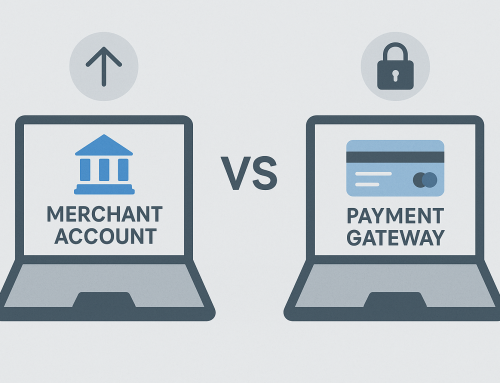
- Merchant Account or Aggregator Account: A merchant account is a bank account that holds card transaction funds before settling into your primary business account. Aggregators (like Stripe or Square) pool payments in one account and simplify setup.
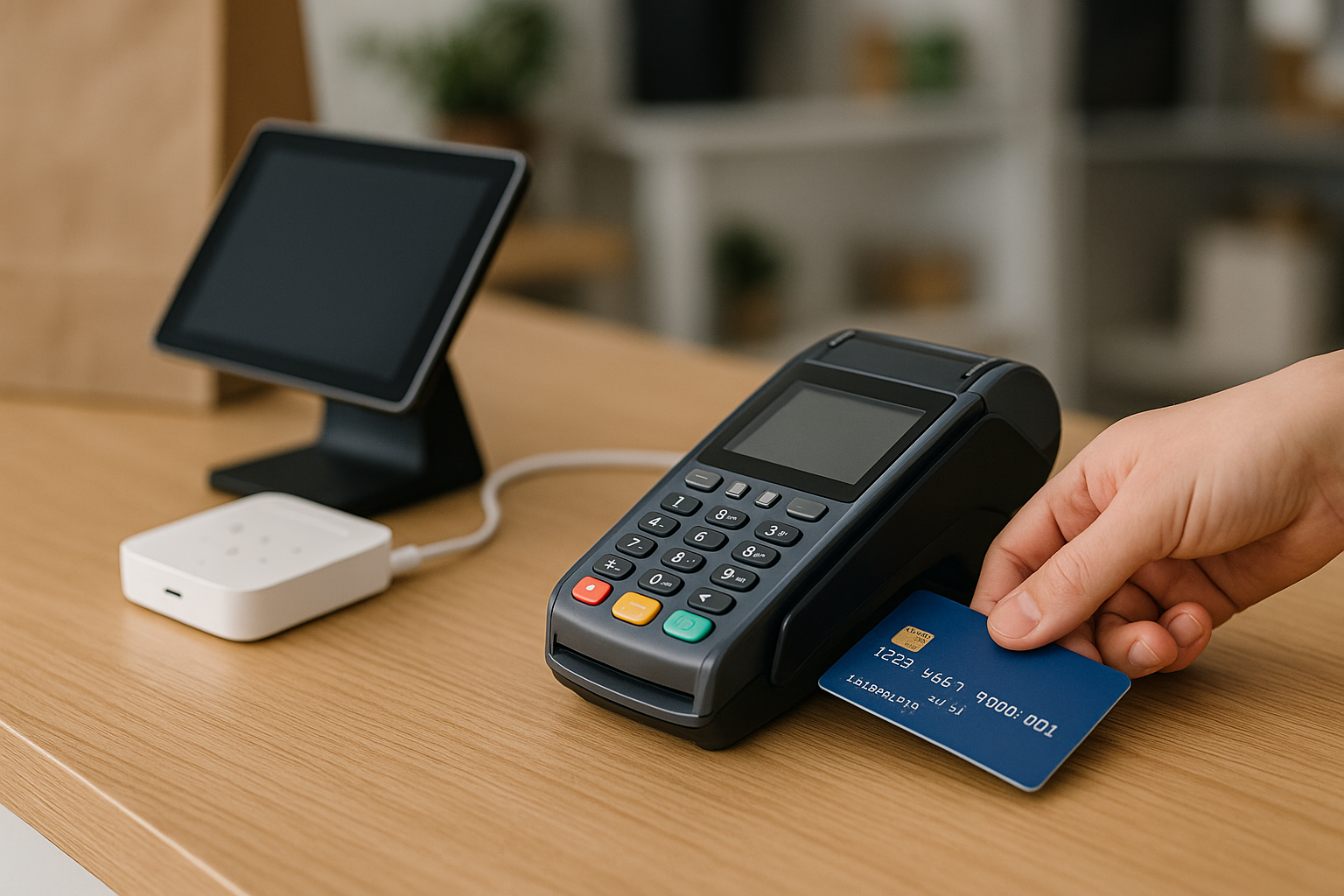
- Point of Sale (POS) System or Virtual Terminal: The hardware or software where you accept payments — in-store terminals, mobile readers, or online checkout pages.
Payment Methods and Channels
Small businesses can accept payments through multiple channels. Choosing the right mix depends on your business model.
In-Store
Traditional countertop terminals, EMV chip readers, and NFC/contactless terminals accept face-to-face payments. Look for fast processing, reliable hardware, and good customer support.
Mobile and On-the-Go
Mobile card readers that pair with smartphones or tablets are ideal for markets, deliveries, and service calls. They often use a simple flat-fee pricing model and are easy to start with.
Online and E-commerce
Online stores need a secure payment gateway and integration with shopping carts or platforms like WooCommerce, Shopify, or BigCommerce. Tokenization and stored payment methods improve customer convenience and security.
Costs and Fees
Understanding fees helps you price products, choose a provider, and avoid surprises. Common fee types include:
Interchange Fees
These are fees set by card networks (Visa, Mastercard) and paid to issuing banks. They vary by card type and transaction method and make up most of the cost of processing.
Processor Markups
Processors add a markup to interchange fees. Pricing models include tiered pricing, interchange-plus (transparent), and flat-rate pricing. Interchange-plus is typically most transparent and cost-effective for larger volumes; flat-rate is simpler for low-volume businesses.
Other Fees
- Monthly gateway or account fees
- Chargeback fees and retrieval costs
- Terminal rental or purchase costs
- PCI compliance fees or annual assessments
Security and Compliance
Protecting cardholder data is legally required and essential for customer trust. Key practices include:
PCI DSS Compliance
The Payment Card Industry Data Security Standard (PCI DSS) sets requirements for handling card data. Many providers help reduce your scope by offering hosted payment pages, tokenization, and end-to-end encryption.
EMV and Contactless
EMV chip acceptance and contactless/NFC payments reduce fraud risk for in-person transactions. Make sure your hardware supports these features.
Choosing a Processor
Select a processor based on pricing transparency, hardware compatibility, customer support, and features that fit your business.
Questions to Ask Potential Providers
- What pricing model do you offer and can you provide a sample statement?
- What are the monthly fees and contract terms?
- Are chargebacks handled or assisted, and what are the costs?
- Which payment methods and card types are supported?
- How quickly are funds settled into my bank account?
- What security measures (tokenization, encryption) are included?
Setup and Integration
Getting started typically involves choosing hardware, creating an account, and integrating the gateway with your website or POS. If you use a popular e-commerce platform or POS, look for native integrations or plugins to simplify setup. Test transactions and set up reporting to reconcile transactions with your accounting software.
Best Practices for Small Businesses
- Compare multiple providers and read the merchant agreement carefully for hidden fees.
- Choose transparent pricing if your volume is moderate to high.
- Use tokenization or vaulting for recurring billing and subscription services.
- Train staff on card handling procedures, receipts, and dispute prevention.
- Monitor chargebacks and address customer disputes quickly to avoid penalties.
- Keep hardware firmware updated and follow PCI guidance to protect data.
Conclusion
Credit card processing is a critical capability for modern small businesses. By understanding how processing works, evaluating fees, prioritizing security, and selecting the right provider and tools, you can accept payments smoothly, reduce risk, and improve customer experience. Take time to compare options, plan for integration, and implement best practices to make payments a competitive advantage for your business.